
Utilities Windows
Kelivo
Chat with multiple AI providers, organize assistants and connect file workspaces with Kelivo, an open-source client for Windows 10 and 11.
- Operating system
- Windows 10 or 11
- Architecture
- Not specified in the publisher download table
- Download package
- EXE installer
Normal 1.3.2+81 setup.exe package; portable ZIP and NoImpeller builds are separate downloads.
Link checked · Download guidance
What is Kelivo?
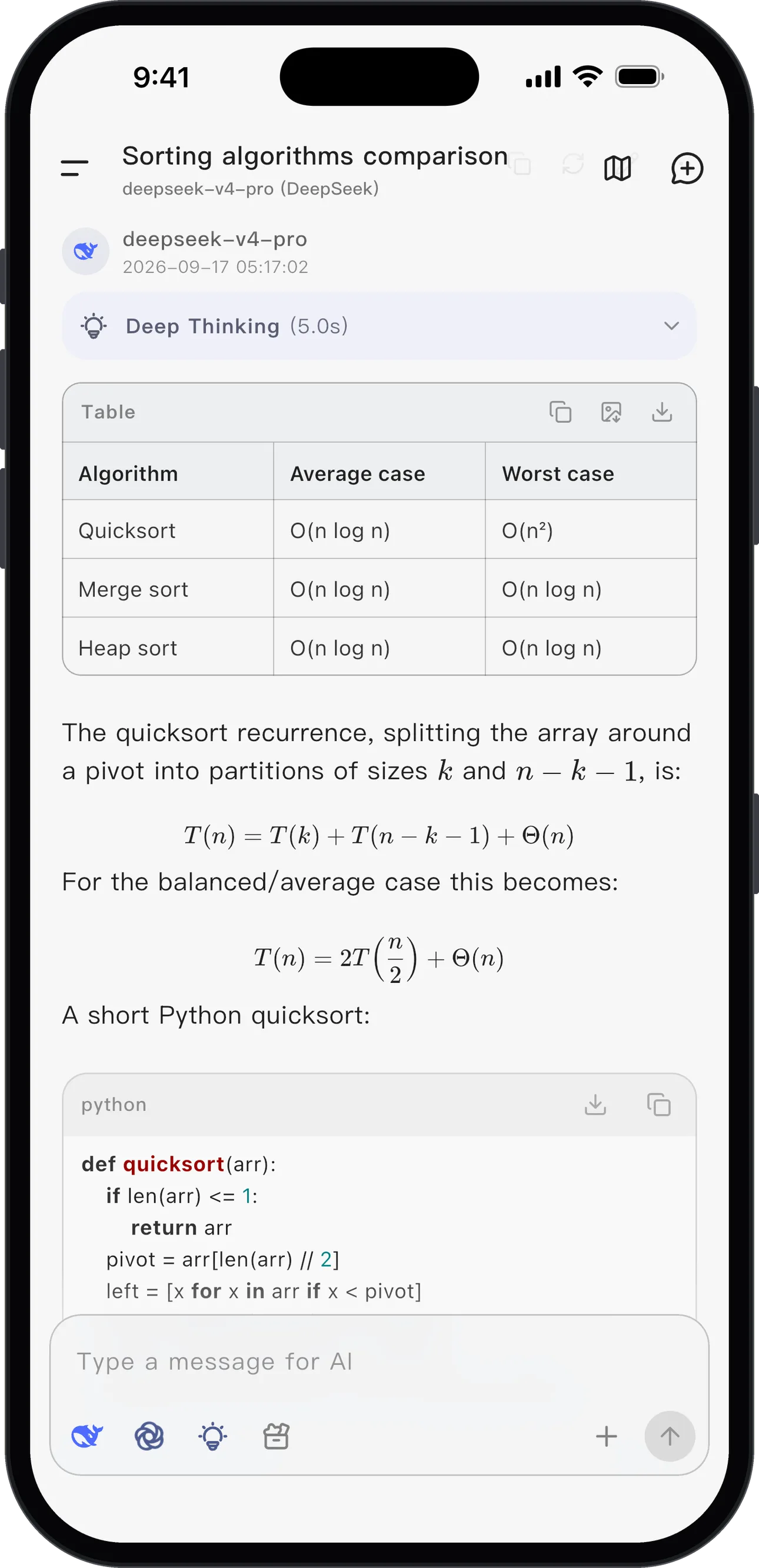
Kelivo brings model providers into one Windows application. Add your own API connection or a supported provider account, fetch the available models and choose one for a conversation. It suits people who want to switch providers without moving between separate chat apps, with Markdown, code blocks, tables and math rendered in the thread.
For work beyond chat, bind a conversation to a workspace. The model can read and edit files or run commands, and you can add MCP servers and enable tools for individual conversations. On Windows these commands use your native shell and your account permissions, not the mobile Linux sandbox. Keep command approval enabled when working with important folders.
The client stores conversations, settings and files locally, but model requests go to the provider you configure. A free client is not a promise of free model access: API usage or a supported subscription may cost extra. Kelivo has no account system or automatic cross-device chat sync; use its local, WebDAV or S3-compatible backup and restore options to move data.
This download selects the normal 1.3.2+81 Windows EXE installer, rather than the portable ZIP or NoImpeller variant. The publisher lists Windows 10 and 11. The gallery image illustrates Kelivo’s shared chat features in its publisher-supplied mobile interface; it is not a Windows capture.
What it offers
- Connect OpenAI, Gemini, Claude, DeepSeek, OpenRouter or other OpenAI-compatible services from one client.
- Create configurable assistants and render Markdown, syntax-highlighted code, tables and mathematical notation in chats.
- Bind conversations to file workspaces, with command approval and native Windows shell tools.
- Enable web search and connect MCP tool servers for individual conversations.
- Keep local conversation data and back it up to a local file, WebDAV or S3-compatible storage.
Good to know
- You must configure a model provider or supported account; external API use or subscriptions may incur separate charges, and capabilities depend on the selected model.
- Windows workspace commands are not sandboxed and run with your account permissions; review commands before approval.
- No automatic cross-device chat sync; moving conversations requires backup and restore.
Product images
Sources
References used for this listing. Retrieval dates do not indicate hands-on testing.
- Kelivo v1.3.2 — publisher README ↗Retrieved
- Kelivo release v1.3.2 ↗Retrieved
- Kelivo v1.3.2 — publisher release assets ↗Retrieved
- Kelivo user guide — models, workspaces and backups ↗Retrieved
More in utilities
View category ↗
1.1.1.1 with WARP 2026.8.2115.0
Encrypt traffic from your Mac to Cloudflare’s network with WARP, or use DNS-only mode for encrypted DNS queries to the 1.1.1.1 resolver.
1.1.1.1 with WARP 2026.8.2115.0
Encrypt traffic between your Windows PC and Cloudflare, or use encrypted DNS only, with the free 1.1.1.1 with WARP app.


3uTools 9.12.005
Manage iPhone and iPad photos, music, apps and backups from Windows with 3uTools, a free utility that also includes device checks and firmware flashing tools.