
Utilities Windows
KeyBlaze
Practice touch typing with KeyBlaze for Windows using guided keyboard lessons, drills and speed tests. A free edition is available, with paid upgrades.
- Operating system
- Windows 7, 8, 8.1, 10 and 11
- Architecture
- Not specified by the publisher on the product page
- Download package
- EXE installer (free edition)
Publisher-listed Windows support, not an installation test. The linked free-edition installer is unversioned.
Link checked · Download guidance
What is KeyBlaze?
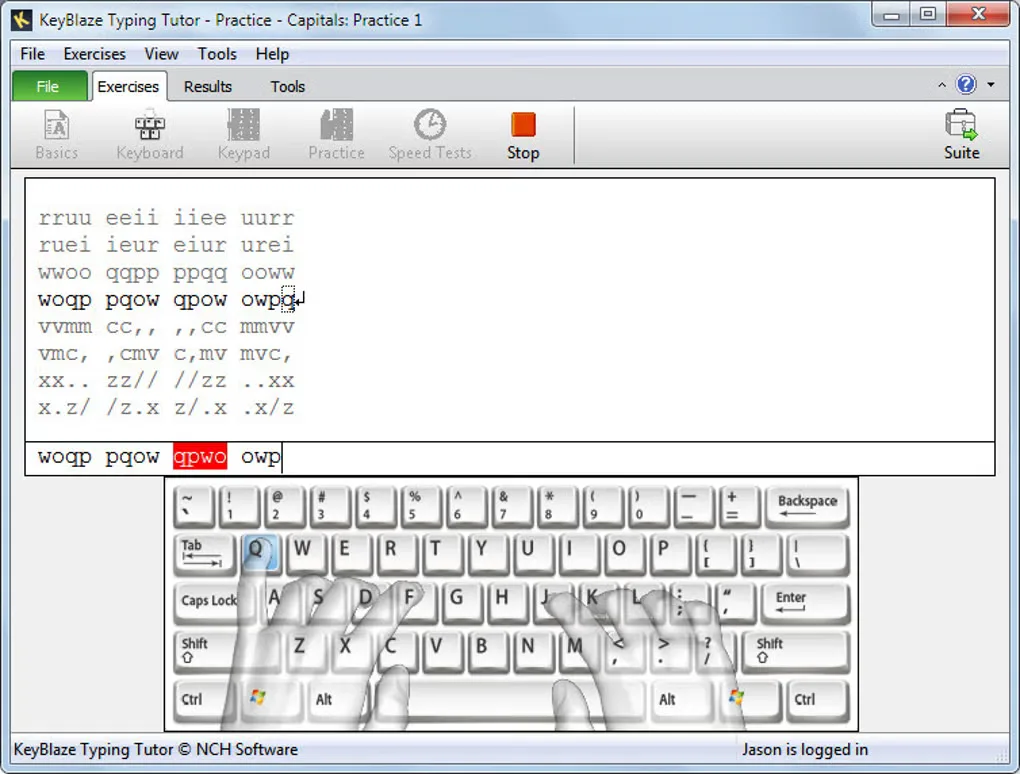
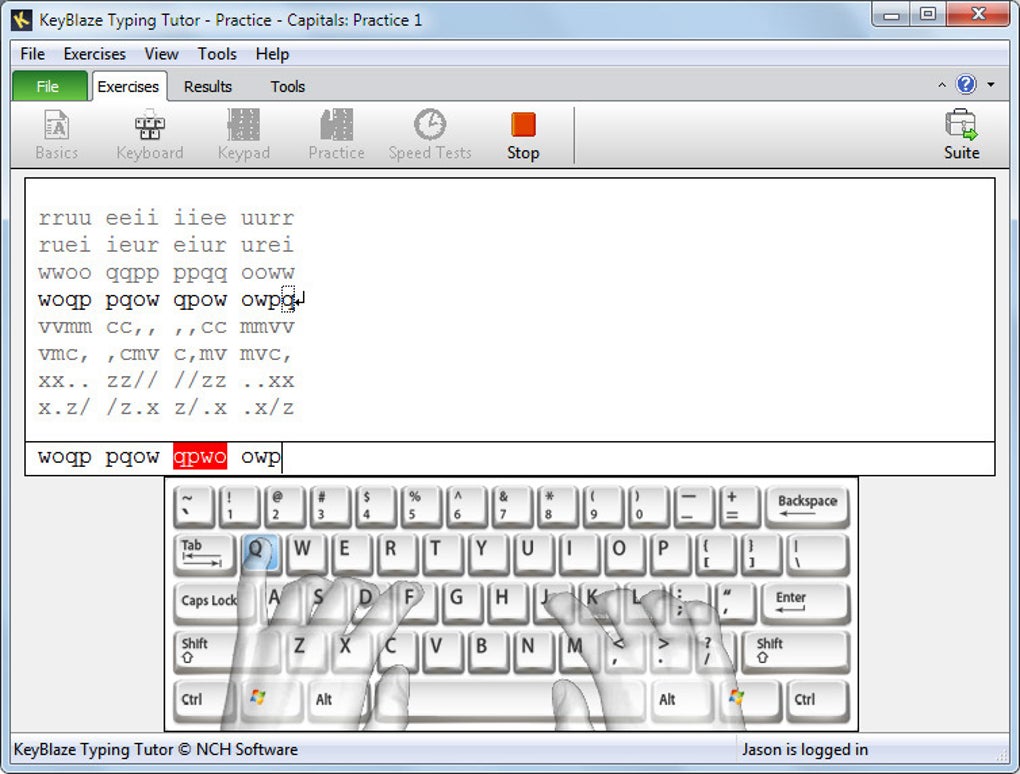
KeyBlaze is a Windows typing tutor for learning finger placement and practicing speed and accuracy. Lessons begin with home keys and neighboring keys before moving to capitalization, punctuation and numbers. An on-screen keyboard highlights finger placement, while practice exercises and words-per-minute measurements give learners a way to work on technique rather than simply repeat a timed test.
The publisher offers a separate free-edition installer, which is the download linked here. NCH also sells an upgrade for additional typing lessons, professional exercises and custom features; the free download should not be treated as access to the complete paid course. The publisher lists Windows 7, 8, 8.1, 10 and 11, but does not identify the installer architecture on the product page.
What it offers
- Learn home keys, neighboring keys, capitalization, punctuation and numbers through typing lessons.
- Use an on-screen keyboard with highlighted finger placement.
- Practice with drills, prose and poems.
- Measure typing performance with net and gross words-per-minute calculations.
Good to know
- The free edition does not include the complete paid offering: NCH advertises additional lessons, professional exercises and custom features as upgrade benefits.
- The publisher product page does not specify the Windows installer architecture or identify a version for the linked free-edition package.
Product images
Sources
References used for this listing. Retrieval dates do not indicate hands-on testing.
More in utilities
View category ↗
1.1.1.1 with WARP 2026.8.2115.0
Encrypt traffic from your Mac to Cloudflare’s network with WARP, or use DNS-only mode for encrypted DNS queries to the 1.1.1.1 resolver.
1.1.1.1 with WARP 2026.8.2115.0
Encrypt traffic between your Windows PC and Cloudflare, or use encrypted DNS only, with the free 1.1.1.1 with WARP app.

3uTools 9.12.005
Manage iPhone and iPad photos, music, apps and backups from Windows with 3uTools, a free utility that also includes device checks and firmware flashing tools.