
Utilities Windows
KeyboardTest
Check keyboard key presses, release events, scan codes and LEDs with PassMark KeyboardTest for Windows, a commercial utility available as a trial.
Version 4.0 (Build 1003) · Direct publisher file
Link checked · Download guidance
What is KeyboardTest?
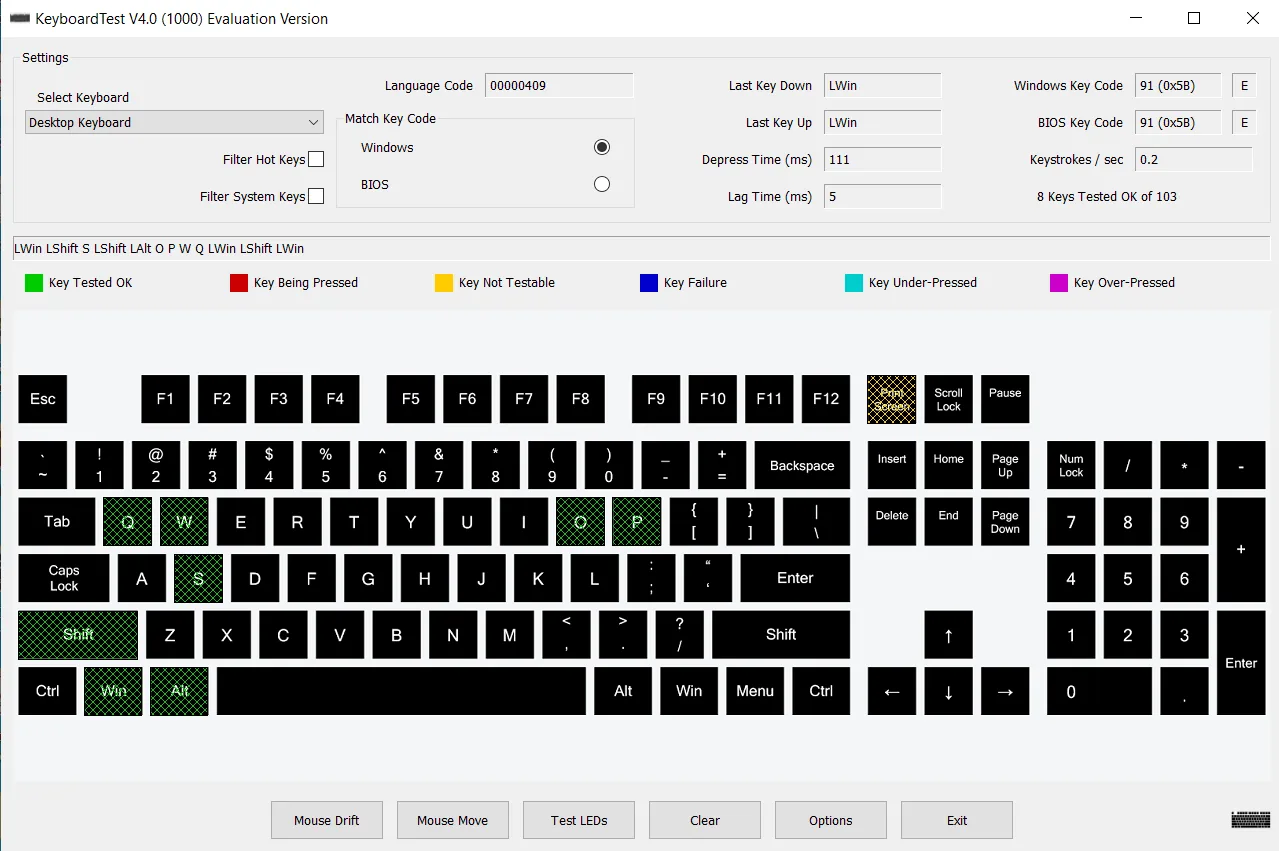
KeyboardTest helps you check whether a desktop or laptop keyboard registers its keys. Its on-screen keyboard highlights press and release events, while timing fields show key repeat, depress time and the delay between presses. You can inspect Windows and BIOS key codes, test keyboard LEDs and select or create layouts for different keyboards.
For repeated hardware checks, batch mode records keyboard serial numbers, operator IDs and pass/fail results to disk. The publisher also lists support for PS/2, wireless and USB keyboards, plus mouse-button display options. These features suit checking individual keyboards or documenting a sequence of production-line tests.
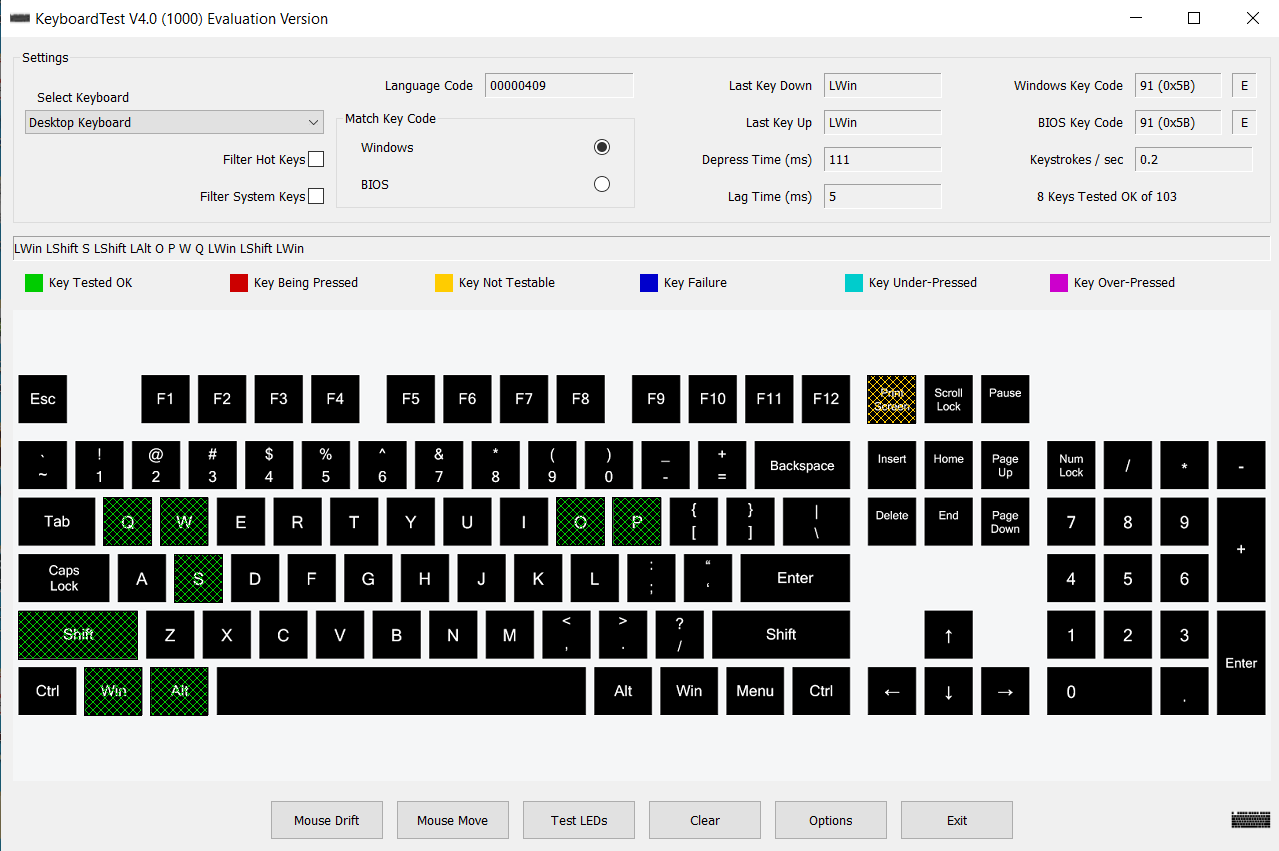
The download is trial software, not freeware: PassMark sells licenses and describes purchasing as removing trial time limits and feature restrictions. Custom layouts also require preparation. Version 4 expects a matching .kbl layout file and bitmap; layouts from older versions need their .kbl encoding converted to UTF-16 LE. The accompanying publisher screenshot illustrates an evaluation build of version 4.0, not proof of the downloaded installer’s build.
What it offers
- Highlight key-down and key-up events on an on-screen keyboard.
- Display Windows and BIOS key codes and measure key repeat, depress time and delays between presses.
- Test Num Lock, Caps Lock and Scroll Lock LEDs.
- Select or create custom keyboard layouts; the publisher documents a limit of 100 custom layouts.
- Use batch mode to log keyboard serial numbers, operator IDs and pass/fail results.
Good to know
- Commercial software with a trial; purchasing removes trial time limits and feature restrictions. The inspected publisher pricing page does not specify the trial duration.
- Custom layouts need matching .kbl and bitmap files. Layouts from older versions require conversion of the .kbl encoding to UTF-16 LE for version 4.
Product images
Sources
References used for this listing. Retrieval dates do not indicate hands-on testing.
More in utilities
View category ↗
1.1.1.1 with WARP 2026.8.2115.0
Encrypt traffic from your Mac to Cloudflare’s network with WARP, or use DNS-only mode for encrypted DNS queries to the 1.1.1.1 resolver.
1.1.1.1 with WARP 2026.8.2115.0
Encrypt traffic between your Windows PC and Cloudflare, or use encrypted DNS only, with the free 1.1.1.1 with WARP app.

3uTools 9.12.005
Manage iPhone and iPad photos, music, apps and backups from Windows with 3uTools, a free utility that also includes device checks and firmware flashing tools.