
Utilities macOS
KeyCombiner
Organize and practice keyboard shortcuts with KeyCombiner for Mac, or look up shortcuts for the active app. The publisher provides a universal macOS DMG for ARM and Intel Macs.
- Operating system
- macOS; current minimum supported version not specified on the desktop page
- Architecture
- Universal: ARM and Intel
- Download package
- DMG disk image
Publisher notes extra Swift runtime libraries for macOS 10.13 or earlier. This historical instruction does not establish a current minimum OS version or compatibility with every macOS release.
Link checked · Download guidance
What is KeyCombiner?
KeyCombiner brings keyboard-shortcut collections, practice sessions and instant lookup to the Mac desktop. Build personal collections from the public shortcut database, add your own combinations and review practice statistics. It suits users who want both a reference for unfamiliar shortcuts and a way to rehearse the ones they use regularly.
The desktop lookup combines your collected shortcuts with those for the currently active application. On macOS it can also show shortcuts for the active browser page. The default lookup binding is Cmd+Alt+C and can be changed. Text snippets, such as Git commands or regular-expression syntax, can be included alongside keyboard combinations.
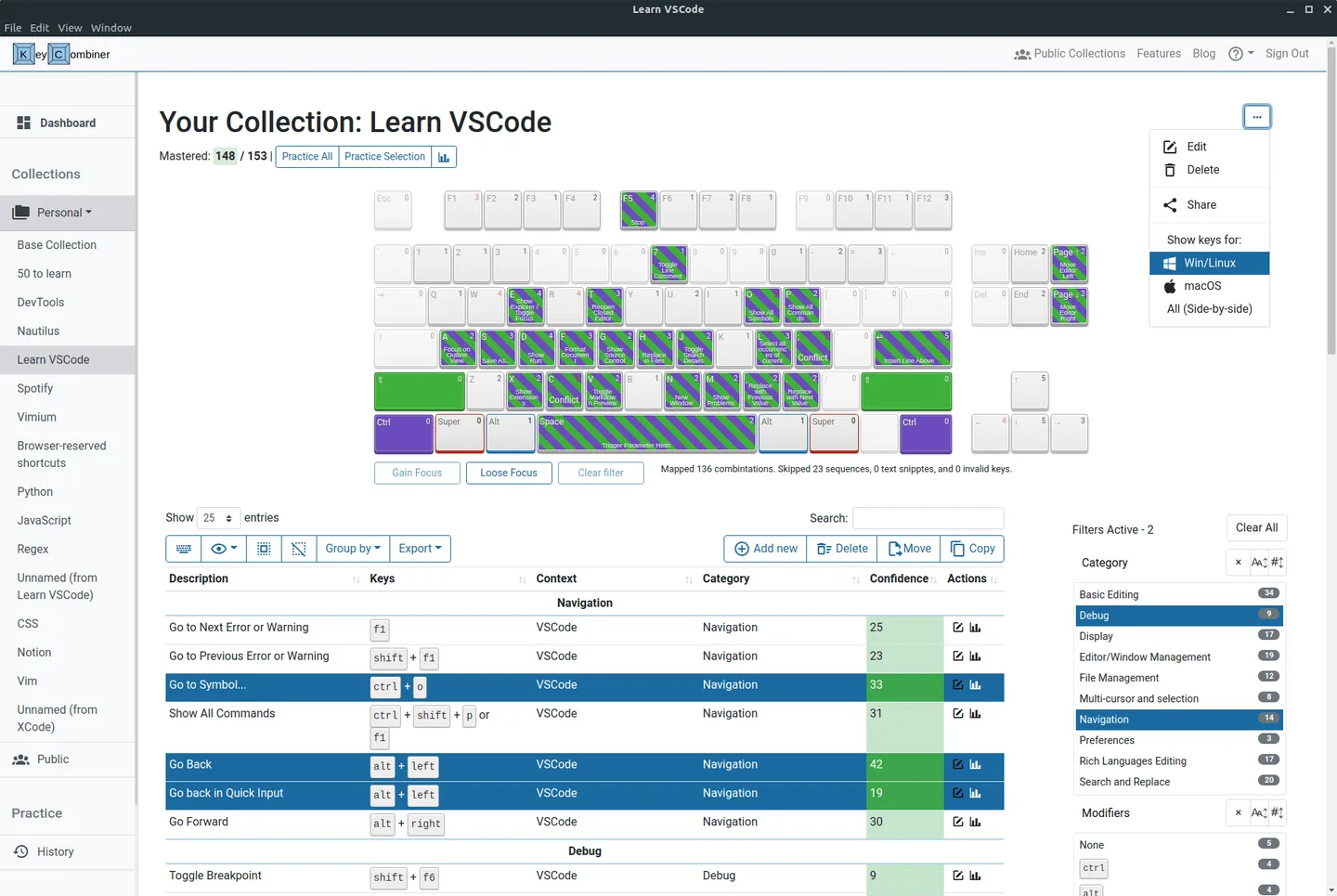
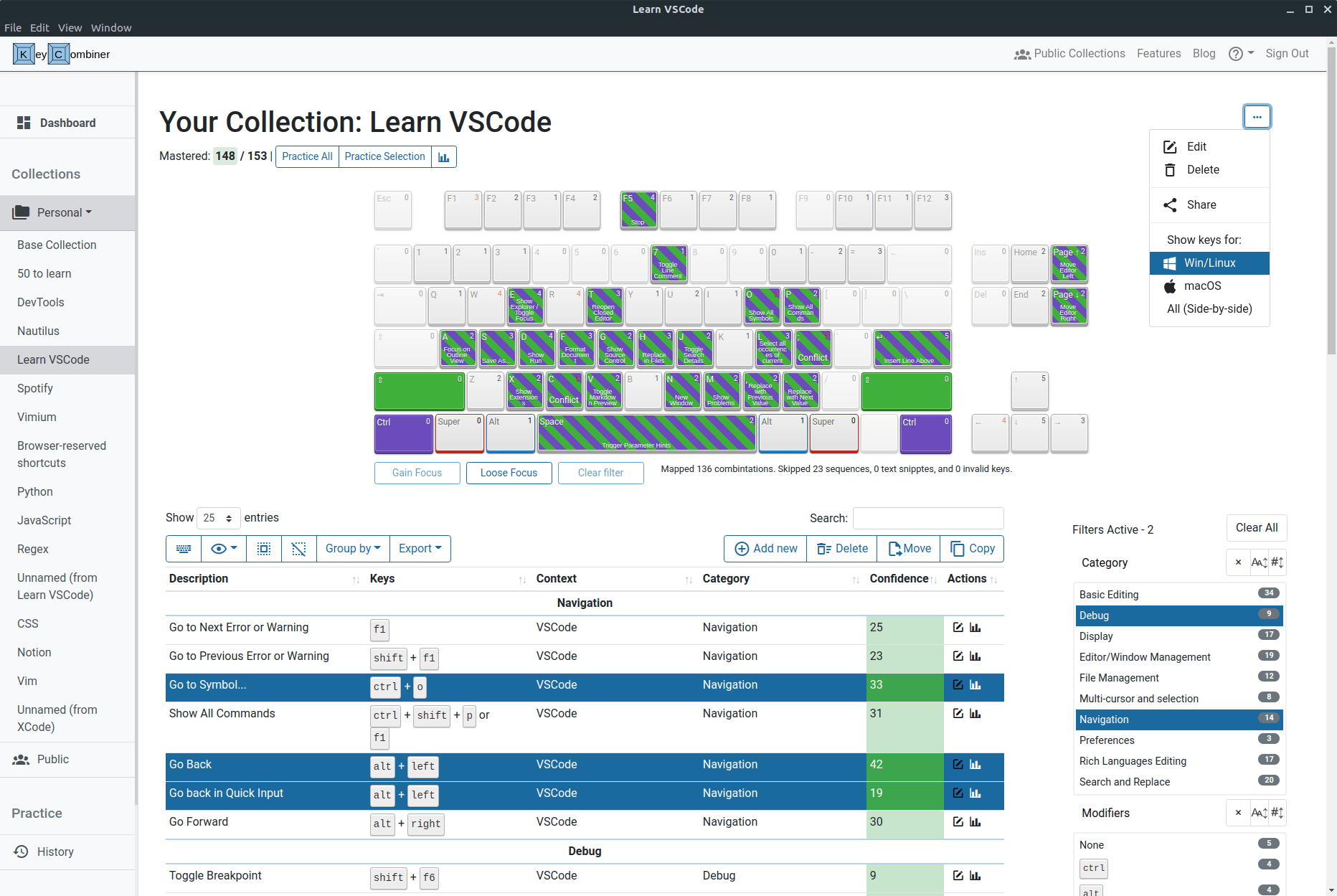
The free account includes two personal collections, practice statistics and desktop instant lookup; unlimited collections and several advanced features require Pro. Active-application lookup requires macOS Accessibility permission, and browser-page lookup additionally needs Automation permission for that browser. Desktop practice avoids browser interception, but it cannot practice combinations intercepted by the operating system. The publisher's screenshot illustrates the cross-platform desktop interface with Win/Linux keys selected, not a macOS-native capture.
What it offers
- Create personal shortcut collections using public collections or manually added combinations.
- Practice shortcuts and review run statistics and per-combination performance.
- Look up personal shortcuts and those for the active application using a configurable global binding.
- Look up shortcuts for the active browser page on macOS with the required browser permissions.
- Keep text snippets and commands in collections alongside keyboard shortcuts.
Good to know
- The free account is limited to two personal collections; unlimited collections, unrestricted spaced-repetition reviews and exports require Pro.
- Active-application lookup requires Accessibility permission; active-browser-page lookup also requires Automation permission for the browser.
- Shortcuts intercepted by the operating system cannot be practiced, even in the desktop app.
Product images
Sources
References used for this listing. Retrieval dates do not indicate hands-on testing.
More in utilities
View category ↗
1.1.1.1 with WARP 2026.8.2115.0
Encrypt traffic from your Mac to Cloudflare’s network with WARP, or use DNS-only mode for encrypted DNS queries to the 1.1.1.1 resolver.
1.1.1.1 with WARP 2026.8.2115.0
Encrypt traffic between your Windows PC and Cloudflare, or use encrypted DNS only, with the free 1.1.1.1 with WARP app.

3uTools 9.12.005
Manage iPhone and iPad photos, music, apps and backups from Windows with 3uTools, a free utility that also includes device checks and firmware flashing tools.