
Utilities Windows
KeyCombiner
Organize and practice keyboard shortcuts on Windows, then look up combinations for the active application with KeyCombiner Desktop.
Version 0.8.1 · Direct publisher file
Link checked · Download guidance
What is KeyCombiner?
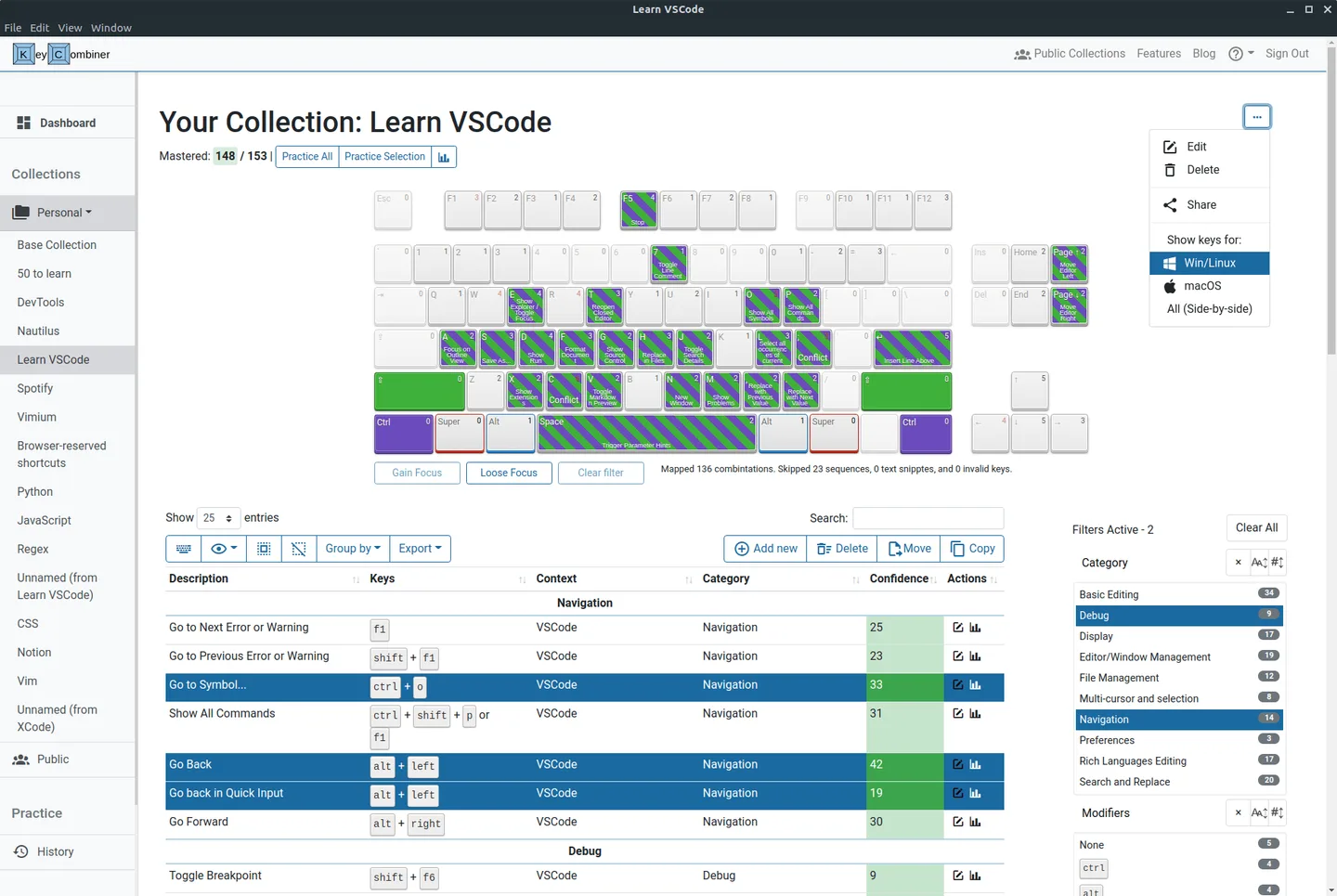
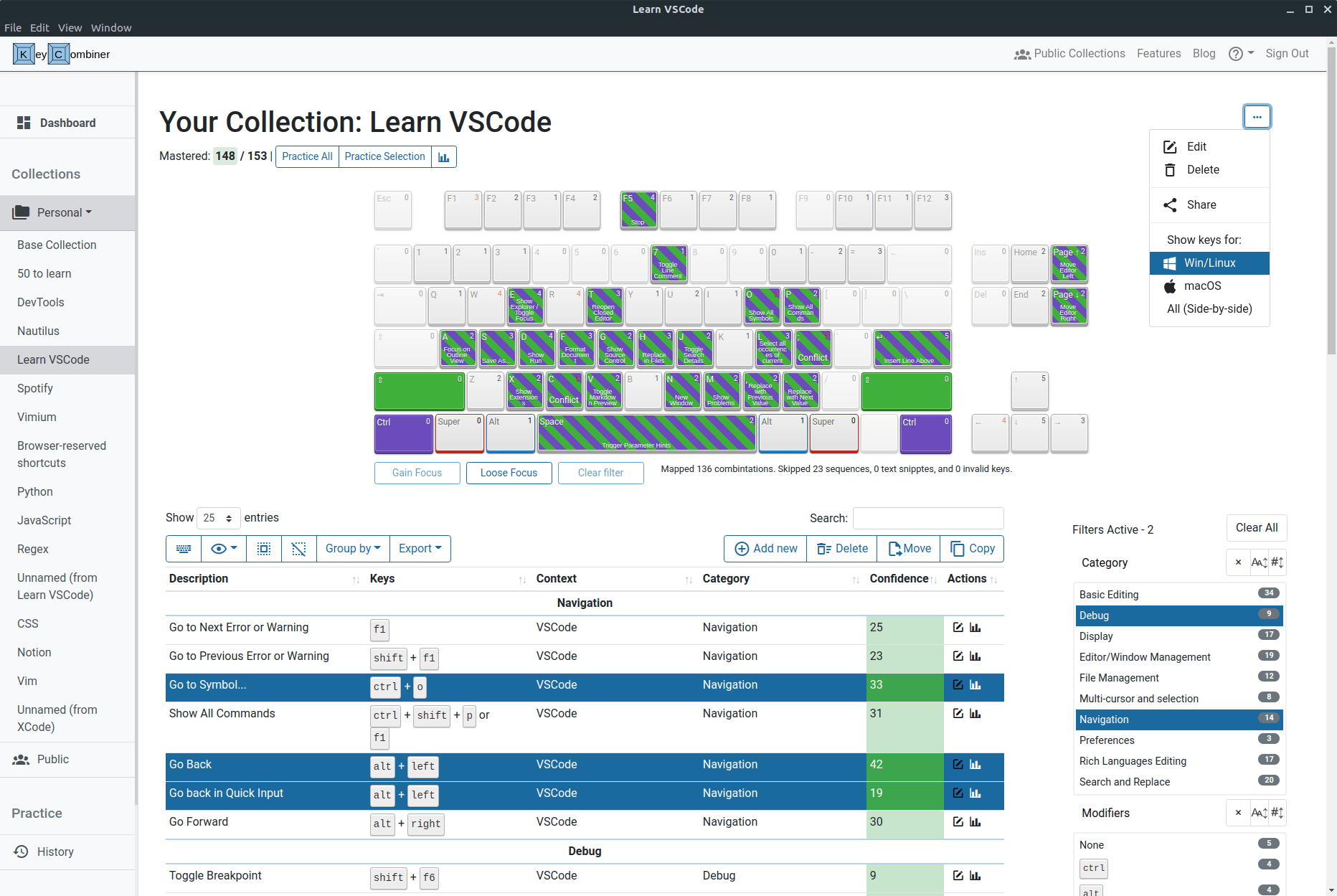
KeyCombiner Desktop brings shortcut collections and interactive practice to Windows. Build a collection from the public shortcut database or add your own combinations, then use practice statistics to see which ones need more attention. It also supports short text snippets, such as commands you want to remember.
Instant Shortcut Lookup gives you a reference while you work: a customizable global shortcut opens your combined collections alongside shortcuts for the currently active application. Desktop practice avoids browser-reserved shortcut conflicts, although combinations intercepted by Windows remain unavailable for practice.
The free account includes two personal collections and desktop instant lookup. Pro adds features including unlimited collections, unlimited spaced-repetition reviews and collection exports. The publisher warns that Windows may flag the installer as an unrecognized application; this entry does not establish its signing or security status.
What it offers
- Create personal shortcut collections or import combinations from public collections.
- Practice keyboard shortcuts and short text snippets outside the browser.
- Look up collected shortcuts alongside shortcuts for the active application.
- Customize the global shortcut used to open Instant Shortcut Lookup.
- Review practice-run and per-combination statistics.
Good to know
- The free account is limited to two personal collections; unlimited collections and several advanced features require Pro.
- Shortcuts intercepted by the operating system cannot be practiced.
- The publisher warns that Windows may identify the installer as an unrecognized application; no independent signing or security assessment was performed.
Product images
Sources
References used for this listing. Retrieval dates do not indicate hands-on testing.
- KeyCombiner Desktop ↗Retrieved
- Features of KeyCombiner ↗Retrieved
- Frequently Asked Questions (FAQs) ↗Retrieved
- Terms and conditions ↗Retrieved
More in utilities
View category ↗
1.1.1.1 with WARP 2026.8.2115.0
Encrypt traffic from your Mac to Cloudflare’s network with WARP, or use DNS-only mode for encrypted DNS queries to the 1.1.1.1 resolver.
1.1.1.1 with WARP 2026.8.2115.0
Encrypt traffic between your Windows PC and Cloudflare, or use encrypted DNS only, with the free 1.1.1.1 with WARP app.

3uTools 9.12.005
Manage iPhone and iPad photos, music, apps and backups from Windows with 3uTools, a free utility that also includes device checks and firmware flashing tools.