
Development Windows
Kiota
Generate strongly typed API clients from OpenAPI descriptions with Microsoft's free, open-source Kiota command-line tool. This download is the Windows x64 ZIP package.
- Operating system
- Windows; a minimum Windows version is not specified in the cited installation page
- Architecture
- x64
- Download package
- ZIP archive of command-line binaries
Selected asset is win-x64.zip. Separate Windows ARM64 and x86 release assets exist. Generated clients require the target language's tools and runtime libraries.
Link checked · Download guidance
What is Kiota?
Kiota turns an OpenAPI description into client source code that developers can integrate into an application. Instead of learning a different SDK structure for every HTTP API, you generate a typed client with resource-oriented request builders. It is a development tool, not a standalone desktop API-testing application.
Start with an OpenAPI file or description URL, choose a supported target language and select an output directory. Kiota can show the API path tree before generation and include or exclude paths so the client covers only the endpoints you need. The generated code still needs the appropriate language-specific runtime dependencies and an authentication provider when the API requires one; generating a client does not supply API credentials.
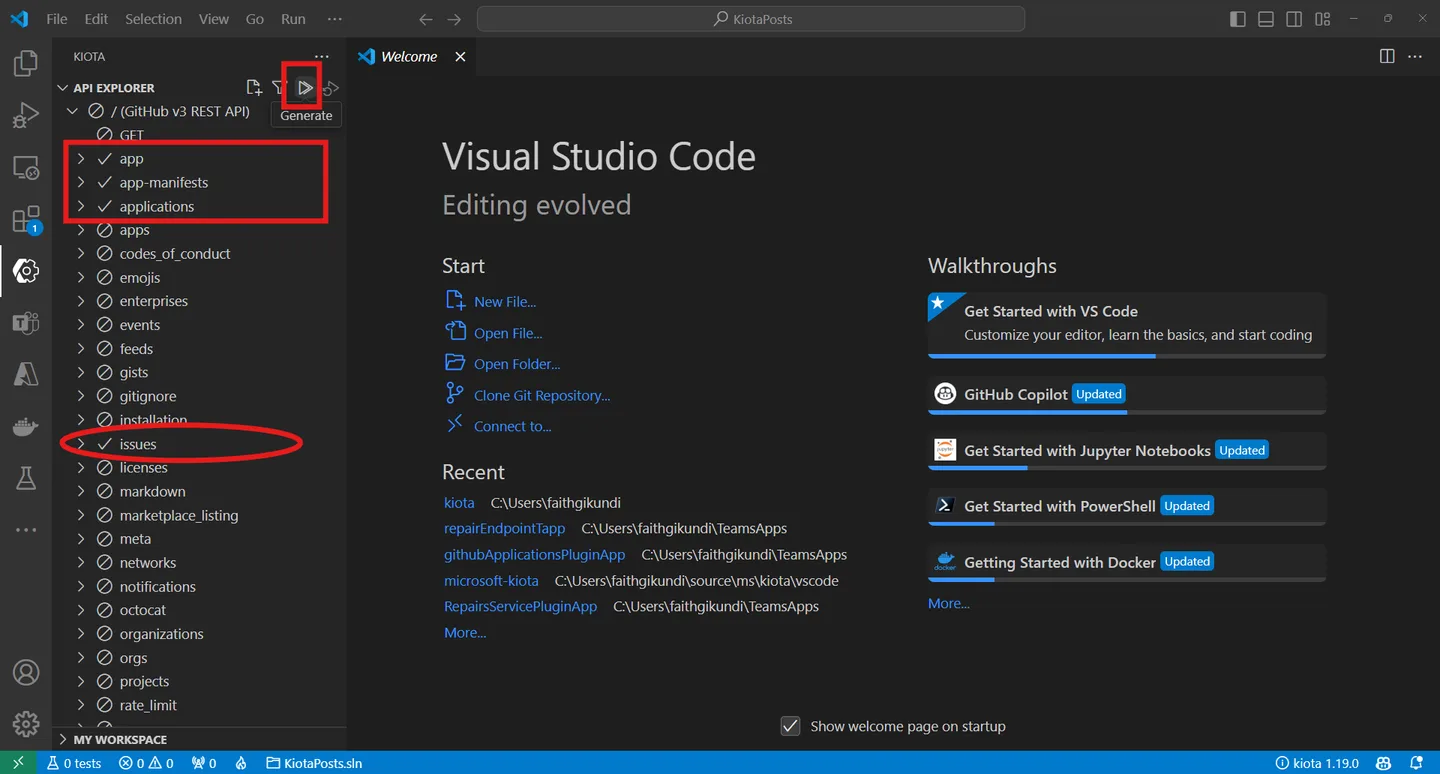
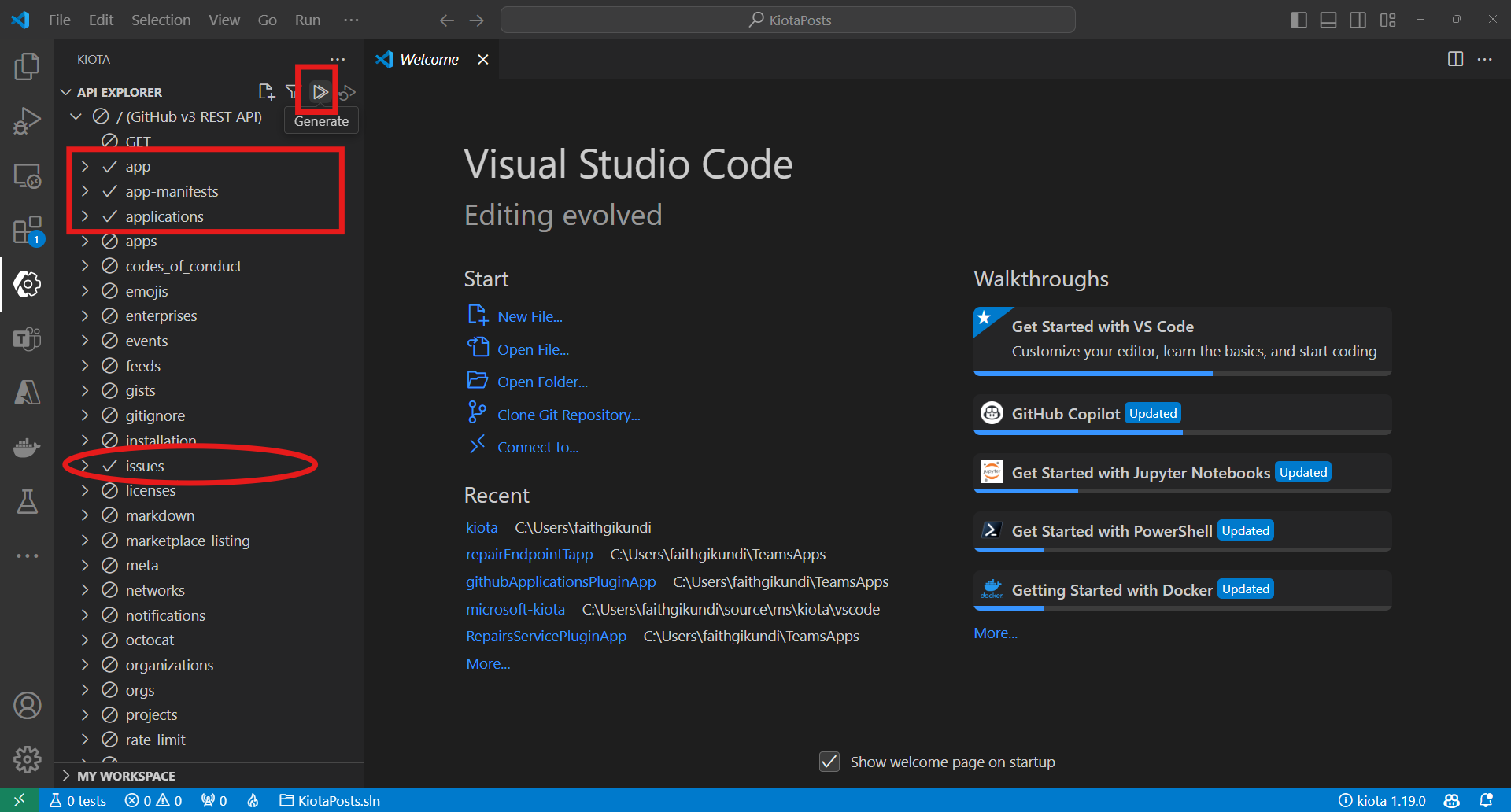
The linked release contains the Windows x64 command-line package. Microsoft also documents .NET-tool and Docker installation options. A separately installed Visual Studio Code extension provides an endpoint-selection interface and is documented as public preview. The screenshot illustrates that extension's workflow, not a graphical interface bundled with the ZIP; it shows an older publisher example rather than a capture of version 1.37.0.
What it offers
- Generate strongly typed HTTP API clients from OpenAPI descriptions.
- Inspect an API's path tree and filter included or excluded endpoints before generation.
- Choose client generation for languages including C#, Go, Java, PHP and Python; implementation maturity varies by language.
- Configure client class name, namespace and output directory through command-line options.
- Use the separately installed Kiota Visual Studio Code extension for visual endpoint selection.
Good to know
- Requires an OpenAPI description and a development project with the generated client's language-specific runtime dependencies; protected APIs also need authentication configuration.
- Language support is not uniform: the repository marks Dart, Ruby and TypeScript/JavaScript components as preview.
- The Visual Studio Code interface is a separate extension in public preview, not a desktop GUI included with this Windows ZIP.
Product images
Sources
References used for this listing. Retrieval dates do not indicate hands-on testing.
- microsoft/kiota — project README and language support ↗Retrieved
- Install Kiota | Microsoft Learn ↗Retrieved
- Using the Kiota tool | Microsoft Learn ↗Retrieved
- Build API clients for .NET | Microsoft Learn ↗Retrieved
- Release v1.37.0 · microsoft/kiota ↗Retrieved
- Kiota v1.37.0 official release assets ↗Retrieved
- Kiota Visual Studio Code extension — official README and screenshot ↗Retrieved
- Kiota extension MIT License ↗Retrieved
More in development
View category ↗
010 Editor 17.0
Inspect and edit binary files on Mac with 010 Editor, a paid text and hex editor with Binary Templates, file comparison and a 30-day trial.
010 Editor 17.0
Inspect and edit binary files with 010 Editor for Windows, a text and hex editor with Binary Templates, file comparison and scripting. Includes a 30-day trial.
10x Editor
Edit and navigate C++ projects on Windows with a built-in parser, workspace search and Visual Studio project support. A paid license is required after the 30-day trial.