

Development Windows
KLayout for Windows
View, edit and compare semiconductor mask layouts with KLayout, a free, open-source GDS2 and OASIS tool with layer controls, measurement tools and scripting.
- Operating system
- Windows
- Architecture
- x64 (64-bit)
- Download package
- EXE installer
Selected publisher package is win64. Separate 32-bit installers and ZIP binaries are listed; a minimum Windows version was not established from the publisher pages read.
Link checked · Download guidance
What is KLayout?
KLayout is a layout viewer and editor for semiconductor design data. Open GDS2 or OASIS files, inspect cells in their hierarchy and adjust layer colors or transparency to examine overlapping geometry. Rulers and shape or instance browsers help inspect specific parts of a layout.
In editor mode, KLayout can create cells and layers, draw and transform shapes, and apply boolean operations. Ruby and Python scripting, parametrized cells and an integrated development environment support layout generation and automation. XOR and layout-diff tools compare designs; DRC and LVS scripting provide additional analysis workflows.
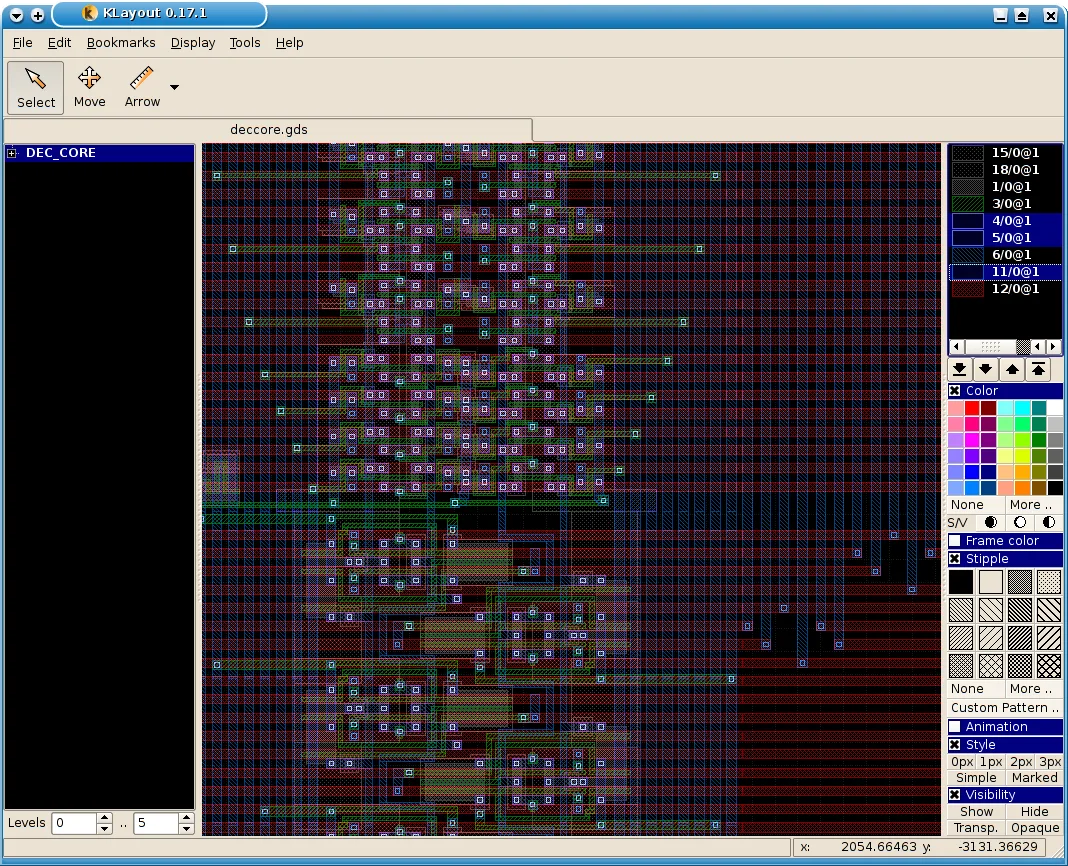
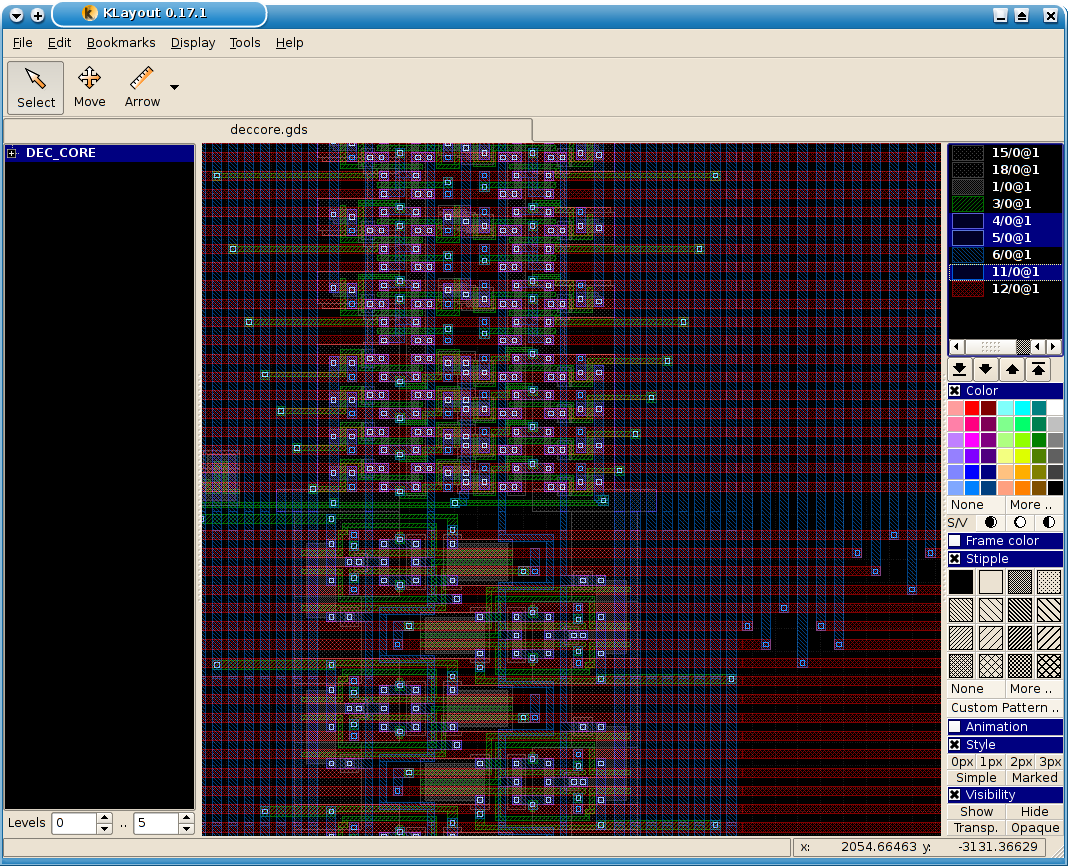
Editing functions require editor mode; viewer mode does not expose them. The linked package is the publisher's Windows 64-bit EXE installer for version 0.30.12. The screenshot is a historical publisher example showing KLayout 0.17.1 with Linux-style window decoration, not a capture of this Windows release.
What it offers
- Open GDS2 and OASIS layouts and inspect their cell hierarchy.
- Overlay layouts and configure layer colors, patterns and transparency.
- Measure geometry with rulers and browse shapes or cell instances.
- Create and transform layout geometry in editor mode, including boolean operations and parametrized cells.
- Automate with Ruby or Python and compare or analyze layouts with XOR, diff, DRC and LVS tools.
Good to know
- Editing functions are available only when KLayout is started in editor mode.
- The selected installer is for 64-bit Windows; the publisher provides separate 32-bit packages.
Product images
Sources
References used for this listing. Retrieval dates do not indicate hands-on testing.
- KLayout - Download — Windows product page ↗Retrieved
- KLayout Layout Viewer And Editor ↗Retrieved
- About The Project — KLayout features and license ↗Retrieved
- Download or Build Yourself — Windows packages ↗Retrieved
- KLayout Documentation — Editing Functions ↗Retrieved
- KLayout Advanced Features Screenshot Gallery ↗Retrieved
More in development
View category ↗
010 Editor 17.0
Inspect and edit binary files on Mac with 010 Editor, a paid text and hex editor with Binary Templates, file comparison and a 30-day trial.
010 Editor 17.0
Inspect and edit binary files with 010 Editor for Windows, a text and hex editor with Binary Templates, file comparison and scripting. Includes a 30-day trial.
10x Editor
Edit and navigate C++ projects on Windows with a built-in parser, workspace search and Visual Studio project support. A paid license is required after the 30-day trial.