

Development Windows
klogg for Windows
Browse large text logs, filter matching lines and follow file changes with klogg, a free, open-source log viewer for Windows.
- Operating system
- Windows 7 or later, as listed for the Qt5 release
- Architecture
- x64
- Download package
- EXE installer (Qt5)
CPU needs SSE2. Separate x86 and portable packages are listed. Experimental Qt6 builds require Windows 10 or later; this link is the Qt5 x64 installer.
Link checked · Download guidance
What is klogg?
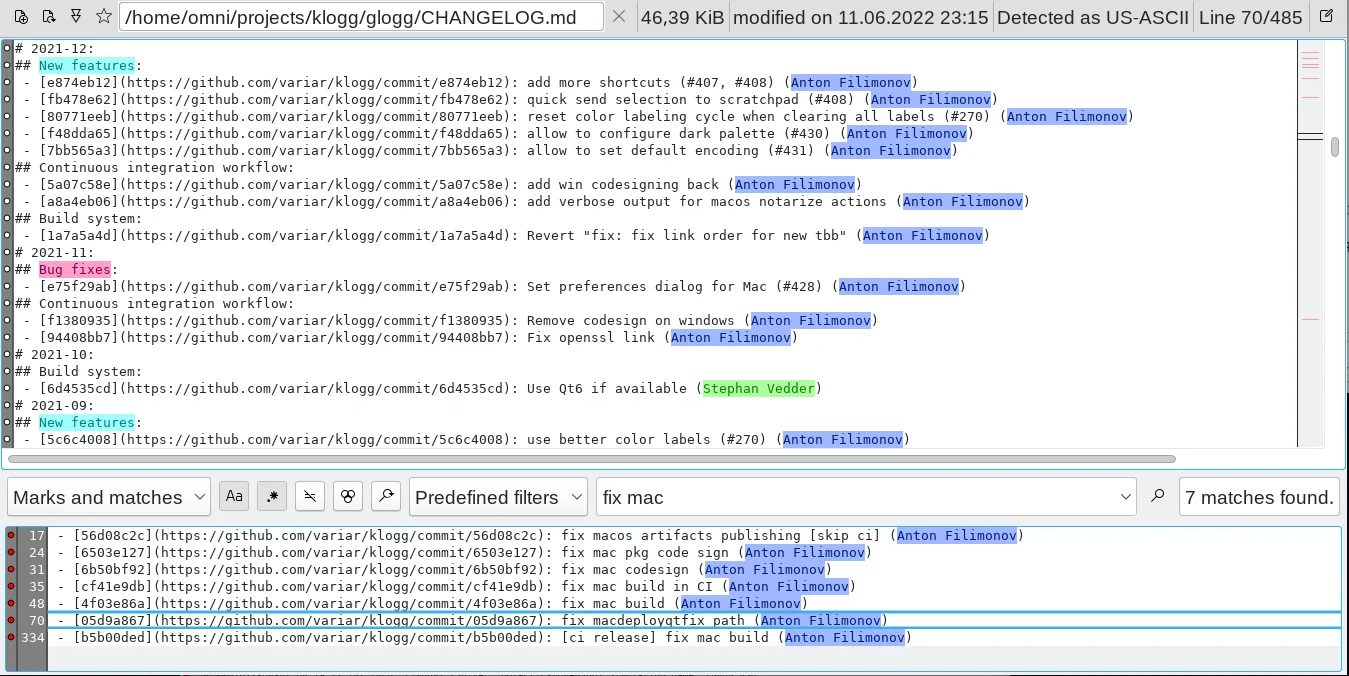
klogg helps developers and system administrators inspect long text logs without losing the surrounding context. Its main view keeps the original file separate from matching lines, so a search can narrow the results while the source remains available. Regular expressions, configurable highlights and a view of where matches occur help identify repeated events in a cluttered file.
The application can follow changes on disk, detect many text encodings and restrict a search to part of a file. A scratchpad provides a separate place for notes and basic text transformations. klogg began as a fork of glogg and is a log explorer, not the similarly named KLog amateur-radio logger.
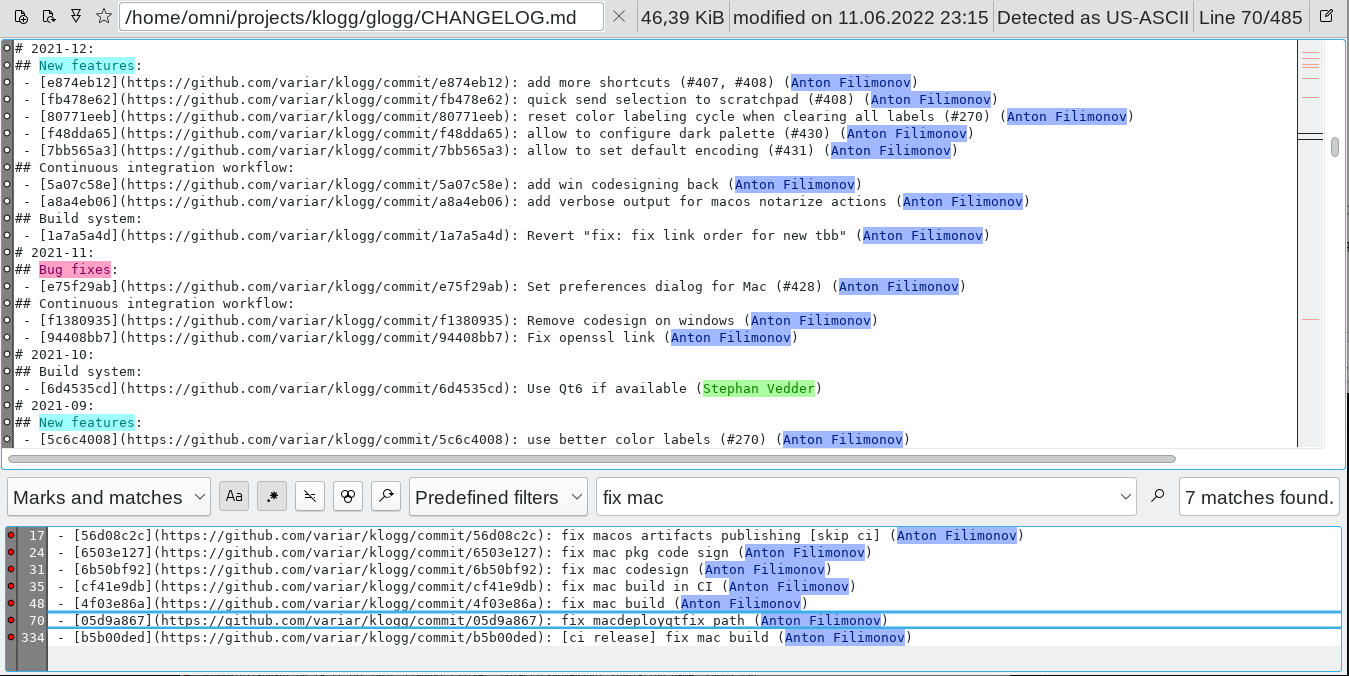
This entry links to the Windows x64 Qt5 EXE installer for build 22.06.0.1289. The publisher also lists separate portable and x86 packages, plus experimental Qt6 builds. The stable release notes report an open-file-dialog crash on some Windows 11 systems; their documented workaround is setting TBB_MALLOC_DISABLE_REPLACEMENT to 1. The screenshot is the publisher’s cross-platform interface example and shows a Linux-style file path, not a verified Windows installation.
What it offers
- Search text logs with regular expressions and combine expressions with AND, OR and NOT.
- Keep matching lines separate from the original file and use context to locate events.
- Apply configurable highlight sets and color labels to log text.
- Watch file changes and reload the view as a log grows.
- Detect many text encodings, limit searches to a file section and collect text in a scratchpad.
Good to know
- The 22.06 release notes report an open-file-dialog crash on some Windows 11 systems and document TBB_MALLOC_DISABLE_REPLACEMENT=1 as a workaround.
- Hyperscan needs SSSE3 instructions; klogg falls back to the Qt regular-expression engine when the CPU or pattern is not supported.
Product images
Sources
References used for this listing. Retrieval dates do not indicate hands-on testing.
- About | KLOGG — publisher overview and gallery ↗Retrieved
- Release 22.06 — requirements, updates and known issues ↗Retrieved
- GitHub release metadata — exact Windows x64 Qt5 asset ↗Retrieved
- Legal Notice | KLOGG — software license ↗Retrieved
- variar/klogg — project README and author identity ↗Retrieved
More in development
View category ↗
010 Editor 17.0
Inspect and edit binary files on Mac with 010 Editor, a paid text and hex editor with Binary Templates, file comparison and a 30-day trial.
010 Editor 17.0
Inspect and edit binary files with 010 Editor for Windows, a text and hex editor with Binary Templates, file comparison and scripting. Includes a 30-day trial.
10x Editor
Edit and navigate C++ projects on Windows with a built-in parser, workspace search and Visual Studio project support. A paid license is required after the 30-day trial.