
Utilities Windows
Koala Clash
Manage Mihomo proxy profiles with Koala Clash for Windows, a free, open-source desktop client with TUN mode and configurable themes.
- Operating system
- Windows 10 and Windows 11
- Architecture
- x64 (64-bit Intel/AMD)
- Download package
- EXE installer (NSIS)
This link selects the x64 installer. Separate ARM64 installers and portable 7z packages are listed by the publisher.
Link checked · Download guidance
What is Koala Clash?
Koala Clash is a graphical client for the Mihomo proxy core. It brings proxy configuration into a desktop interface, with built-in stable and alpha cores, support for most Mihomo settings, and multiple color themes. It suits users who already have a compatible proxy configuration or subscription and want a graphical way to manage it.
The Windows download here is the x64 EXE installer for version 1.5.0. The publisher lists Windows 10 and 11; ARM64 and portable packages are separate choices, not this installer. The project uses Electron, React and TypeScript, despite older third-party descriptions referring to Tauri.
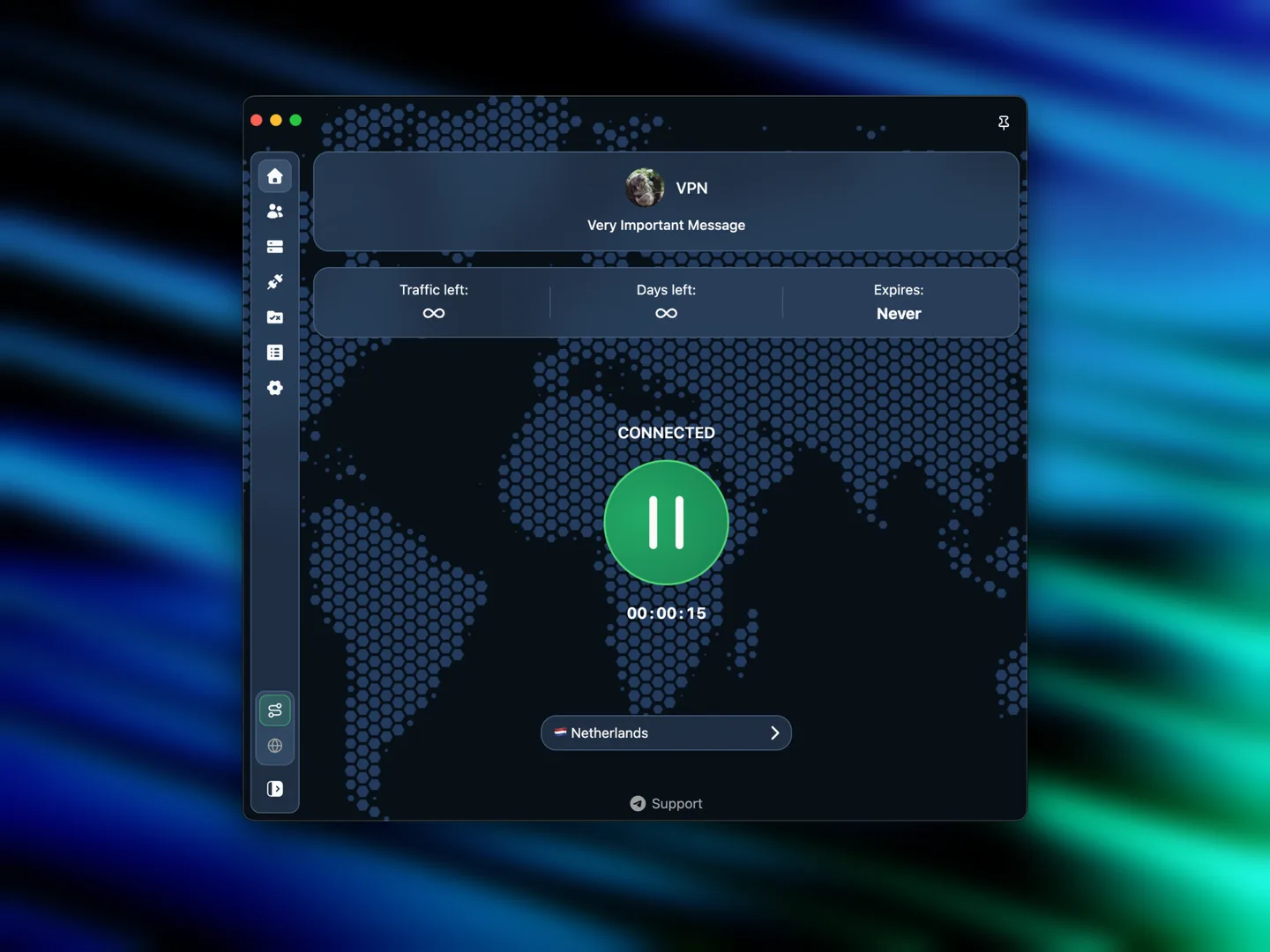
This is a client, not a bundled proxy subscription. You need to supply your own usable profile and any required service access. Configuration errors can prevent the core from working; the 1.5.0 release notes specifically describe alerts for core problems, including configuration and antivirus issues. The publisher screenshot illustrates a configured interface, not an included unlimited service or a Windows installation test.
What it offers
- Manage local and remote proxy profiles for the Mihomo core.
- Use TUN mode, described by the publisher as not requiring service mode.
- Configure most Mihomo options through a graphical desktop client.
- Choose multiple color themes and built-in stable or alpha Mihomo cores.
Good to know
- Requires a compatible proxy profile or subscription and any associated service access; no bundled proxy service is established by the sources.
- The selected installer is x64; ARM64 devices require the separate publisher package.
- A bad configuration or interference from antivirus software can cause core problems; installation and connectivity were not tested.
Product images
Sources
References used for this listing. Retrieval dates do not indicate hands-on testing.
- Koala Clash - Download ↗Retrieved
- Releases · coolcoala/koala-clash · GitHub ↗Retrieved
- Koala Clash 1.5.0 — official README ↗Retrieved
- Koala Clash — official GPL license ↗Retrieved
- Koala Clash — publisher profile management source ↗Retrieved
More in utilities
View category ↗
1.1.1.1 with WARP 2026.8.2115.0
Encrypt traffic from your Mac to Cloudflare’s network with WARP, or use DNS-only mode for encrypted DNS queries to the 1.1.1.1 resolver.
1.1.1.1 with WARP 2026.8.2115.0
Encrypt traffic between your Windows PC and Cloudflare, or use encrypted DNS only, with the free 1.1.1.1 with WARP app.

3uTools 9.12.005
Manage iPhone and iPad photos, music, apps and backups from Windows with 3uTools, a free utility that also includes device checks and firmware flashing tools.