

Utilities Windows
KStars for Windows
Explore the night sky, plan observing sessions and work with Ekos astrophotography tools in KStars, a free, open-source desktop planetarium for Windows.
- Operating system
- Windows 10 or later
- Architecture
- 64-bit (publisher label)
- Download package
- EXE installer
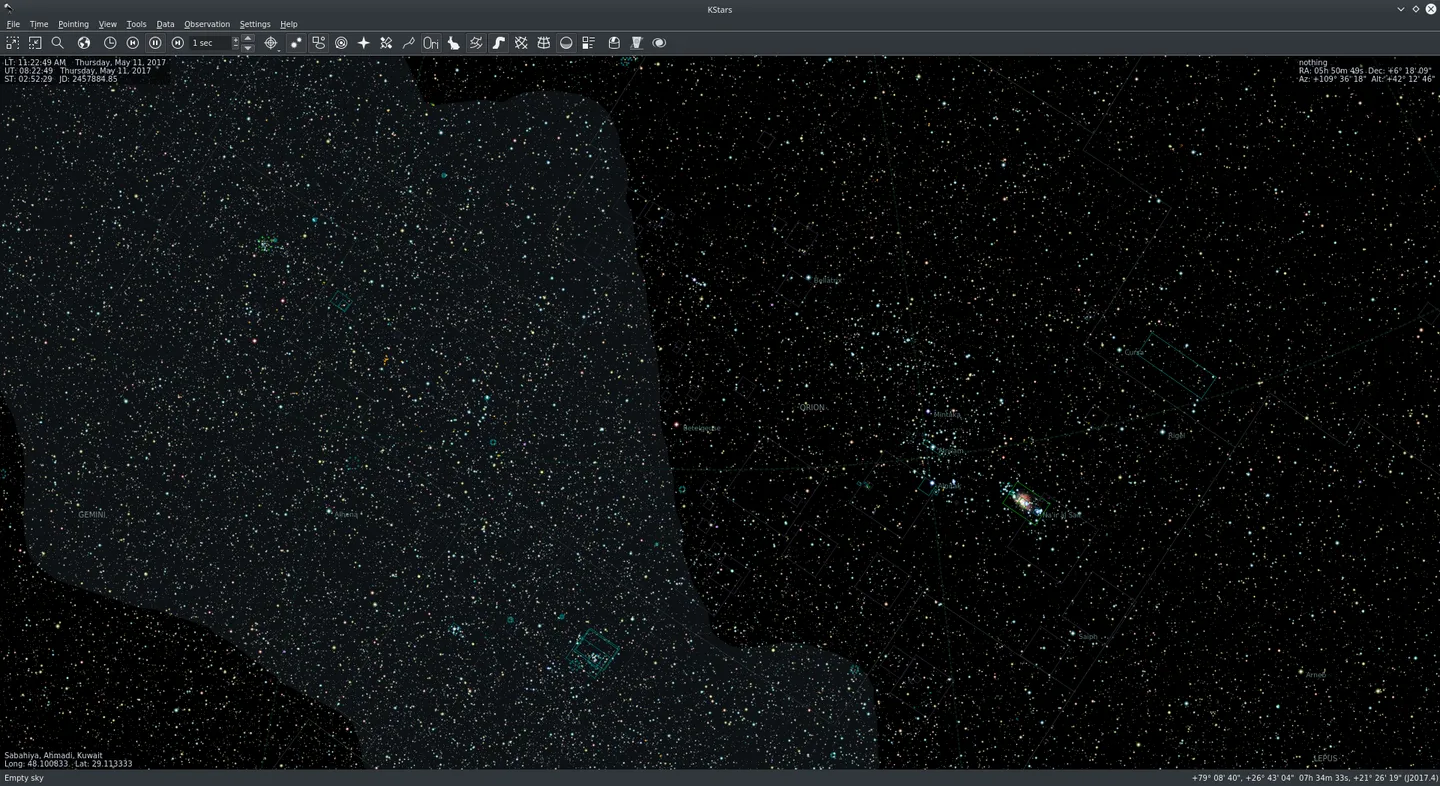
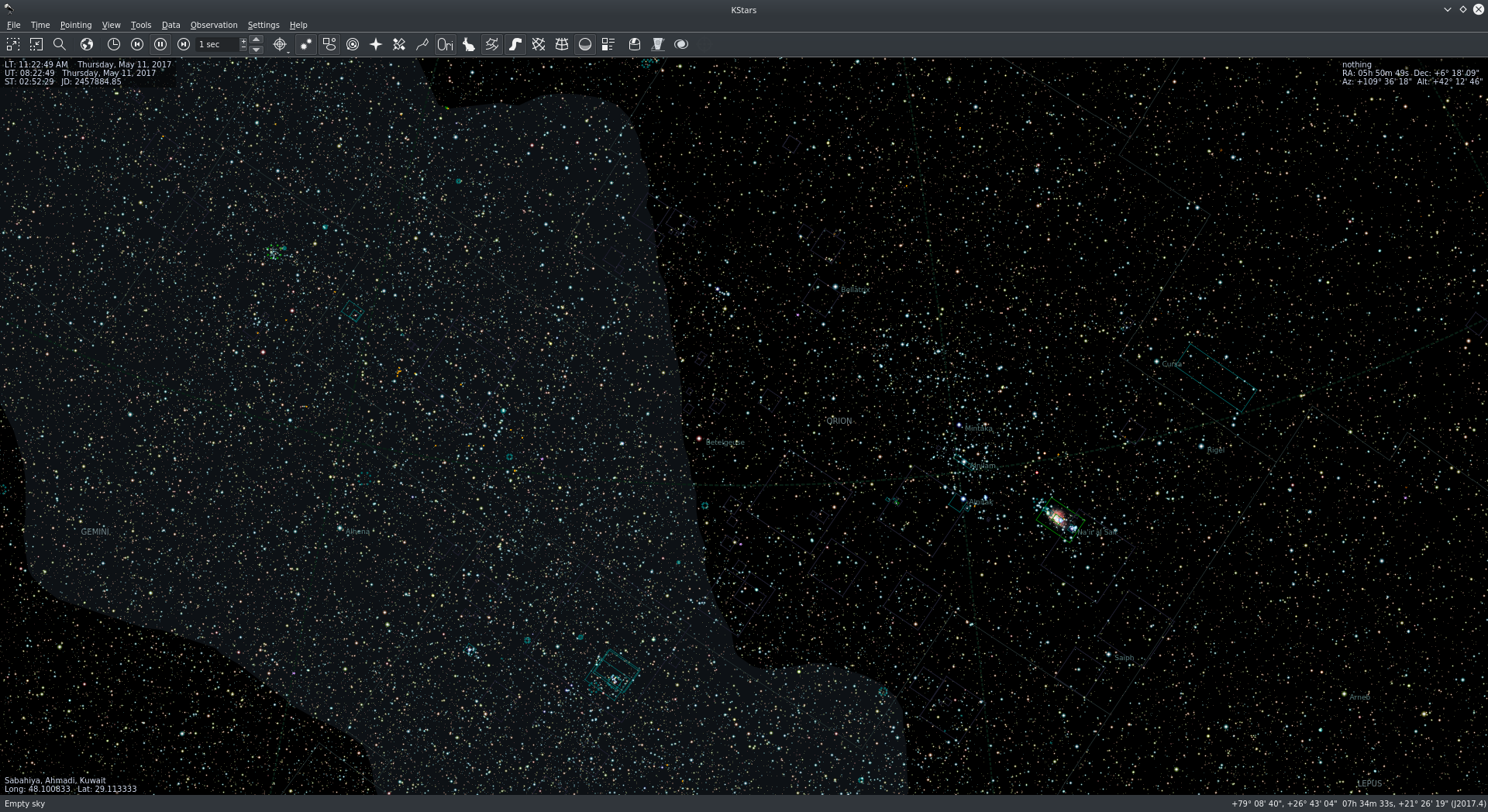
Publisher-provided Windows package. Screenshot is a general KStars illustration; depicted operating system and version are not established.
Link checked · Download guidance
What is KStars?
KStars simulates the night sky for a chosen location, date and time. Use it to identify planets and constellations, change the simulation speed to follow celestial motion, or prepare an observing session with target lists and printable finder charts. The Astrocalculator adds coordinate conversions and other astronomical calculations.
For imaging, the included Ekos suite brings together polar alignment, focusing, guiding and image capture. KStars also provides a FITS viewer and access to online sky imagery. These tools serve different tasks within the same application rather than requiring a separate page or download for each use.
The Windows package linked here is the publisher’s 64-bit KStars 3.8.5 installer for Windows 10 or later. Large star catalogs are additional data: the publisher lists the default catalog to magnitude 8 and optional catalogs extending to magnitude 16. Its feature page also notes that observation logging still needs polish. The screenshot illustrates the publisher’s KStars sky-map interface; its operating system and release are not specified.
What it offers
- Simulate the sky for different locations, dates and times with adjustable simulation speed.
- Plan observing targets, cache DSS images for offline comparison and print finder charts.
- Use Astrocalculator for coordinate conversions and astronomical calculations.
- Work with Ekos tools for polar alignment, focusing, guiding and image capture.
- View FITS files and add star catalogs beyond the default data.
Good to know
- The 100-million-star catalog is additional data, not the default star catalog.
- The publisher says observation logging needs more polish to be fully usable.
- This Windows installer requires a 64-bit system running Windows 10 or later.
Product images
Sources
References used for this listing. Retrieval dates do not indicate hands-on testing.
- KStars for Windows - KStars ↗Retrieved
- KStars - Desktop Planetarium ↗Retrieved
- Features - KStars ↗Retrieved
- KStars — KStars Handbook 3.7.6 documentation ↗Retrieved
- Screenshots - KStars ↗Retrieved
More in utilities
View category ↗
1.1.1.1 with WARP 2026.8.2115.0
Encrypt traffic from your Mac to Cloudflare’s network with WARP, or use DNS-only mode for encrypted DNS queries to the 1.1.1.1 resolver.
1.1.1.1 with WARP 2026.8.2115.0
Encrypt traffic between your Windows PC and Cloudflare, or use encrypted DNS only, with the free 1.1.1.1 with WARP app.

3uTools 9.12.005
Manage iPhone and iPad photos, music, apps and backups from Windows with 3uTools, a free utility that also includes device checks and firmware flashing tools.