

Development Windows
Lapce for Windows
Edit project files with Lapce, a free, open-source code editor for Windows with syntax highlighting, LSP code intelligence, Vim-like editing and a built-in terminal.
- Operating system
- Windows; Softonic lists Windows 11
- Architecture
- x64 (64-bit x86)
- Download package
- MSI system installer
The publisher lists the Windows installer as x86 (64bit) and offers a separate portable ZIP. Minimum Windows version is not established by the publisher sources inspected.
Link checked · Download guidance
What is Lapce?
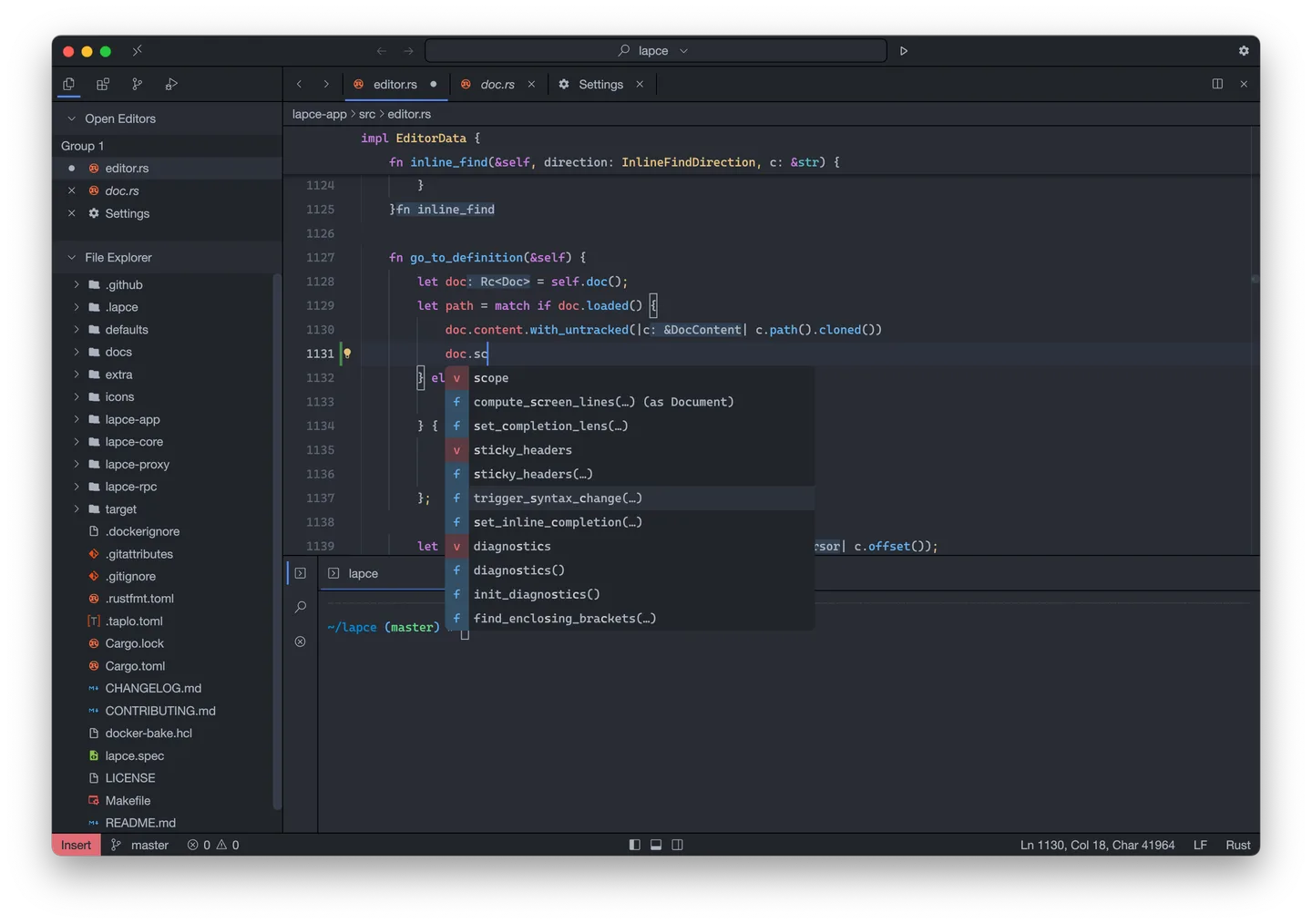
Lapce is a Rust-based code editor for working with source files in a project workspace. Its file explorer and quick file search help you move around a project, while Tree-sitter syntax highlighting and built-in Language Server Protocol support provide editing tools such as completion, diagnostics and code actions. A terminal inside the editor lets you run workspace commands without switching applications.
Vim-like modal editing is built in and can be toggled rather than added through a separate plugin. Lapce also supports remote development and plugins written in languages that compile to WASI. This entry links to the version 0.4.6 Windows x64 MSI system installer; the publisher offers a separate portable ZIP.
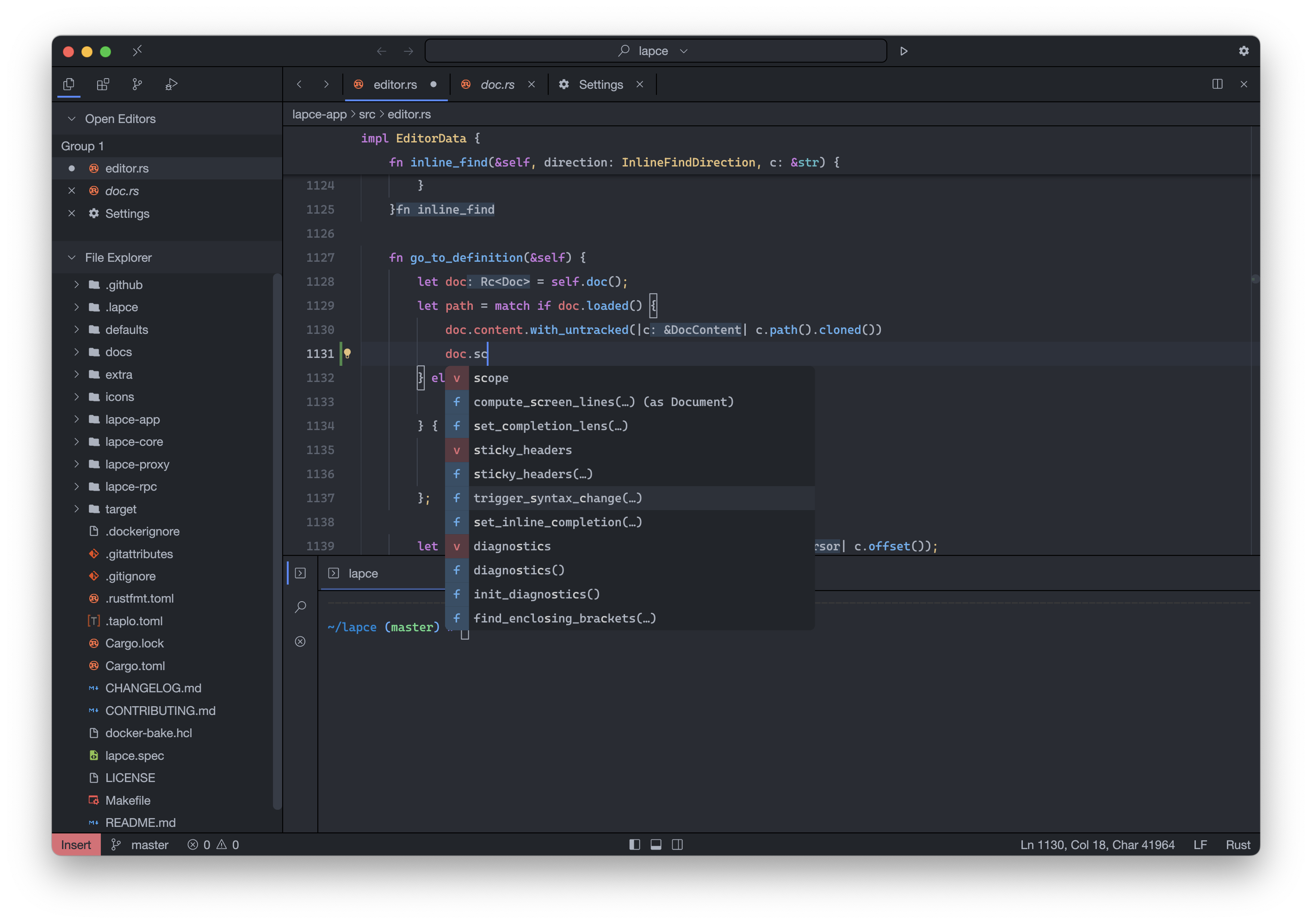
Terminal profiles are an experimental feature: the documentation warns that they are not fully integrated with the rest of the editor. The screenshot is the publisher's cross-platform illustration with macOS-style window controls, not a capture of this Windows package.
What it offers
- Open a project folder as a workspace and navigate files through the explorer or quick file search.
- Use Tree-sitter syntax highlighting and built-in LSP support for completion, diagnostics and code actions.
- Toggle built-in Vim-like modal editing.
- Run workspace commands in an integrated terminal.
- Work with remote development support and WASI-based plugins.
Good to know
- Terminal profiles are experimental and are not completely integrated with the rest of the editor, according to the documentation.
Product images
Sources
References used for this listing. Retrieval dates do not indicate hands-on testing.
- Lapce - Download — Windows product page ↗Retrieved
- Lapce - Lightning-fast and Powerful Code Editor ↗Retrieved
- lapce/lapce — project README and license declaration ↗Retrieved
- Lapce v0.4.6 — publisher release metadata ↗Retrieved
- Lapce Docs — Setup ↗Retrieved
- Lapce Docs — Terminal ↗Retrieved
- Lapce repository — Apache License 2.0 ↗Retrieved
More in development
View category ↗
010 Editor 17.0
Inspect and edit binary files on Mac with 010 Editor, a paid text and hex editor with Binary Templates, file comparison and a 30-day trial.
010 Editor 17.0
Inspect and edit binary files with 010 Editor for Windows, a text and hex editor with Binary Templates, file comparison and scripting. Includes a 30-day trial.
10x Editor
Edit and navigate C++ projects on Windows with a built-in parser, workspace search and Visual Studio project support. A paid license is required after the 30-day trial.