

Development Windows
Lazarus for Windows
Build native Object Pascal applications with Lazarus, an open-source Windows IDE with a visual form designer, code completion and integrated debugging.
- Operating system
- Windows
- Architecture
- 64-bit (x64)
- Download package
- EXE installer with Free Pascal 3.2.2
Publisher offers separate 32-bit Windows packages. Minimum Windows version was not established from the accessed publisher pages.
Link checked · Download guidance
What is Lazarus?
Lazarus is a Free Pascal development environment for writing native applications in Object Pascal. Its drag-and-drop form designer and Lazarus Component Library (LCL) support visual interface development, while the source editor, build tools and debugger keep coding and debugging in one IDE. Packages can add components and extend the environment.
This entry links to the publisher-listed Lazarus 4.8 Windows 64-bit installer with Free Pascal 3.2.2. The project also offers separate 32-bit Windows downloads and packages for other operating systems. Cross-platform development means compiling the project for each target, not distributing one Windows executable to every operating system.
Lazarus supports Delphi-style development, but the publisher describes LCL as only partly compatible with Delphi's VCL. Do not assume an existing Delphi project or its components will transfer unchanged. The IDE uses the GPL; core libraries use the LGPL with a linking exception, while add-on packages can have different licenses.
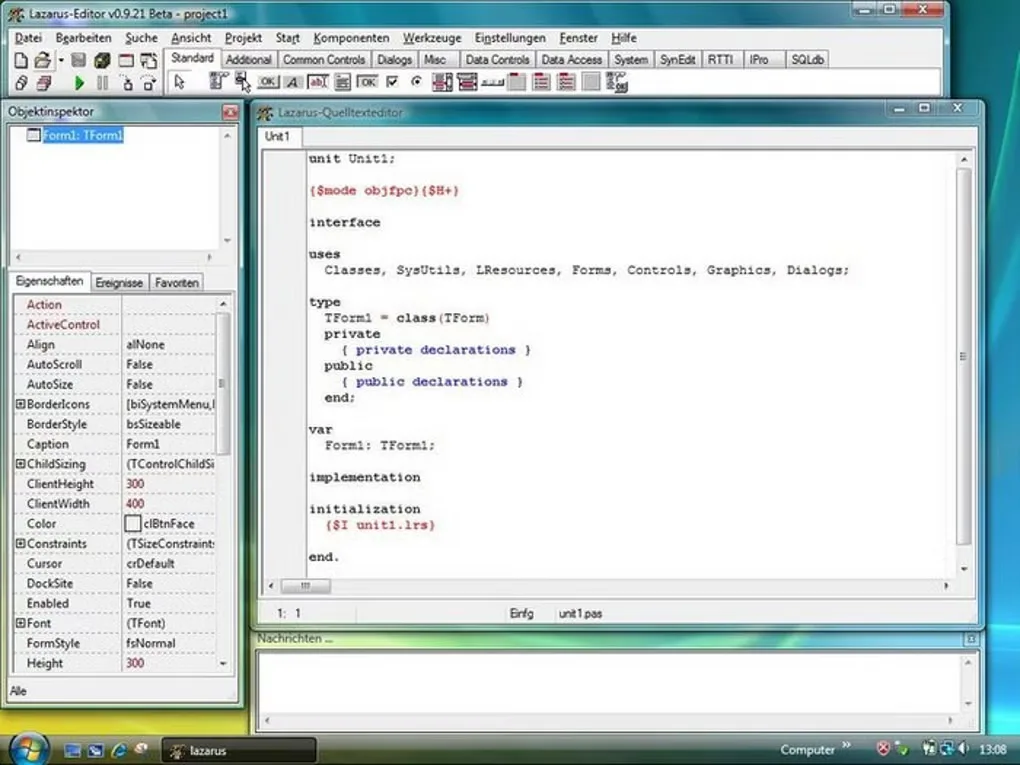
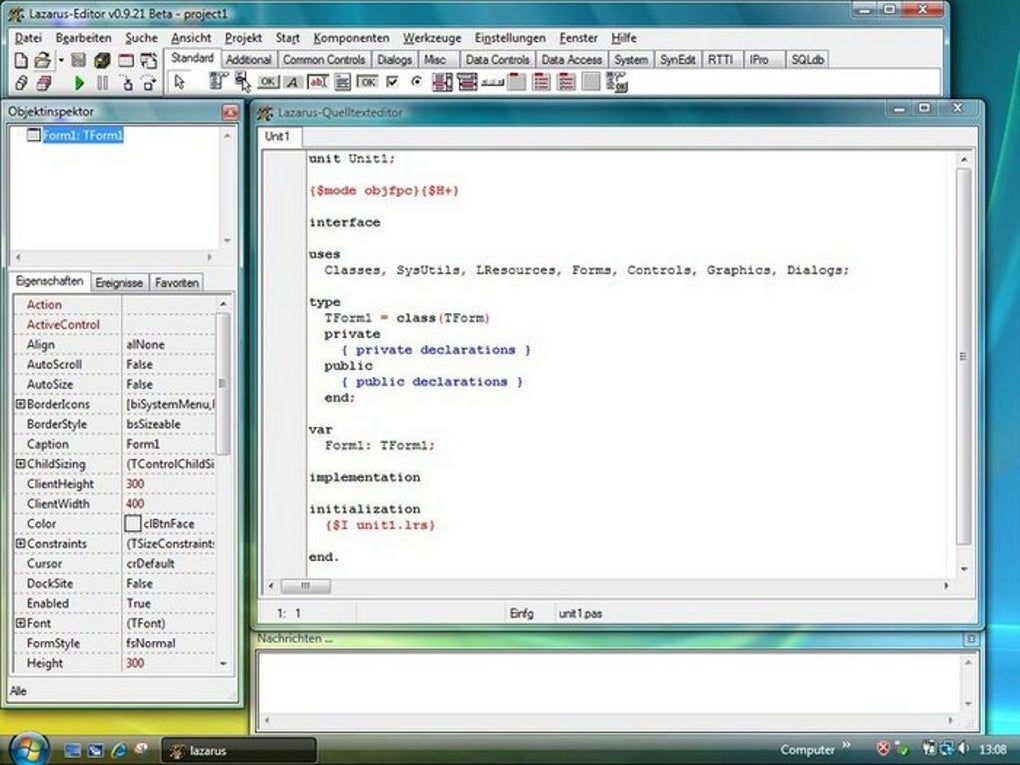
The screenshot is a historical Windows interface example from the source gallery, showing an older beta with German menus. It illustrates the editor and object inspector, not the appearance of release 4.8.
What it offers
- Design application interfaces with a drag-and-drop form designer and LCL components.
- Edit Object Pascal with syntax highlighting, code completion and source navigation.
- Build and debug projects using integrated IDE tools.
- Extend the environment with packages and additional components.
- Compile projects for supported operating systems using the appropriate target environment.
Good to know
- Delphi compatibility is partial: LCL is not an exact replacement for every VCL component or existing Delphi project.
- Cross-platform source projects must be compiled for each target; the linked Windows installer is not a package for other operating systems.
- Additional packages can use different licenses; the core-library linking exception does not establish the terms of every add-on.
Product images
Sources
References used for this listing. Retrieval dates do not indicate hands-on testing.
More in development
View category ↗
010 Editor 17.0
Inspect and edit binary files on Mac with 010 Editor, a paid text and hex editor with Binary Templates, file comparison and a 30-day trial.
010 Editor 17.0
Inspect and edit binary files with 010 Editor for Windows, a text and hex editor with Binary Templates, file comparison and scripting. Includes a 30-day trial.
10x Editor
Edit and navigate C++ projects on Windows with a built-in parser, workspace search and Visual Studio project support. A paid license is required after the 30-day trial.