
Utilities Windows
LeaderTask
Plan tasks and projects on Windows with LeaderTask's calendar, Kanban boards and offline task management. A free plan is available with paid upgrades.
What is LeaderTask?
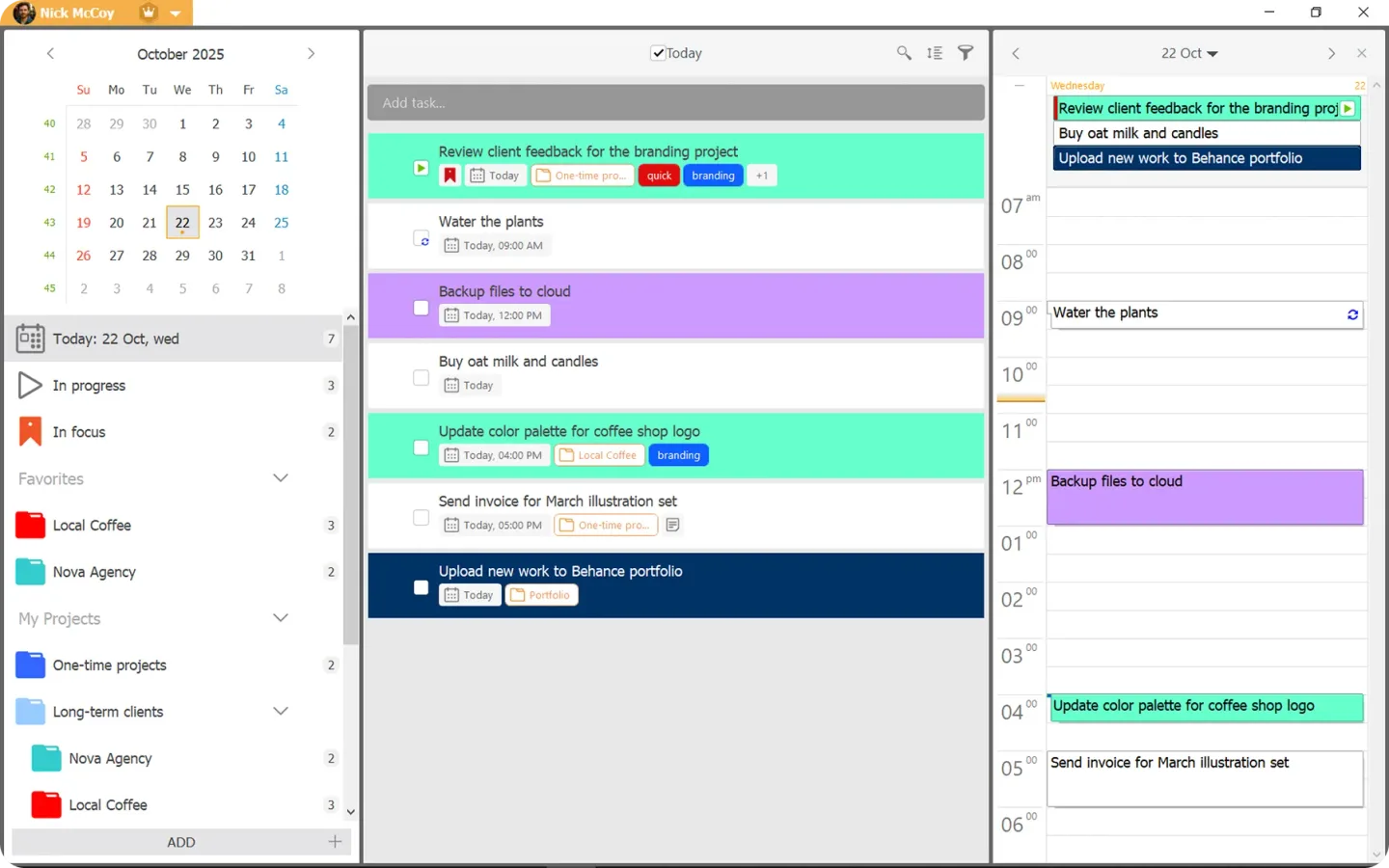
LeaderTask organizes personal tasks and shared projects in a Windows desktop app. Use calendar views to plan a day or a longer schedule, or arrange work on Kanban-style boards. Notes and files can stay alongside tasks rather than in a separate planning document. The publisher also describes offline task management, with updates applied when an internet connection returns.
The free plan is limited to 100 cards, 10 projects and 3 boards. The pricing page places cross-device sync, attachments and recurring tasks in a paid tier, with assignments and shared projects in a further collaboration tier. Check those plan boundaries before choosing it for a team: the Windows feature overview describes capabilities across the product, not a promise that every feature is free.
What it offers
- Plan work in calendar views ranging from a day to multiple years.
- Organize tasks by stage on Kanban-style boards.
- Manage tasks offline and update them when a connection returns.
- Keep notes and files with tasks; attachment availability depends on the plan.
- Share projects and assign tasks through the paid collaboration tier.
Good to know
- The free plan allows up to 100 cards, 10 projects and 3 boards.
- Cross-device sync, attachments and recurring tasks are listed in a paid tier; assignments and shared projects require the further collaboration tier.
Product images
Sources
References used for this listing. Retrieval dates do not indicate hands-on testing.
More in utilities
View category ↗
1.1.1.1 with WARP 2026.8.2115.0
Encrypt traffic from your Mac to Cloudflare’s network with WARP, or use DNS-only mode for encrypted DNS queries to the 1.1.1.1 resolver.
1.1.1.1 with WARP 2026.8.2115.0
Encrypt traffic between your Windows PC and Cloudflare, or use encrypted DNS only, with the free 1.1.1.1 with WARP app.

3uTools 9.12.005
Manage iPhone and iPad photos, music, apps and backups from Windows with 3uTools, a free utility that also includes device checks and firmware flashing tools.