

Utilities Windows
LetsView for Windows
Mirror a phone screen to a Windows PC over Wi-Fi with LetsView. Basic screen mirroring is free; Pro features and remote mirroring have separate paid limits.
- Operating system
- Windows; current minimum version not confirmed
- Architecture
- Not confirmed by the available evidence
- Download package
- EXE installer
The publisher-linked endpoint resolves to letsview-setup.exe. CPU architecture and whether it is a full offline installer are unverified.
Link checked · Download guidance
What is LetsView?
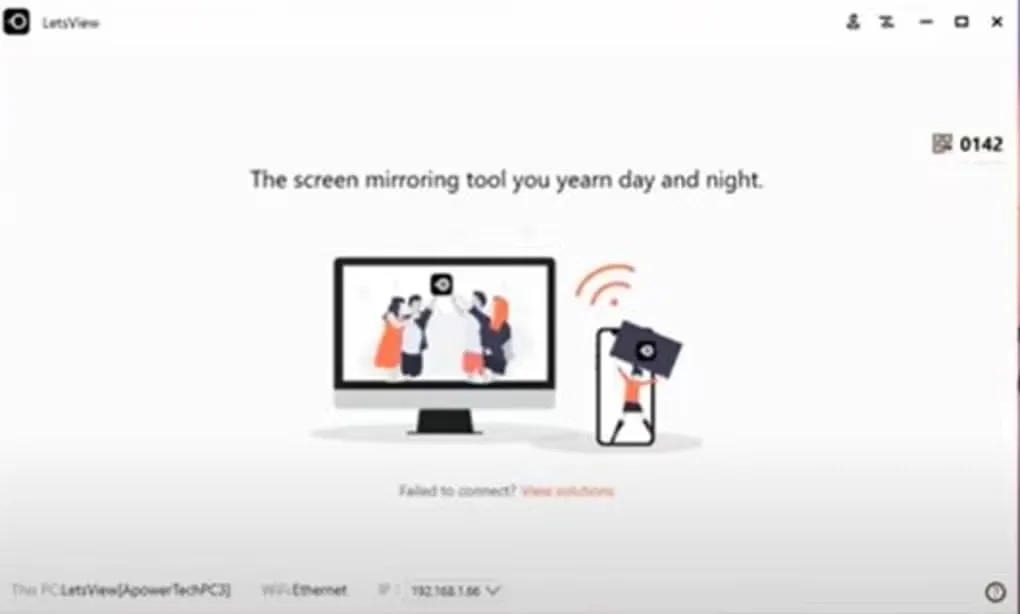
LetsView displays a phone screen on a Windows PC, making it useful for showing mobile apps, photos or presentation material on a larger display. It also supports casting a PC screen to a phone. Local mirroring uses devices on the same Wi-Fi network, with QR-code or passkey connection options.
The Windows casting tools described by Softonic include screenshots, screen recording and a whiteboard for marking up a presentation. The publisher lists AirPlay, DLNA and AMCast support. These are documented capabilities, not results from an installation or performance test.
Free basic mirroring is distinct from the paid services: Pro adds advanced local-mirroring features, while remote mirroring requires an internet connection and a separate duration-based purchase, even for Pro members. The publisher and Softonic show different Windows version labels, so the version of the linked installer is not confirmed.
What it offers
- Mirror a phone screen to a Windows PC over a local Wi-Fi network.
- Cast a computer screen to a phone using the corresponding LetsView apps.
- Connect using a QR code or passkey.
- Capture screenshots, record the mirrored screen or annotate with the whiteboard tools described by Softonic.
- Supports AirPlay, DLNA and AMCast according to the publisher.
Good to know
- Local mirroring requires both devices on the same Wi-Fi network; the publisher directs users with connection failures to its support team.
- Remote mirroring is billed separately by usage duration, including for Pro members.
- The publisher lists Win V1.2.7 dated November 6, 2023, while Softonic lists 1.1.1.5. The linked installer version and current minimum Windows requirements are unverified.
Product images
Sources
References used for this listing. Retrieval dates do not indicate hands-on testing.
- LetsView | Free Screen Mirroring App ↗Retrieved
- LetsView - Download ↗Retrieved
More in utilities
View category ↗
1.1.1.1 with WARP 2026.8.2115.0
Encrypt traffic from your Mac to Cloudflare’s network with WARP, or use DNS-only mode for encrypted DNS queries to the 1.1.1.1 resolver.
1.1.1.1 with WARP 2026.8.2115.0
Encrypt traffic between your Windows PC and Cloudflare, or use encrypted DNS only, with the free 1.1.1.1 with WARP app.

3uTools 9.12.005
Manage iPhone and iPad photos, music, apps and backups from Windows with 3uTools, a free utility that also includes device checks and firmware flashing tools.