

Utilities Windows
LibreCAD for Windows
Draw and dimension 2D plans with LibreCAD, a free, open-source CAD application for Windows with layers, snapping and DXF file support.
- Operating system
- Windows; minimum version not established by the fetched publisher sources
- Architecture
- x86-64 (64-bit)
- Download package
- EXE installer
This download is LibreCAD 2.2.1.6 for x64 Windows. A separate x86 installer is listed in the same release.
Link checked · Download guidance
What is LibreCAD?
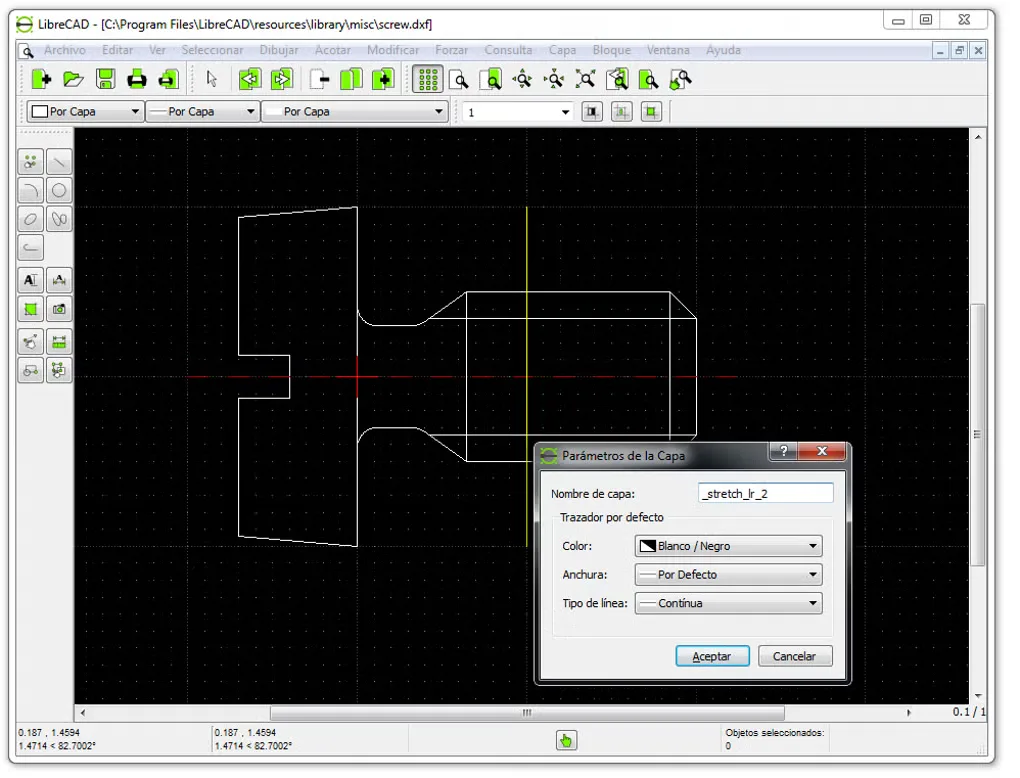
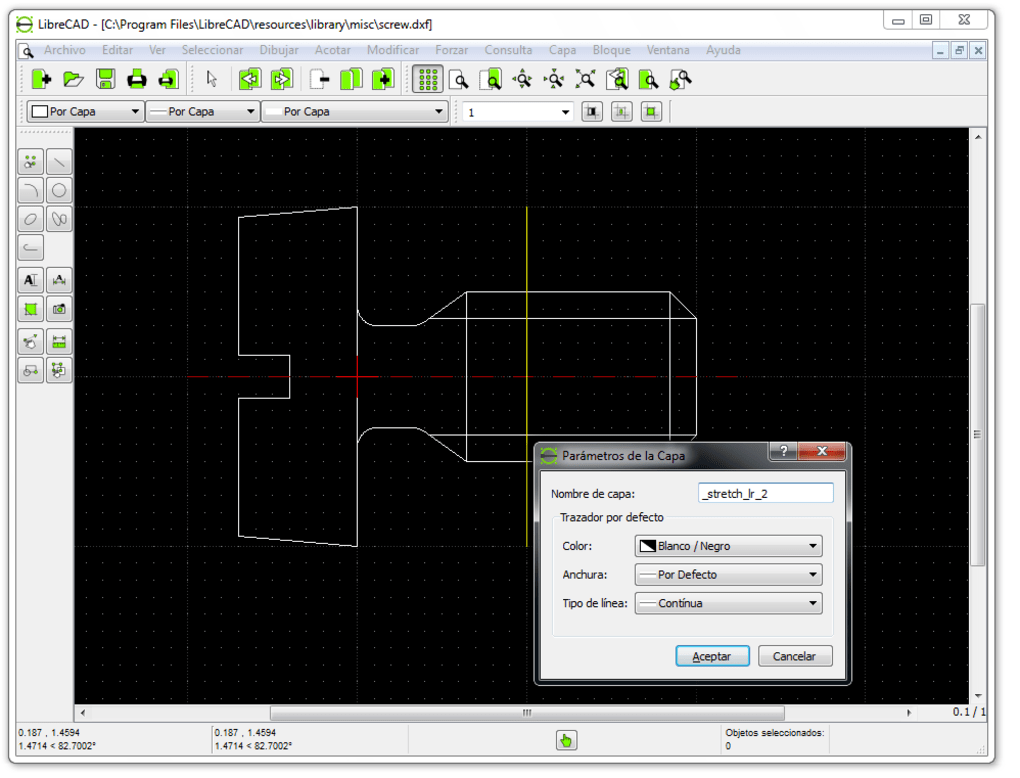
LibreCAD creates and edits two-dimensional technical drawings. Use lines, circles and curves to build a plan, separate its elements into layers, and add dimensions and text. Coordinate entry and snapping help place geometry precisely, while blocks let you reuse drawing components. Save drawings as DXF or export a PDF or SVG for sharing.
This is a drafting tool, not a 3D solid modeler. Its isometric view represents an object on a two-dimensional drawing; it does not turn that drawing into a 3D model. The linked download is the Windows x64 EXE installer for version 2.2.1.6; the publisher provides a separate 32-bit package.
What it offers
- Create and edit lines, polylines, circles, ellipses and splines.
- Place geometry using coordinates and snapping, and organize it into layers and reusable blocks.
- Annotate drawings with dimensions, text and hatch fills.
- Read and save DXF drawings, and export PDF or SVG files.
Good to know
- Designed for 2D drafting, not 3D solid modeling; isometric drawings remain two-dimensional.
Product images
Sources
References used for this listing. Retrieval dates do not indicate hands-on testing.
- LibreCAD — official application and Windows download links ↗Retrieved
- LibreCAD 2.2.1.6 — publisher release metadata and asset table ↗Retrieved
- LibreCAD 2.2.1.6 — pinned README ↗Retrieved
- LibreCAD 2.2.1.6 — license and contributors ↗Retrieved
- LibreCAD User Manual — application features ↗Retrieved
- LibreCAD User Manual — coordinates, layers and isometric drawings ↗Retrieved
- LibreCAD User Manual — drawing and annotation tools ↗Retrieved
- LibreCAD - Download — Windows screenshot gallery ↗Retrieved
More in utilities
View category ↗
1.1.1.1 with WARP 2026.8.2115.0
Encrypt traffic from your Mac to Cloudflare’s network with WARP, or use DNS-only mode for encrypted DNS queries to the 1.1.1.1 resolver.
1.1.1.1 with WARP 2026.8.2115.0
Encrypt traffic between your Windows PC and Cloudflare, or use encrypted DNS only, with the free 1.1.1.1 with WARP app.

3uTools 9.12.005
Manage iPhone and iPad photos, music, apps and backups from Windows with 3uTools, a free utility that also includes device checks and firmware flashing tools.