
Development Windows
Liquibase Community
Track and deploy database schema changes from versioned changelogs with Liquibase Community for Windows, a Java-based command-line tool for development workflows.
- Operating system
- Windows with a supported Java installation
- Architecture
- Java-based distribution; compatible runtime required
- Download package
- ZIP archive
Java 17 minimum. Manual ZIP installation requires Java and PATH configuration; the separate installer includes Java.
Link checked · Download guidance
What is Liquibase Community?
Liquibase Community manages database schema changes as a sequence of changesets in a changelog. Developers can store those files alongside application code, then use the update command to apply changes that have not yet been deployed. This makes it useful for teams that need a repeatable database migration process rather than a collection of manually executed scripts.
Changelogs can use SQL, XML, YAML or JSON. SQL changelogs let you specify statements directly; the structured formats can describe change types that Liquibase turns into database-specific SQL. Contexts, labels and preconditions help control which changes run in each environment. Liquibase also integrates with tools such as Maven, Gradle and Spring Boot.
The linked download is the publisher's 5.0.4 ZIP distribution, not the Windows installer. Extract it, install a supported Java runtime and configure PATH for command-line use. Version 5.0.4 requires Java 17 or newer. Community is licensed under FSL-1.1-ALv2, which permits internal use but restricts competing commercial offerings; it is not an unrestricted open-source license.
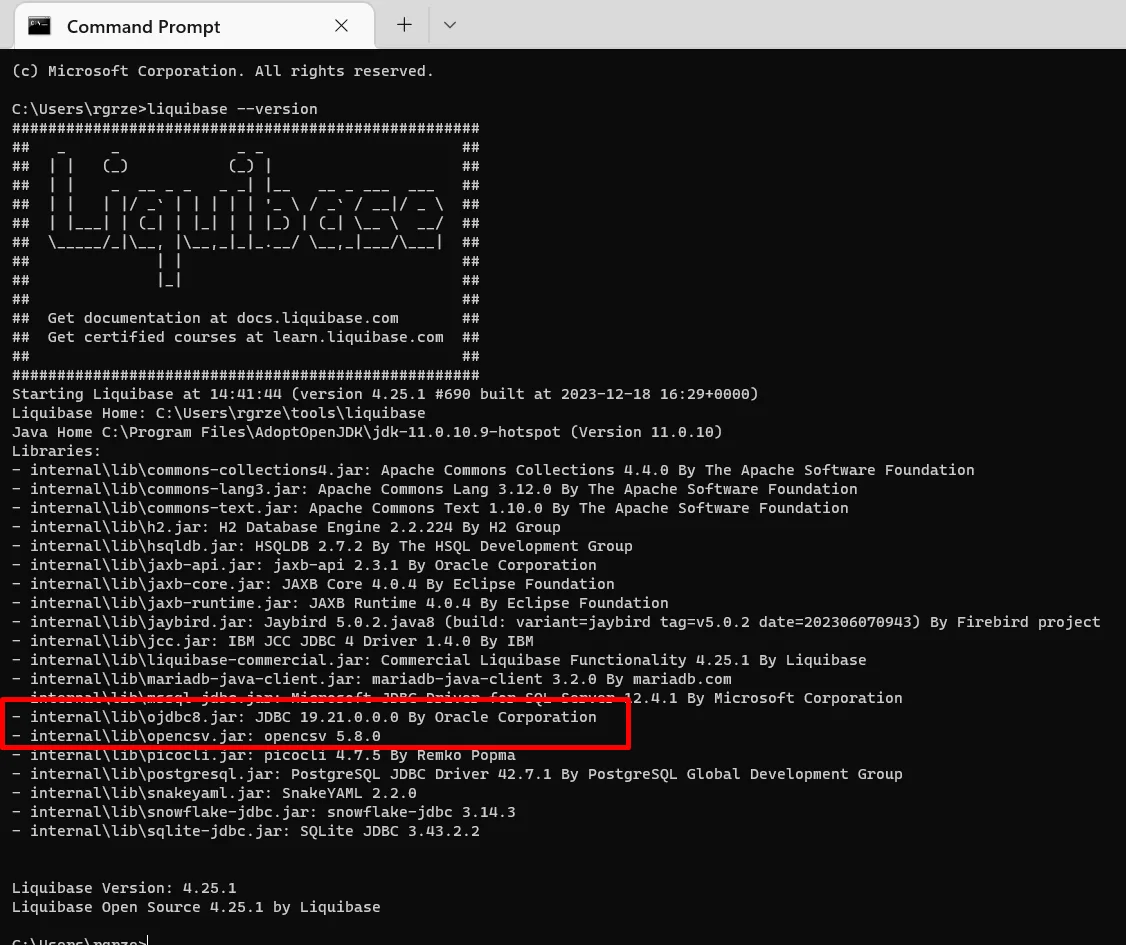
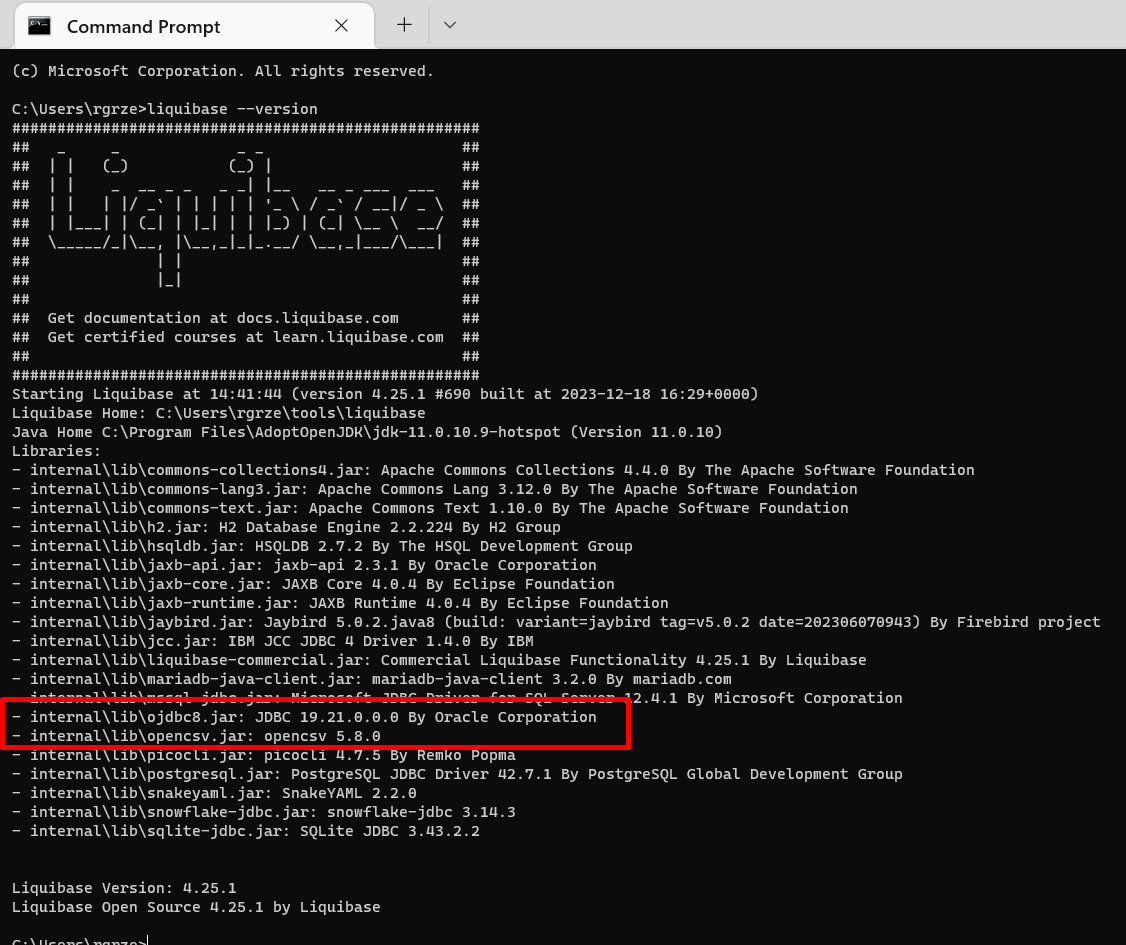
The screenshot is a historical Windows command-line example showing Liquibase 4.25.1. Its Java and library versions illustrate that older setup, not the requirements or bundled contents of the linked 5.0.4 release.
What it offers
- Apply pending database changesets from a version-controlled changelog.
- Write changelogs in SQL, XML, YAML or JSON.
- Use contexts, labels and preconditions to select and constrain database changes.
- Integrate schema migrations with Maven, Gradle, Spring Boot and CI/CD workflows.
- Explore the command-line workflow with the publisher's H2 sandbox tutorial.
Good to know
- The ZIP distribution requires a separately installed Java runtime; version 5.0.4 requires Java 17 or newer and manual PATH setup.
- FSL-1.1-ALv2 restricts competing commercial uses; check the license before including Liquibase in a competing product or service.
- Features advertised for Liquibase Secure, including policy checks, drift detection and targeted rollback, are not presented here as Community features.
Product images
Sources
References used for this listing. Retrieval dates do not indicate hands-on testing.
- Download Liquibase Community — publisher overview ↗Retrieved
- Liquibase — official repository README ↗Retrieved
- Liquibase official GitHub release metadata ↗Retrieved
- Community 5.0.4: Install Liquibase on Windows ↗Retrieved
- Community 5.0.4: System requirements ↗Retrieved
- Community 5.0: What is a Changelog? ↗Retrieved
- Liquibase v5.0.4 — Functional Source License ↗Retrieved
- Community 5.0.4: Run Liquibase against the H2 sandbox ↗Retrieved
- Rafal Grzegorczyk — standalone Liquibase installation on Mac and Windows ↗Retrieved
More in development
View category ↗
010 Editor 17.0
Inspect and edit binary files on Mac with 010 Editor, a paid text and hex editor with Binary Templates, file comparison and a 30-day trial.
010 Editor 17.0
Inspect and edit binary files with 010 Editor for Windows, a text and hex editor with Binary Templates, file comparison and scripting. Includes a 30-day trial.
10x Editor
Edit and navigate C++ projects on Windows with a built-in parser, workspace search and Visual Studio project support. A paid license is required after the 30-day trial.