

Utilities Windows
LocalSend for Windows
Send files and text from Windows to nearby devices over your local network with LocalSend, a free, open-source alternative to cloud file sharing.
- Operating system
- Windows 10 or later
- Architecture
- x86-64 (64-bit Intel/AMD)
- Download package
- EXE installer
This link is the Windows x86-64 desktop installer, not the separate CLI executable. Portable ZIP packages are available separately. Local transfers require a reachable local network.
Link checked · Download guidance
What is LocalSend?
LocalSend moves photos, documents, folders and text between nearby devices without uploading them to a cloud service. Its Windows app works alongside LocalSend on macOS, Linux, Android and iOS, making it useful for moving files between a PC and a phone. You select what to send and choose a nearby device; no account or internet connection is required for local transfers.
Transfers use HTTPS encryption over the local network. This is not a remote-sharing service: devices need to be on the same local network and able to communicate with each other. Firewall rules or a guest network with access-point isolation can prevent discovery or transfers. The publisher documents TCP and UDP port 53317 for incoming traffic when troubleshooting.
The linked package is the Windows x86-64 EXE installer for version 1.18.2. The publisher lists Windows 10 as the minimum supported Windows version and provides separate portable packages. LocalSend does not include automatic updates; the project recommends an app store or package manager for users who want managed updates.
What it offers
- Share files, folders and text with nearby devices over the local network.
- Transfer between Windows, macOS, Linux, Android and iOS devices running LocalSend.
- Use local transfers without an internet connection, account or third-party server.
- Encrypt transfers with HTTPS; optional PIN verification is described by the publisher.
Good to know
- Not for remote internet sharing: devices must share a local network and be able to communicate.
- Firewalls and access-point isolation can block discovery or transfers; network configuration may be needed.
- No built-in automatic updates; direct installer users must manage updates themselves or use a supported package manager.
Product images
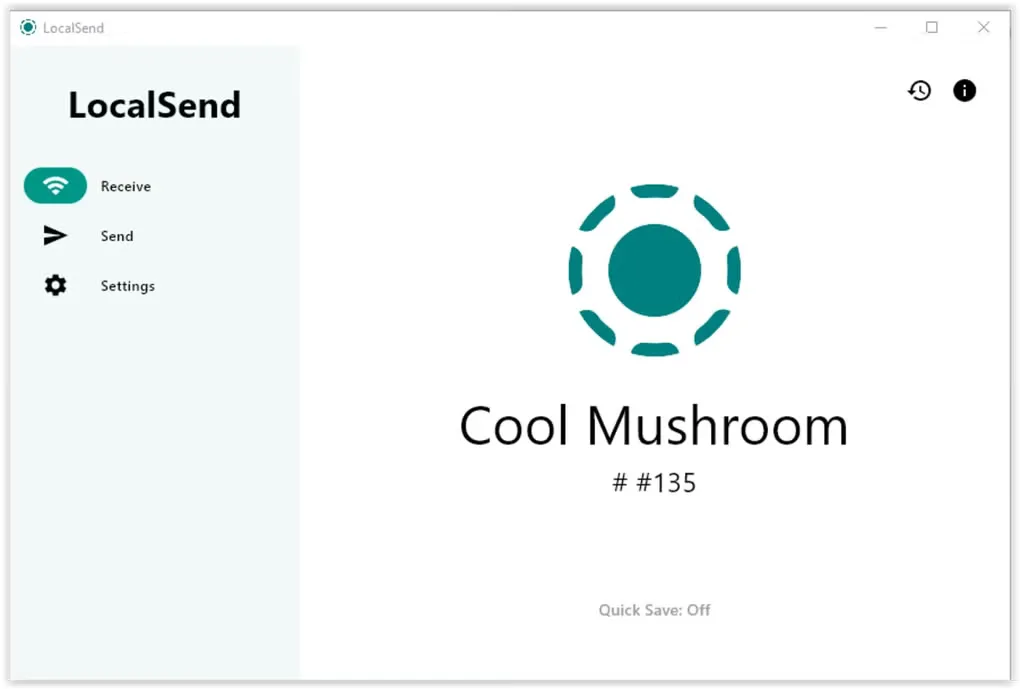
Sources
References used for this listing. Retrieval dates do not indicate hands-on testing.
- LocalSend: Share files to nearby devices ↗Retrieved
- LocalSend official repository — README and compatibility ↗Retrieved
- Release v1.18.2 — LocalSend ↗Retrieved
- LocalSend v1.18.2 — publisher release assets ↗Retrieved
- LocalSend v1.18.2 — Apache License 2.0 ↗Retrieved
- LocalSend - Download — Windows product page and gallery ↗Retrieved
More in utilities
View category ↗
1.1.1.1 with WARP 2026.8.2115.0
Encrypt traffic from your Mac to Cloudflare’s network with WARP, or use DNS-only mode for encrypted DNS queries to the 1.1.1.1 resolver.
1.1.1.1 with WARP 2026.8.2115.0
Encrypt traffic between your Windows PC and Cloudflare, or use encrypted DNS only, with the free 1.1.1.1 with WARP app.

3uTools 9.12.005
Manage iPhone and iPad photos, music, apps and backups from Windows with 3uTools, a free utility that also includes device checks and firmware flashing tools.