
Utilities macOS
Mac Mouse Fix
Customize mouse buttons, add trackpad-style gestures and adjust scroll-wheel smoothing on macOS with Mac Mouse Fix. Version 3 offers a 30-day trial before purchase.
Version 3.1.0 · Direct publisher file
Link checked · Download guidance
What is Mac Mouse Fix?
Mac Mouse Fix gives a third-party mouse more ways to navigate macOS. Assign actions or keyboard shortcuts to mouse buttons, use click-and-drag gestures to move between desktops or open Mission Control, and choose how much smoothing to apply to scroll-wheel movement. Mouse scrolling direction can be changed independently of a trackpad.
It suits people who want to keep using a conventional mouse while gaining shortcuts normally associated with a trackpad. The publisher's example gesture layout uses a five-button mouse; mice with fewer buttons can still work, but some actions are less convenient to reach. Apple Magic Mouse is not supported, and some mice designed for proprietary drivers do not expose every button to Mac Mouse Fix.
This entry links to the publisher's version 3.1.0 application ZIP. Version 3 is free for 30 days of actual use, followed by a one-time purchase; the website lists $2.99 before local taxes. The source is available under the custom MMF License, not an unrestricted freeware license. The README recommends macOS 11 Big Sur or later, while the 3.1.0 release notes also state continued support for macOS 10.15 Catalina. That difference is retained rather than treating older-system compatibility as tested.
What it offers
- Assign mouse buttons to actions and keyboard shortcuts, including double-click and click-and-drag combinations.
- Use mouse gestures for Mission Control, desktop switching, App Exposé and supported in-app navigation.
- Choose High, Regular or Off scroll smoothing and change mouse scrolling direction independently of a trackpad.
- Use button-and-scroll combinations for zooming and button-and-drag gestures for multidirectional scrolling.
Good to know
- Apple Magic Mouse is not supported; some mice that rely on proprietary drivers do not expose all buttons.
- The publisher's full example gesture layout needs at least five mouse buttons; fewer-button mice make some features less accessible.
- Version 3 requires purchase after 30 days of actual use.
- The README recommends macOS 11 or later, but version 3.1.0 release notes also claim macOS 10.15 support; older-system behavior was not tested.
Product images
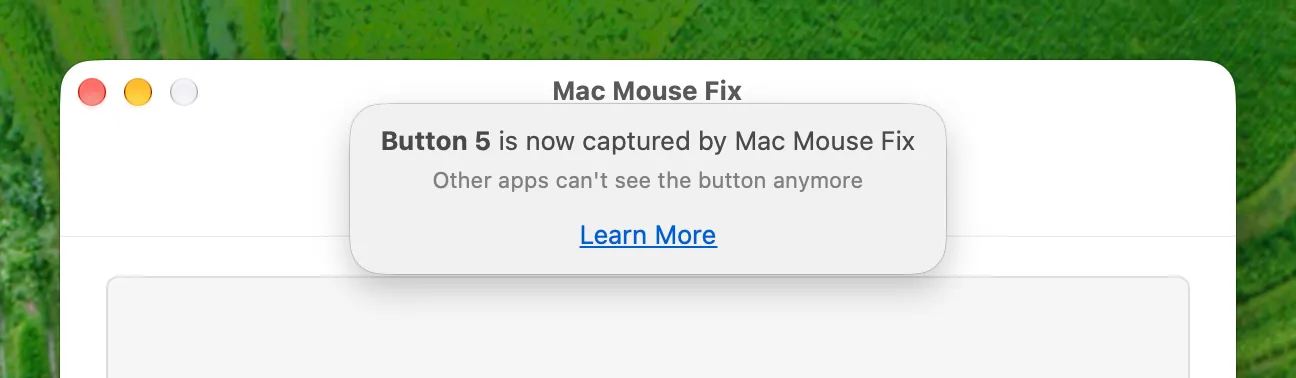
Sources
References used for this listing. Retrieval dates do not indicate hands-on testing.
- Mac Mouse Fix — publisher features, compatibility notes and pricing ↗Retrieved
- Mac Mouse Fix — official README ↗Retrieved
- Official GitHub release metadata — Mac Mouse Fix 3.1.0 ↗Retrieved
- MMF License — publisher source terms ↗Retrieved
- Publisher repository — English captured UI screenshots ↗Retrieved
More in utilities
View category ↗
1.1.1.1 with WARP 2026.8.2115.0
Encrypt traffic from your Mac to Cloudflare’s network with WARP, or use DNS-only mode for encrypted DNS queries to the 1.1.1.1 resolver.
1.1.1.1 with WARP 2026.8.2115.0
Encrypt traffic between your Windows PC and Cloudflare, or use encrypted DNS only, with the free 1.1.1.1 with WARP app.

3uTools 9.12.005
Manage iPhone and iPad photos, music, apps and backups from Windows with 3uTools, a free utility that also includes device checks and firmware flashing tools.