

Utilities macOS
Maccy for macOS
Search and reuse copied text with Maccy, a free, open-source clipboard manager for macOS 14 or later, with keyboard shortcuts and pinned history items.
What is Maccy?
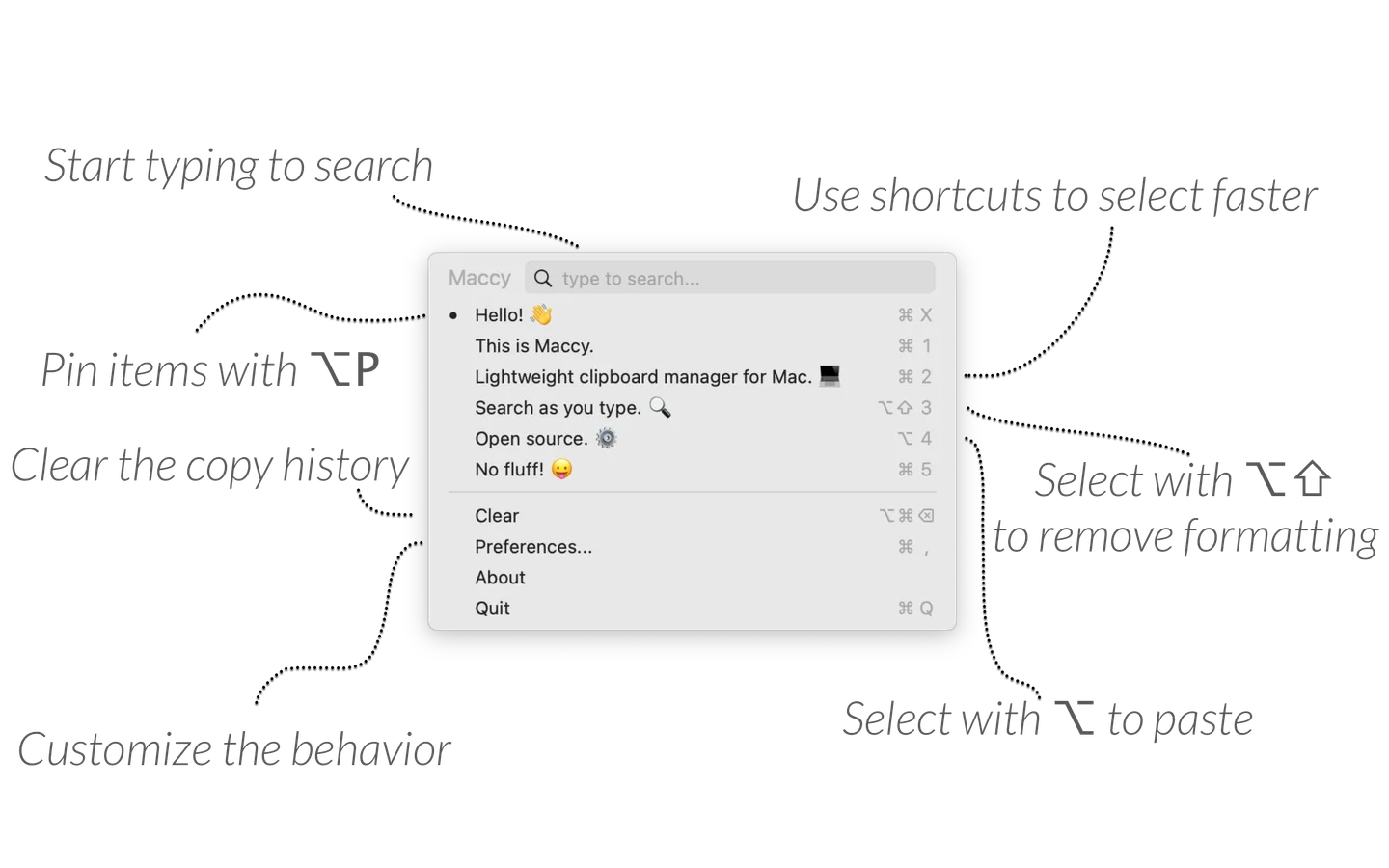
Maccy keeps a history of clipboard contents so you can find and copy an earlier item instead of returning to its original application. Open its native macOS interface from the menu bar or a keyboard shortcut, type to search, and select the result you need. Pin frequently reused items to keep them at the top, or choose a paste-without-formatting shortcut when you only need plain text. The publisher states that history is stored on your computer.
This entry links to the publisher's Maccy.app.zip release asset for version 2.8.0, not a source-code archive. Maccy requires macOS Sonoma 14 or later. Automatic pasting requires the Paste automatically setting and macOS Accessibility permission; selecting a history item is not a guarantee that another application will receive a paste. The publisher also documents a macOS restriction on character-producing shortcuts in password fields.
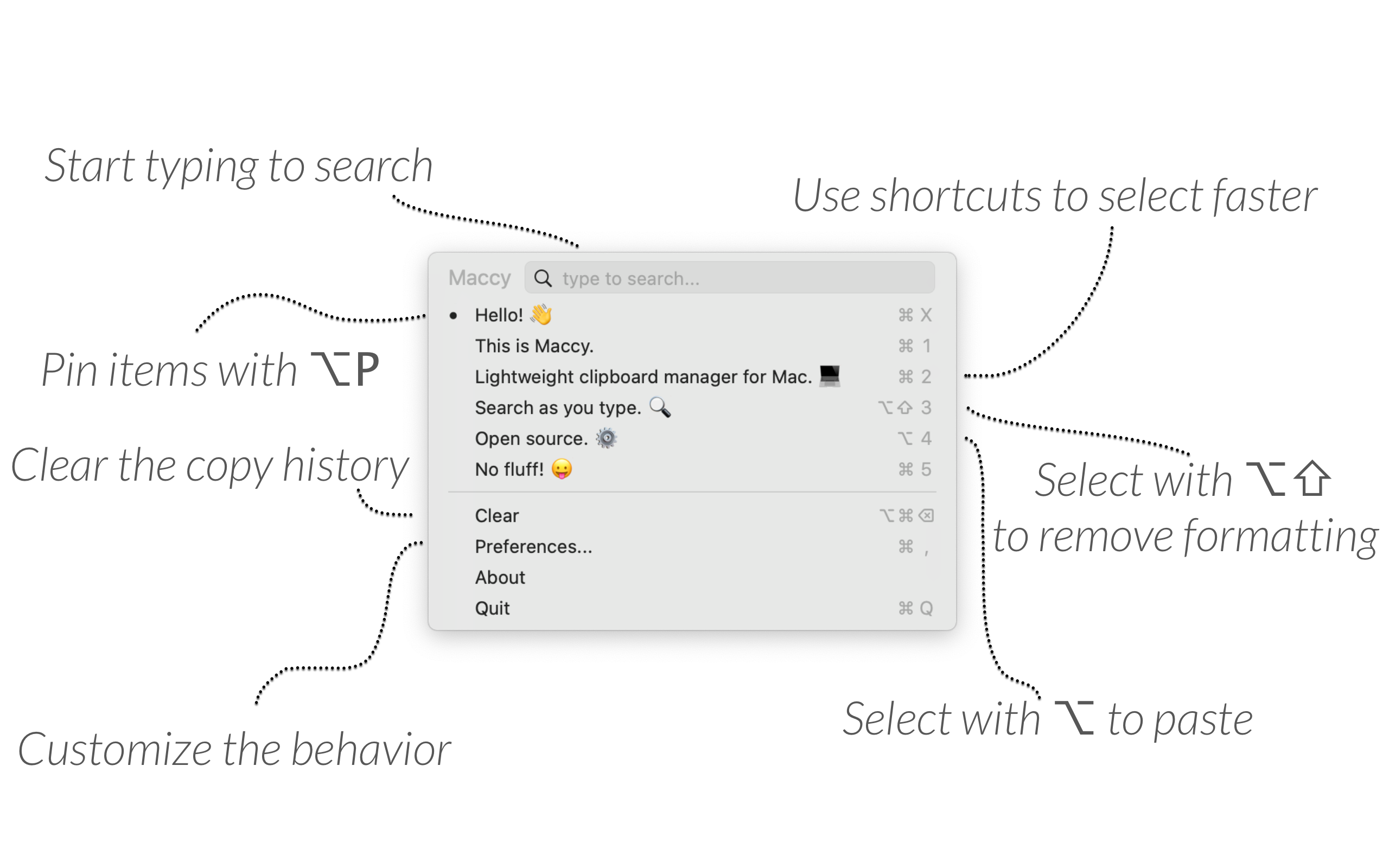
The image is the publisher's annotated interface example, showing search, clipboard entries and menu commands. It illustrates the workflow rather than establishing the exact appearance of version 2.8.0.
What it offers
- Search previous clipboard contents by typing in the Maccy interface.
- Open the history from the menu bar or a keyboard shortcut and select items from the keyboard.
- Pin reusable history items and clear unpinned entries when they are no longer needed.
- Choose paste-without-formatting shortcuts for supported clipboard contents.
- Pause collection of new copies or ignore the next copy; confidential and temporary clipboard types are excluded as documented by the publisher.
Good to know
- Requires macOS Sonoma 14 or later; this is not a Windows or Android application.
- Automatic pasting requires Paste automatically to be enabled and Maccy to have macOS Accessibility permission.
- macOS may block character-producing keyboard shortcuts in password fields; the publisher documents using a different shortcut combination.
Product images
Sources
References used for this listing. Retrieval dates do not indicate hands-on testing.
- Maccy - macOS clipboard manager ↗Retrieved
- Maccy publisher README — usage, requirements and limitations ↗Retrieved
- Release 2.8.0 · p0deje/Maccy ↗Retrieved
- Maccy 2.8.0 publisher release assets ↗Retrieved
- Maccy MIT License ↗Retrieved
More in utilities
View category ↗
1.1.1.1 with WARP 2026.8.2115.0
Encrypt traffic from your Mac to Cloudflare’s network with WARP, or use DNS-only mode for encrypted DNS queries to the 1.1.1.1 resolver.
1.1.1.1 with WARP 2026.8.2115.0
Encrypt traffic between your Windows PC and Cloudflare, or use encrypted DNS only, with the free 1.1.1.1 with WARP app.

3uTools 9.12.005
Manage iPhone and iPad photos, music, apps and backups from Windows with 3uTools, a free utility that also includes device checks and firmware flashing tools.