
Utilities Windows
Macro Scheduler
Record clicks and keystrokes, edit automation scripts and schedule repetitive Windows tasks with Macro Scheduler, a commercial tool with a 30-day Standard trial.
- Operating system
- Windows 10 and Windows 11, as advertised on the official homepage
- Architecture
- Not specified by the inspected homepage
- Download package
- EXE installer; Standard trial
Publisher-linked filename identifies build 15.5.09. Architecture and compatibility were not checked by running the package.
Link checked · Download guidance
What is Macro Scheduler?
Macro Scheduler combines a keyboard and mouse recorder with a script editor and built-in scheduler. It is designed for repeated work across Windows desktop applications, including older software: capture the actions, refine the script with code builders or wizards, and choose when it should run. The editor includes a debugger for stepping through macros and inspecting variables.
The publisher also lists screen image recognition and Chrome and Edge automation functions for workflows that cross desktop and browser applications. These are automation-building tools, not a guarantee that an arbitrary workflow will work unchanged. The publisher recommends configuring and testing automations before deployment.
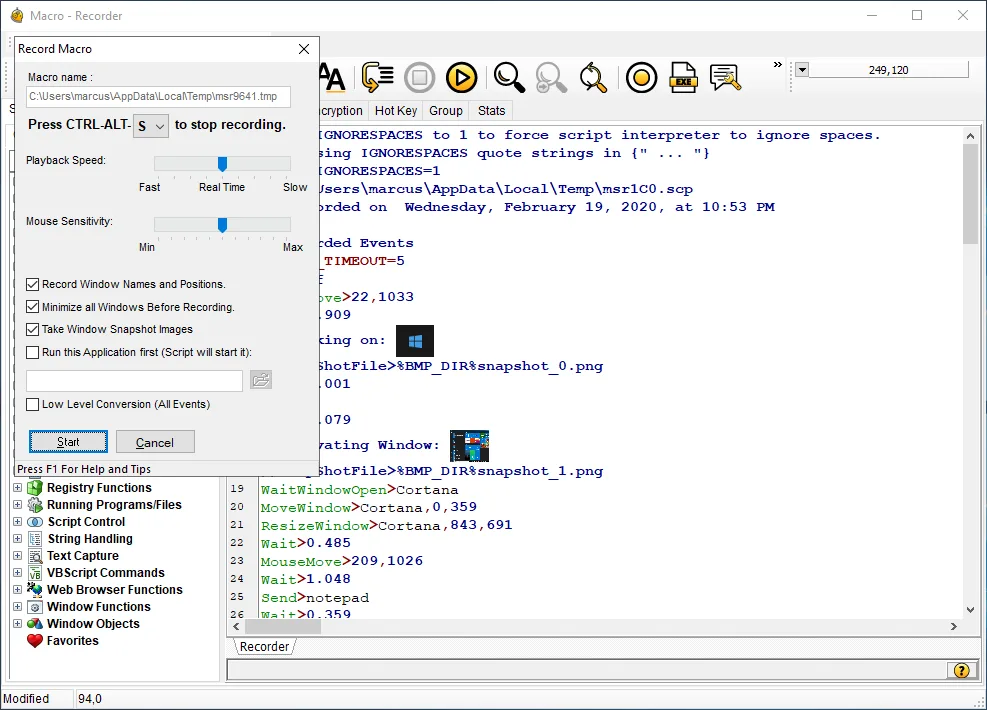
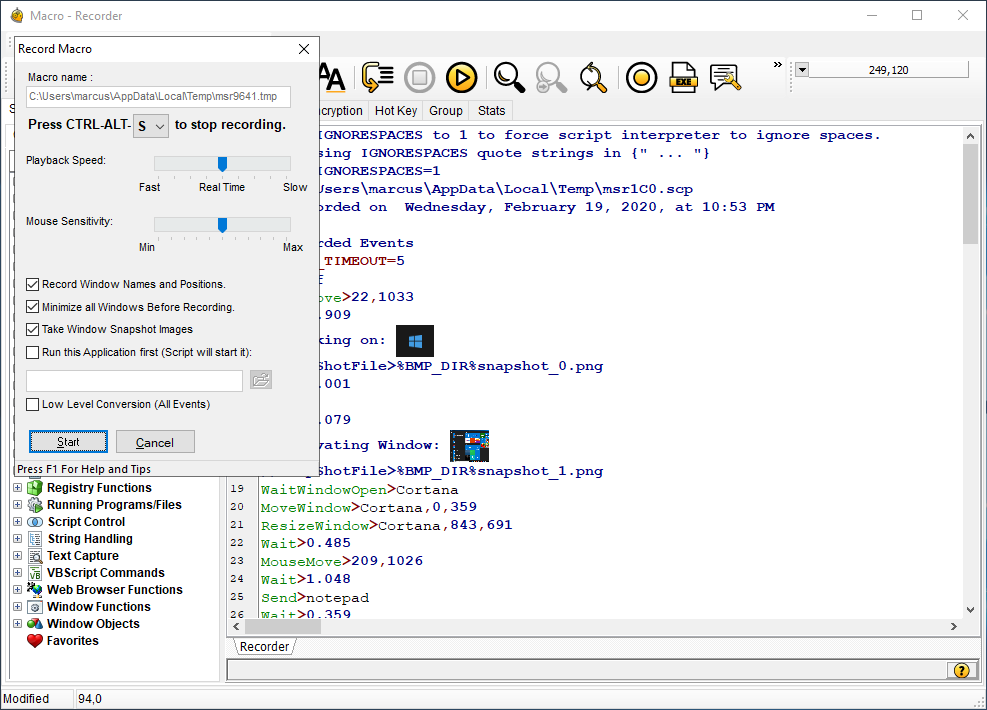
The linked EXE is the Standard trial offered on the official homepage, whose download filename identifies build 15.5.09. The homepage advertises Windows 10 and 11 and a 30-day trial. Softonic still lists 14.1.02 and older Windows information; those legacy details are not used to describe this package. The screenshot comes from the publisher and illustrates its recorder and script editor; it is not a screenshot captured from an installed copy of the linked build.
What it offers
- Record keyboard and mouse actions, then refine macros in the script editor.
- Use code builders and wizards when constructing Windows automations.
- Step through macros and inspect variables with the debugger.
- Schedule automations for selected times, days or system events.
- Build desktop and browser workflows with screen image recognition and Chrome and Edge functions.
Good to know
- The Standard trial lasts 30 days; continued licensed use requires a paid plan or licence.
- Features vary by licence: the publisher includes the executable compiler with the Professional licence, not every plan.
- Automation requires workflow-specific configuration and testing; unattended reliability has not been independently verified here.
Product images
Sources
References used for this listing. Retrieval dates do not indicate hands-on testing.
More in utilities
View category ↗
1.1.1.1 with WARP 2026.8.2115.0
Encrypt traffic from your Mac to Cloudflare’s network with WARP, or use DNS-only mode for encrypted DNS queries to the 1.1.1.1 resolver.
1.1.1.1 with WARP 2026.8.2115.0
Encrypt traffic between your Windows PC and Cloudflare, or use encrypted DNS only, with the free 1.1.1.1 with WARP app.

3uTools 9.12.005
Manage iPhone and iPad photos, music, apps and backups from Windows with 3uTools, a free utility that also includes device checks and firmware flashing tools.