
Utilities Windows
Macrorit Partition Expert Free Edition
Resize, move, create and format Windows partitions with Macrorit Partition Expert Free Edition, a disk manager for home use on MBR and GPT disks.
- Operating system
- Windows 11, 10, 8, 7, Vista and XP
- Architecture
- 32-bit and 64-bit Windows
- Download package
- ZIP archive containing the installation package
Publisher lists 32/64-bit Windows support. Portable edition is a separate download; package contents were not downloaded or inspected.
Link checked · Download guidance
What is Macrorit Partition Expert Free Edition?
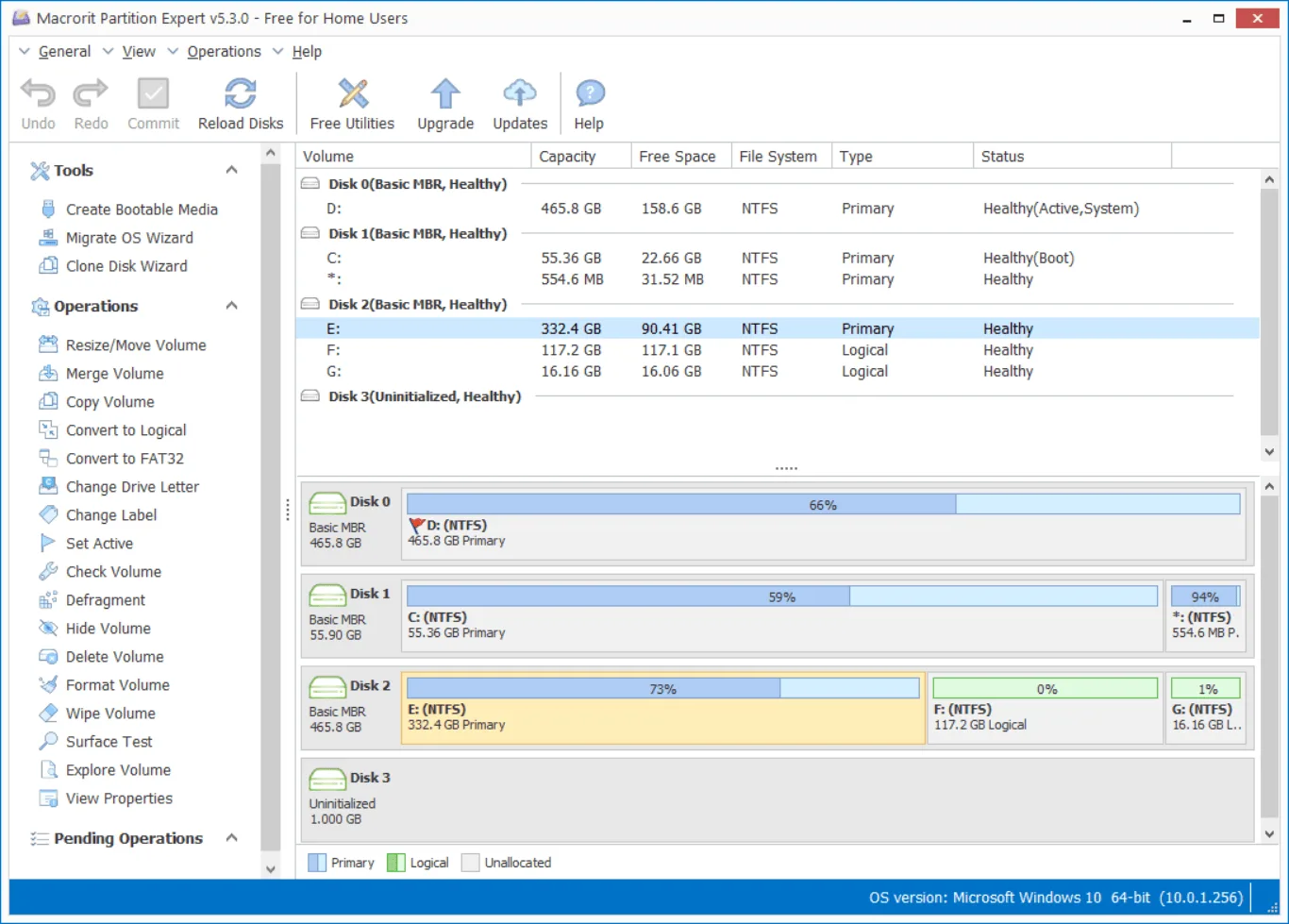
Macrorit Partition Expert Free Edition manages disk partitions on a home Windows PC. It can resize or move volumes, create and format partitions, and show how space is divided across MBR and GPT disks. The operation list and undo, redo and commit controls help you review queued changes before applying them.
Additional tools include partition surface tests, drive-letter and label changes, and volume wiping. The publisher offers both an installation package and a portable edition; the download linked here is the installation-package ZIP archive, not the portable package.
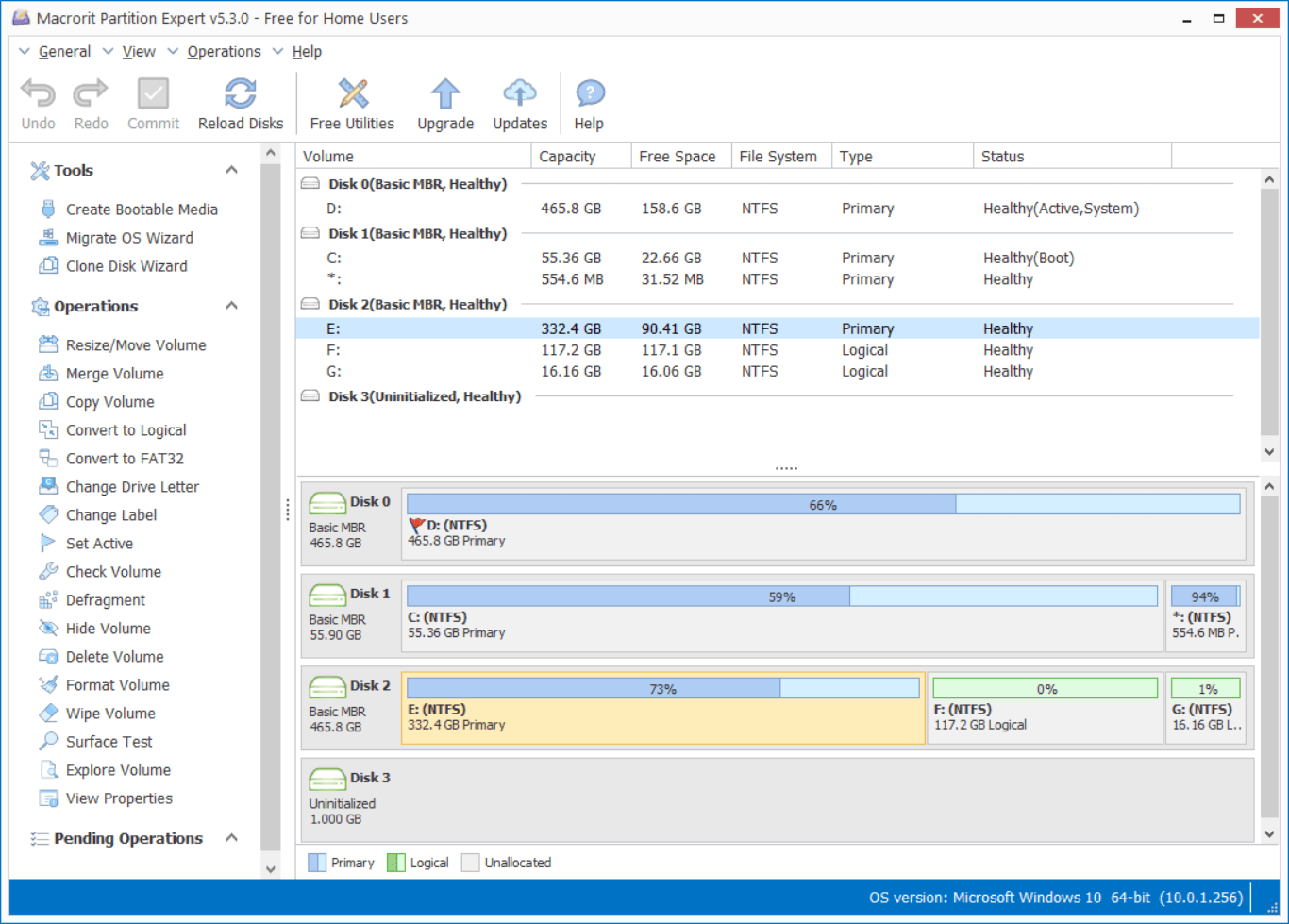
Free Edition is intended for home use: the publisher’s comparison table excludes commercial use, Windows Server support and WinPE bootable media. The product page also excludes Apple Boot Camp partitions. The screenshot is the publisher’s older v5.3.0 Free for Home Users interface, not a capture of the listed 8.9.2 release.
What it offers
- Resize, move, create and format partitions on MBR and GPT disks.
- Review pending operations with undo, redo and commit controls.
- Run partition surface tests to check for bad sectors.
- Change drive letters and labels, hide volumes or wipe partition data.
- Choose an installation package or a separate portable edition.
Good to know
- Free Edition does not allow commercial use, according to the publisher’s edition comparison.
- Windows Server support and WinPE bootable media are not included in Free Edition.
- Apple Boot Camp partitions are not supported.
Product images
Sources
References used for this listing. Retrieval dates do not indicate hands-on testing.
More in utilities
View category ↗
1.1.1.1 with WARP 2026.8.2115.0
Encrypt traffic from your Mac to Cloudflare’s network with WARP, or use DNS-only mode for encrypted DNS queries to the 1.1.1.1 resolver.
1.1.1.1 with WARP 2026.8.2115.0
Encrypt traffic between your Windows PC and Cloudflare, or use encrypted DNS only, with the free 1.1.1.1 with WARP app.

3uTools 9.12.005
Manage iPhone and iPad photos, music, apps and backups from Windows with 3uTools, a free utility that also includes device checks and firmware flashing tools.