

Utilities Windows
Mailbird for Windows
Read and organize email from Gmail, Outlook, iCloud, Yahoo or IMAP in Mailbird for Windows. Free supports one account; Premium adds multiple accounts and integrations.
What is Mailbird?
Mailbird is a desktop email client for reading, replying to and organizing messages without keeping separate webmail tabs open. The publisher’s current Mailbird Next offering supports Gmail, Outlook, Microsoft 365, iCloud, Yahoo and IMAP accounts. Its Free plan handles one account, while Premium brings multiple accounts into a unified inbox.
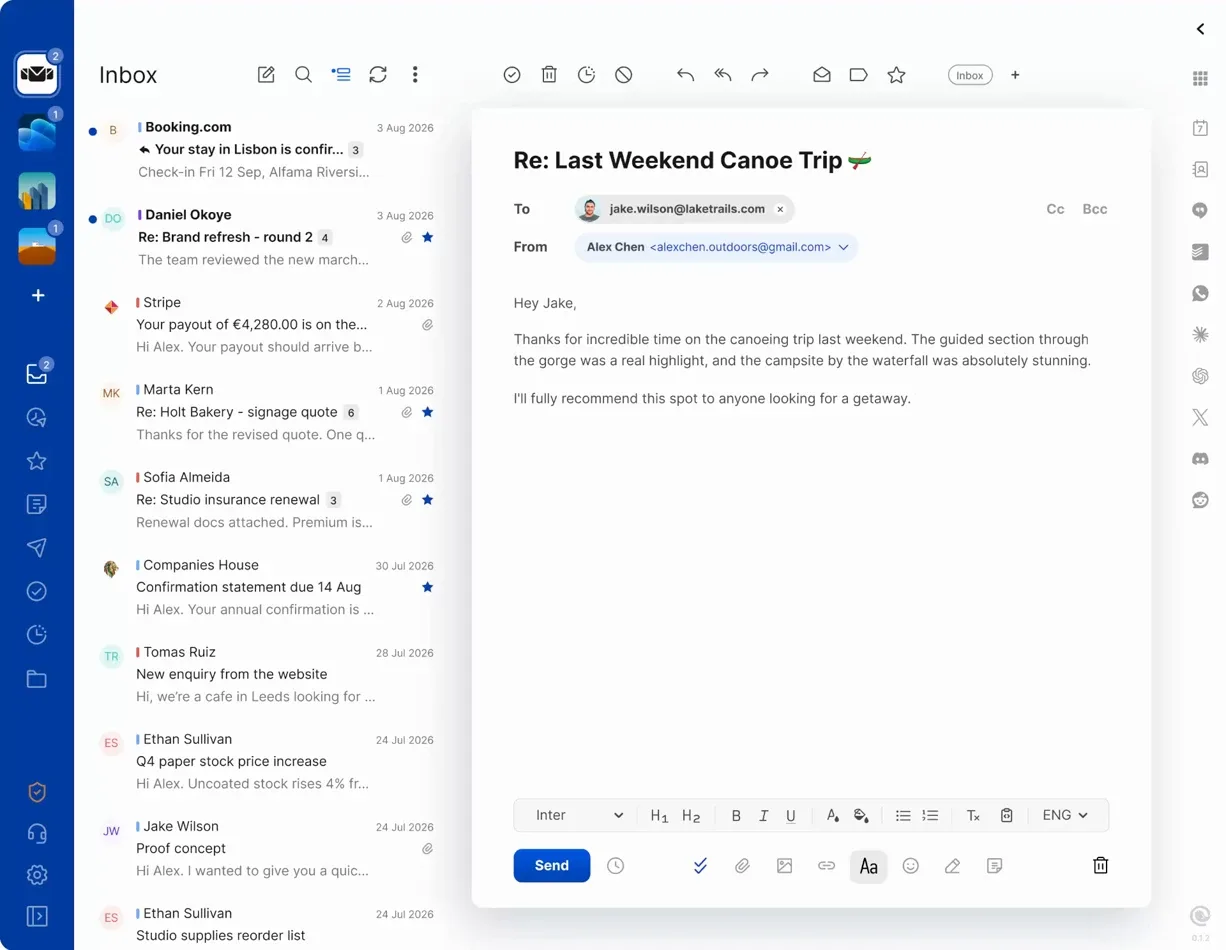
Premium also adds app integrations in a side panel, scheduled sending, snippets and advanced search. Light and dark themes and controls for remote images and tracking pixels are available on all plans. This makes the plan choice important: a single personal inbox fits the Free limit, but combining work and personal mail requires Premium after the seven-day trial.
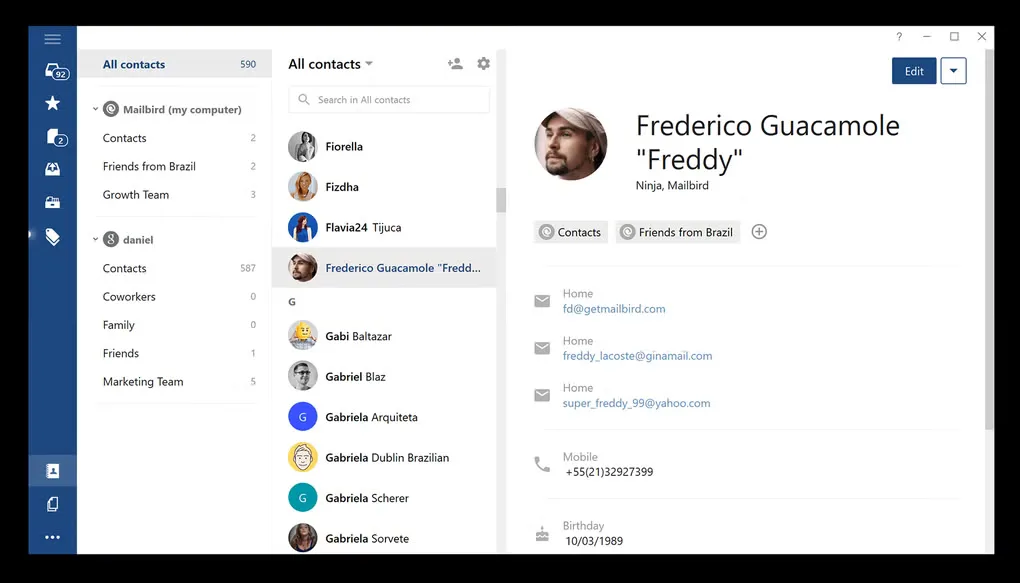
The download link points to the publisher’s default Windows EXE installer. Its exact internal version and CPU architecture were not exposed by the HEAD check, so neither is asserted here. The first image is the publisher’s current Mailbird Next inbox preview; the second is an older Windows contacts view from Softonic’s gallery. Neither image is an installation test of the linked package.
What it offers
- Connect Gmail, Outlook, Microsoft 365, iCloud, Yahoo or IMAP email accounts.
- Bring multiple accounts into a unified inbox with Premium.
- Use Premium app integrations in a side panel alongside email.
- Schedule messages, reuse snippets and use advanced search with Premium.
- Choose light or dark themes and control remote images and tracking pixels.
Good to know
- The Free plan is limited to one email account; multiple accounts and Premium tools require an upgrade after the seven-day trial.
- The linked installer’s exact version and CPU architecture are unconfirmed; publisher screenshots illustrate the interface rather than a tested installation.
Product images
Sources
References used for this listing. Retrieval dates do not indicate hands-on testing.
More in utilities
View category ↗
1.1.1.1 with WARP 2026.8.2115.0
Encrypt traffic from your Mac to Cloudflare’s network with WARP, or use DNS-only mode for encrypted DNS queries to the 1.1.1.1 resolver.
1.1.1.1 with WARP 2026.8.2115.0
Encrypt traffic between your Windows PC and Cloudflare, or use encrypted DNS only, with the free 1.1.1.1 with WARP app.

3uTools 9.12.005
Manage iPhone and iPad photos, music, apps and backups from Windows with 3uTools, a free utility that also includes device checks and firmware flashing tools.