

Utilities Windows
MAME for Windows
Emulate vintage arcade machines, computers and consoles with MAME for Windows. This free preservation framework needs compatible software and ROM data supplied separately.
- Operating system
- Up-to-date 64-bit Windows 10 or later
- Architecture
- x64; CPU must support x86-64-v2
- Download package
- EXE binary archive; extract to a folder
This is the x64 package, not Arm64. Publisher minimums include 4 GB RAM, DirectX 9.0c and a Direct3D/OpenGL GPU with non-power-of-two texture support. Game and BIOS data are separate.
Link checked · Download guidance
What is MAME?
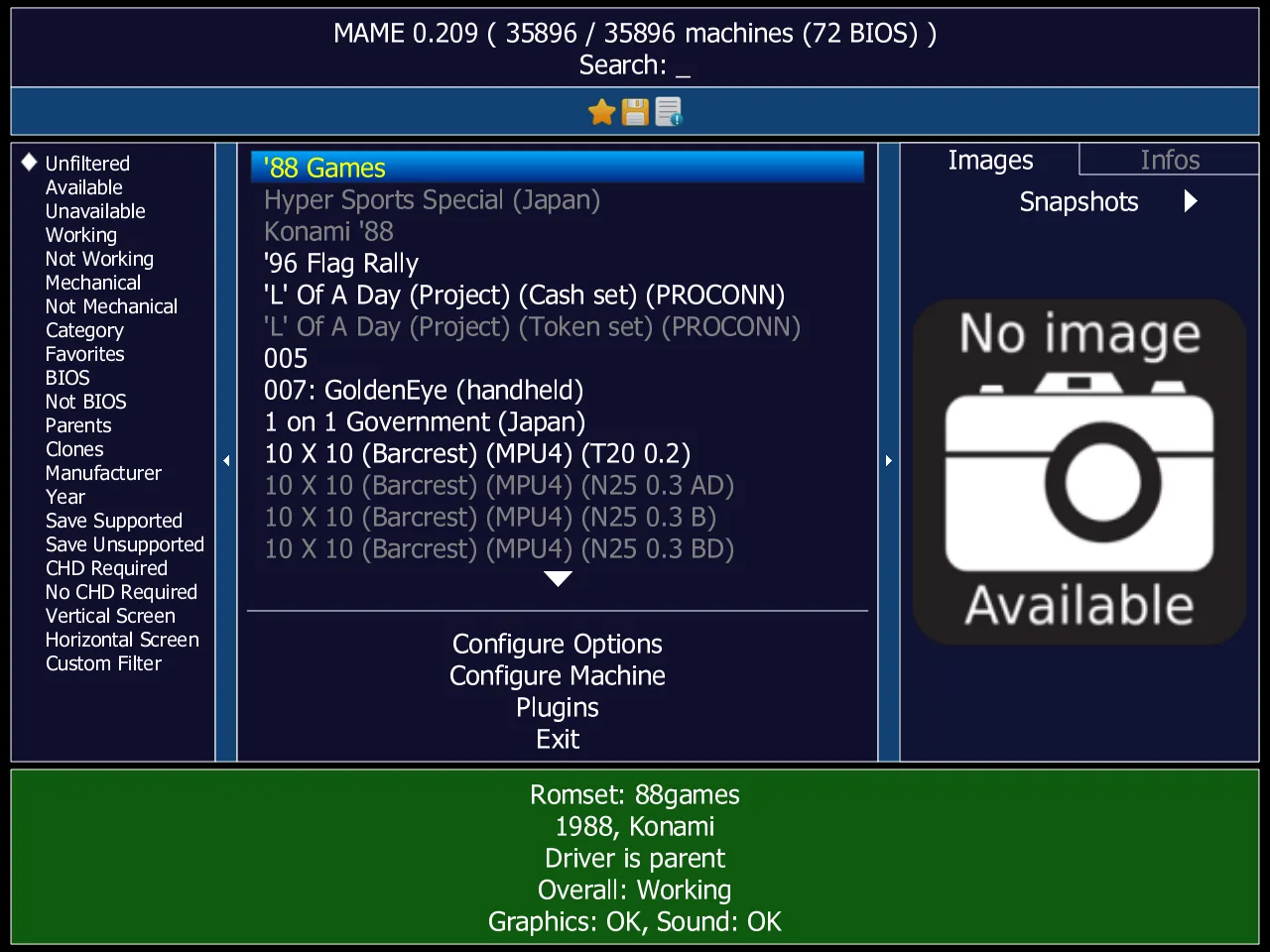
MAME recreates the hardware of vintage arcade machines, computers, consoles and other electronic systems so their software can run on a modern PC. Its focus is documenting and preserving how those machines work, rather than bundling a collection of games. You can choose a system through the built-in interface, adjust input assignments or launch it from the command line.
This download is the official MAME 0.289 Windows x64 binary archive in EXE format. Extract its contents to a folder to obtain mame.exe. It requires an up-to-date 64-bit Windows 10 or later installation and an x86-64-v2-capable CPU; it is not the separate Windows Arm64 package.
MAME does not include the copyrighted game ROMs, BIOS dumps or software needed by many emulated systems. Supply compatible files that you have the right to use. Some systems also need parent ROM sets, device data or CHD disk images, and older ROM collections may not match a newer MAME release. Support for a machine does not guarantee complete emulation or full-speed operation.
What it offers
- Emulate arcade machines, vintage computers, consoles and other supported electronic systems.
- Select systems and software through the built-in user interface or launch them from the command line.
- Configure input assignments globally or for an individual emulated system.
- Navigate the interface with a keyboard, game controller or pointing device; initial setup requires a keyboard.
Good to know
- Copyrighted game ROMs, BIOS dumps and software are not bundled; users need compatible data and the right to use it.
- Some games require additional parent, BIOS or device ROM sets or CHD images; ROM sets from older MAME releases may be incompatible.
- Emulation completeness and speed vary by system; even powerful PCs cannot run every supported system at full speed.
Product images
Sources
References used for this listing. Retrieval dates do not indicate hands-on testing.
- MAMEdev.org — project purpose, license and release announcement ↗Retrieved
- MAME — official Windows binary packages ↗Retrieved
- MAME documentation — introduction, requirements and software data ↗Retrieved
- MAME documentation — installing on Windows ↗Retrieved
- MAME documentation — user interface and input assignments ↗Retrieved
- MAME documentation — ROM sets and CHD dependencies ↗Retrieved
- MAME — legal information and license ↗Retrieved
- Wikimedia Commons — historical MAME interface screenshot and GPL license ↗Retrieved
More in utilities
View category ↗
1.1.1.1 with WARP 2026.8.2115.0
Encrypt traffic from your Mac to Cloudflare’s network with WARP, or use DNS-only mode for encrypted DNS queries to the 1.1.1.1 resolver.
1.1.1.1 with WARP 2026.8.2115.0
Encrypt traffic between your Windows PC and Cloudflare, or use encrypted DNS only, with the free 1.1.1.1 with WARP app.



3uTools 9.12.005
Manage iPhone and iPad photos, music, apps and backups from Windows with 3uTools, a free utility that also includes device checks and firmware flashing tools.