
Development Windows
massCode
Organize reusable code snippets, Markdown notes and API requests in massCode, a free, open-source developer workspace with local file storage for Windows.
- Operating system
- Windows 10 and 11
- Architecture
- x64
- Download package
- EXE installer
The publisher lists a separate portable EXE. This entry selects the standard x64 installer, not the portable package.
Link checked · Download guidance
What is massCode?
massCode keeps reusable code and its supporting context in one desktop workspace. Organize snippets with folders and tags, write linked Markdown notes, and save HTTP requests alongside the material that explains them. Built-in drawings, a math notebook and developer utilities cover related tasks without moving them into separate apps.
Snippets and notes are stored as plain Markdown files in a local vault. You can edit those files outside massCode, back them up with your own tools or sync the vault folder through a service you choose. The built-in AI assistant supports external model providers and local models, but cloud API usage is billed separately by the provider.
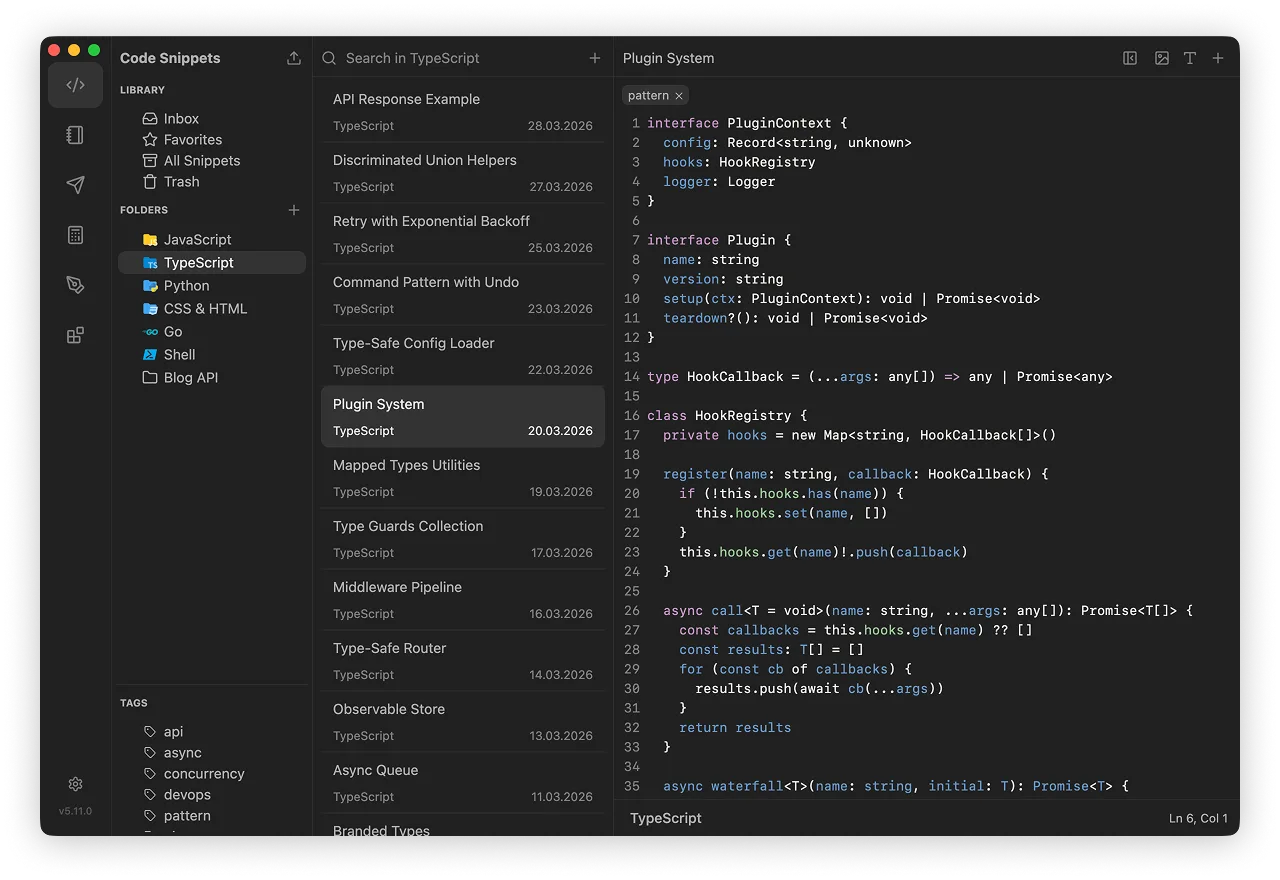
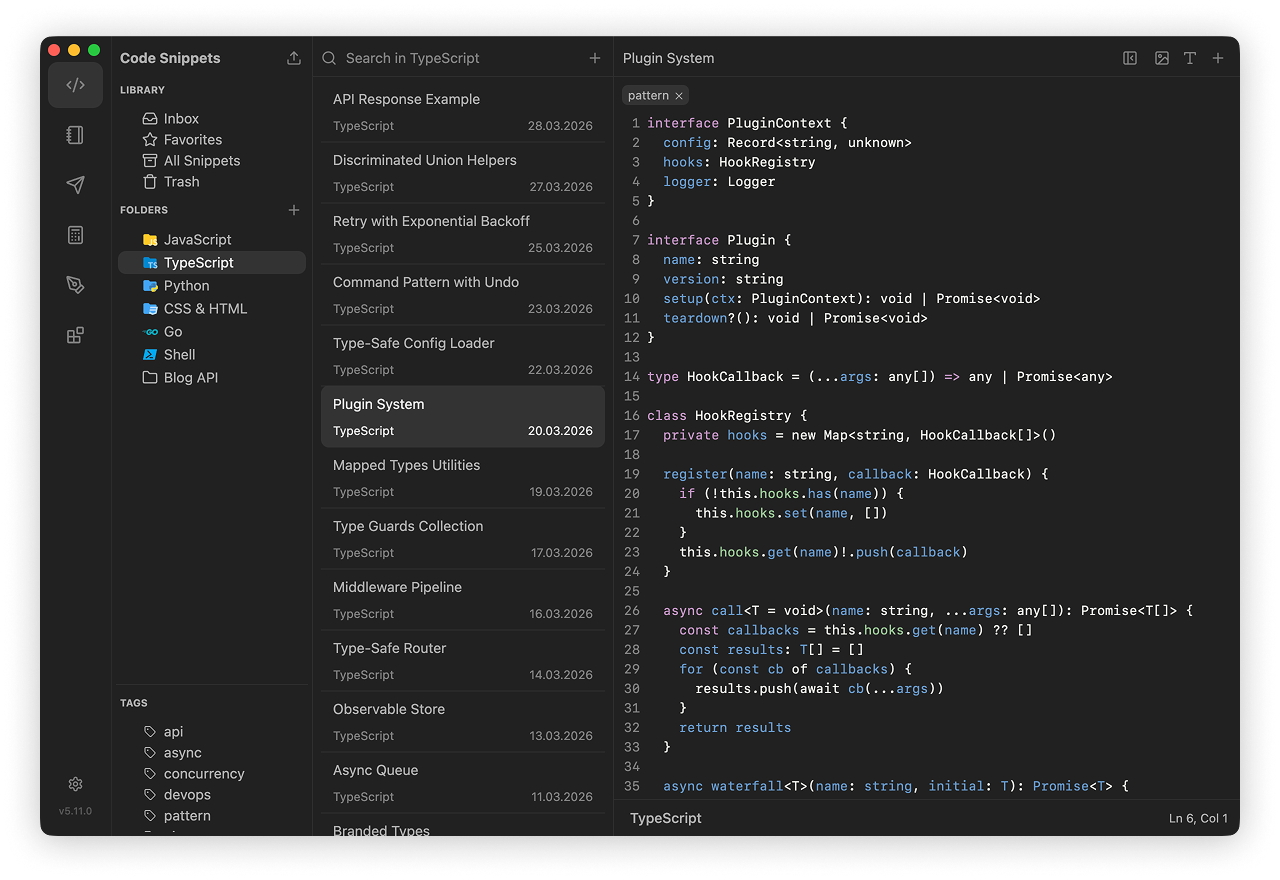
This entry links to the publisher's Windows x64 EXE installer for version 6.3.1. Existing users should check the vault format before upgrading: version 6 cannot directly open legacy SQLite or v3 JSON libraries. The publisher also reports that version 6.2.0 was malicious; anyone who ran it should follow the recovery guidance linked in the official 6.2.1 release notes. The illustration is an older publisher-provided macOS view of the shared snippet workspace, not a capture of this Windows build.
What it offers
- Organize reusable code snippets using folders, tags and multiple fragments.
- Write Markdown notes with internal links to notes, snippets and HTTP requests.
- Save API requests and run request sequences with response checks in the HTTP client.
- Keep snippets and notes in a local Markdown vault readable outside the application.
- Use built-in drawings, a math notebook and developer utilities alongside saved code.
Good to know
- Version 6 cannot directly open a legacy massCode.db SQLite library or v3 db.json library; the publisher documents intermediate-version migration steps.
- Vault files are plain text. The publisher warns against putting passwords, API tokens or private keys in synced, shared or Git-committed vault content.
- Cloud AI services require your own provider connection and bill API usage separately; local models require a separately running local service.
- The publisher identifies v6.2.0 as a malicious unauthorized release. If you ran it, follow the official recovery guidance; this entry does not link to that release.
Product images
Sources
References used for this listing. Retrieval dates do not indicate hands-on testing.
- massCode — official developer workspace overview ↗Retrieved
- Download massCode — official platform catalog ↗Retrieved
- Markdown Vault Storage — massCode documentation ↗Retrieved
- massCodeIO/massCode — official repository and license ↗Retrieved
- Release v6.3.1 — massCodeIO/massCode ↗Retrieved
- Release 6.2.1 — publisher security release notice ↗Retrieved
More in development
View category ↗
010 Editor 17.0
Inspect and edit binary files on Mac with 010 Editor, a paid text and hex editor with Binary Templates, file comparison and a 30-day trial.
010 Editor 17.0
Inspect and edit binary files with 010 Editor for Windows, a text and hex editor with Binary Templates, file comparison and scripting. Includes a 30-day trial.
10x Editor
Edit and navigate C++ projects on Windows with a built-in parser, workspace search and Visual Studio project support. A paid license is required after the 30-day trial.