
Utilities Windows
Master PDF Editor
Edit PDF text and images, annotate documents and fill forms with Master PDF Editor for Windows. Full editing requires a paid license; demo output carries a watermark.
- Operating system
- Windows 10 and 11 for the linked package
- Architecture
- 64-bit (x64)
- Download package
- MSI installer
Publisher lists separate 32-bit and 64-bit MSI packages for Windows 7 and 8. Installer contents and exact build were not inspected.
Link checked · Download guidance
What is Master PDF Editor?
Master PDF Editor combines PDF editing, annotation and page management in a desktop application. It can change existing text and images, add comments and stamps, fill interactive forms, and merge or split documents. OCR supports working with scanned text, while the Windows edition includes a virtual PDF printer for creating PDFs from applications that support printing.
It suits document corrections and form work when a viewer alone is not enough. The distinction between editions matters: the publisher allows unregistered use only for personal, noncommercial tasks such as viewing, form filling, commenting and printing. Full functionality and commercial use require a purchased license, and the publisher says demo output is watermarked. Digital signing also requires a digital signing certificate.
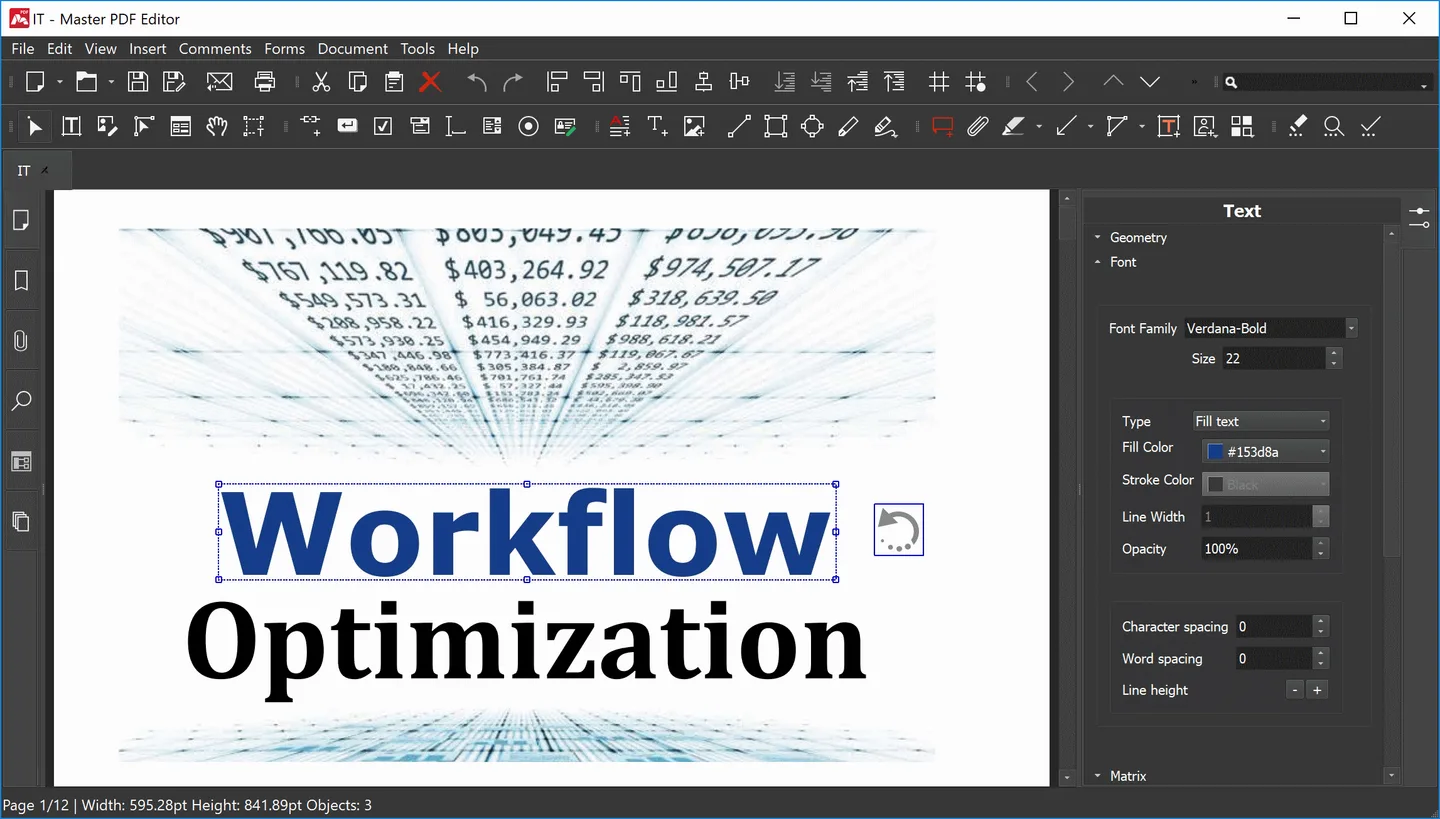
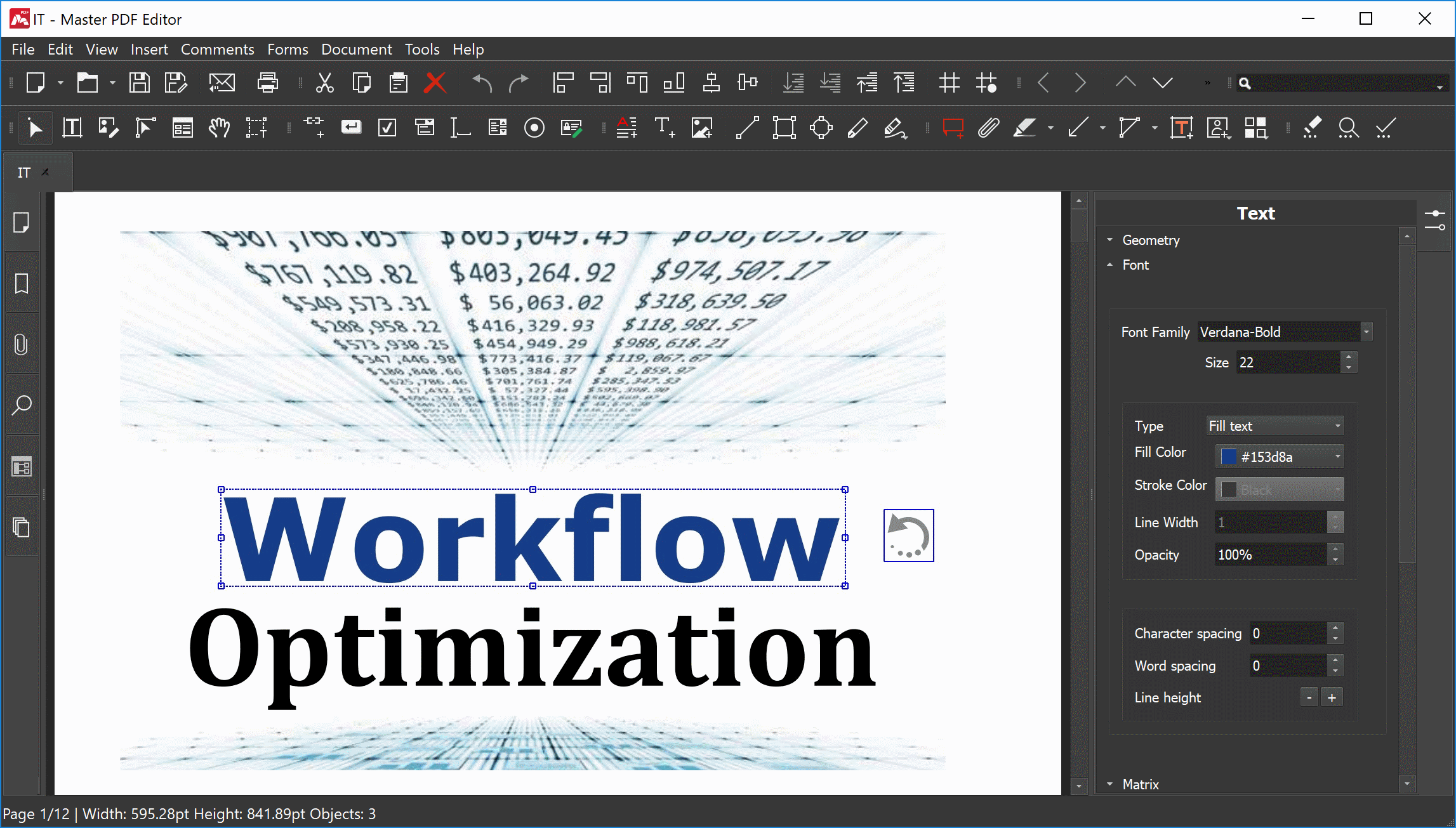
The linked MSI is the publisher's 64-bit package for Windows 10 and 11. Separate packages are listed for older Windows versions. The screenshot is a publisher-provided illustration of the editing interface, not a test of this installer or confirmation of its build number.
What it offers
- Edit existing PDF text and images or insert new text and objects with the commercial edition.
- Annotate documents with notes, stamps, highlights, underlining and strikethrough.
- Fill interactive PDF forms; the commercial edition also creates and edits form controls.
- Merge or split PDFs and insert, remove, rotate or reorder pages.
- Use OCR on scanned documents and create PDFs through the Windows virtual PDF printer.
Good to know
- Full functionality and commercial use require a paid license; unregistered use is restricted to personal, noncommercial purposes.
- The publisher states that demo output includes a watermark.
- Digital signing requires a digital signing certificate.
Product images
Sources
References used for this listing. Retrieval dates do not indicate hands-on testing.
More in utilities
View category ↗
1.1.1.1 with WARP 2026.8.2115.0
Encrypt traffic from your Mac to Cloudflare’s network with WARP, or use DNS-only mode for encrypted DNS queries to the 1.1.1.1 resolver.
1.1.1.1 with WARP 2026.8.2115.0
Encrypt traffic between your Windows PC and Cloudflare, or use encrypted DNS only, with the free 1.1.1.1 with WARP app.

3uTools 9.12.005
Manage iPhone and iPad photos, music, apps and backups from Windows with 3uTools, a free utility that also includes device checks and firmware flashing tools.