

Utilities Windows
melonDS for Windows
Run Nintendo DS games on Windows with melonDS, a free, open-source emulator with save states, configurable controls and 3D upscaling. DSi mode needs additional system dumps.
- Operating system
- Windows
- Architecture
- x64
- Download package
- ZIP archive
This link is the official Windows x64 package. A separate Windows ARM64 package is listed by the publisher. No minimum Windows version or measured performance is claimed.
Link checked · Download guidance
What is melonDS?
melonDS emulates Nintendo DS hardware on a PC. It gives you keyboard and joystick mapping, save states, microphone input and adjustable layouts for the handheld's two screens. Choose the software renderer or use OpenGL for higher internal 3D resolutions; higher settings can introduce visual issues in some games.
This entry links to the publisher's melonDS 1.1 Windows x64 ZIP package. A separate ARM64 build is available from the official downloads page. Version 1.1 adds DSi DSP high-level emulation and imports Action Replay cheats from usrcheat.dat databases. Obtain your own game dumps; the emulator download is not a game library.
Setup depends on what you want to emulate. Booting the original DS firmware requires BIOS and firmware dumps from an original DS or DS Lite. DSi emulation additionally needs DSi BIOS, firmware and a NAND image. The publisher marks DSi and Wi-Fi emulation as work in progress, so do not assume every game or multiplayer setup will work.
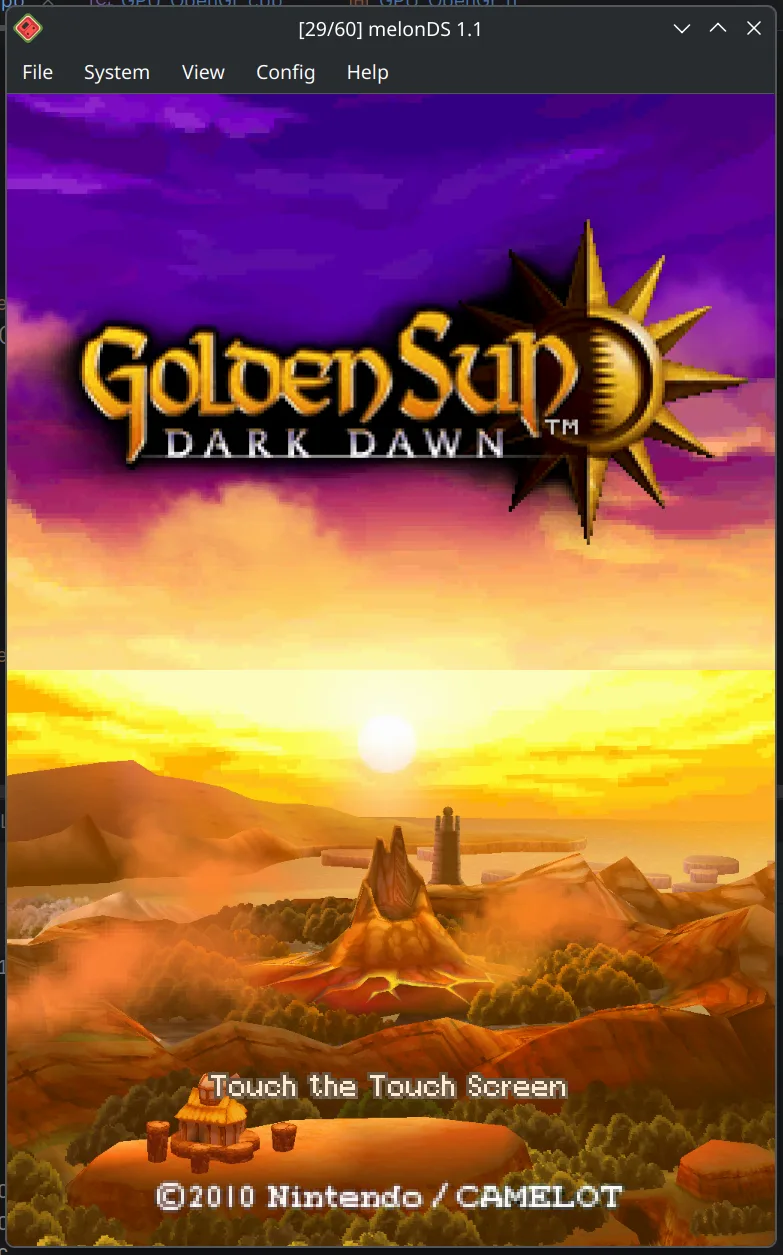
The screenshot is the publisher's development demonstration of Golden Sun: Dark Dawn in melonDS, captured on a non-Windows desktop. It illustrates the dual-screen interface, not a verified Windows session or a promise that the experimental rendering shown is included in the linked stable release.
What it offers
- Map keyboard and joystick controls and configure emulator hotkeys.
- Save and reload emulator states alongside ordinary game saves.
- Use software or OpenGL rendering, including higher internal resolutions for 3D graphics.
- Adjust screen layout, sizing and rotation for the two DS displays.
- Use microphone input and DSi emulation; version 1.1 adds DSP high-level emulation and usrcheat.dat cheat importing.
Good to know
- DS firmware boot needs original DS or DS Lite BIOS/firmware dumps; DSi mode needs DSi BIOS, firmware and a NAND image. Supply your own game dumps separately.
- The publisher marks DSi and Wi-Fi emulation as work in progress; multiplayer and game compatibility are not guaranteed.
- Higher OpenGL internal resolutions may cause visual issues in some games. The screenshot shows an experimental publisher build, not verified output from the linked Windows release.
Product images
Sources
References used for this listing. Retrieval dates do not indicate hands-on testing.
- melonDS - Download — normal-browser product identification ↗Retrieved
- melonDS — official product features ↗Retrieved
- Downloads - melonDS ↗Retrieved
- Howto/FAQ - melonDS ↗Retrieved
- melonDS 1.1 README — setup, credits and license ↗Retrieved
- Little status update - melonDS — publisher screenshot context ↗Retrieved
More in utilities
View category ↗
1.1.1.1 with WARP 2026.8.2115.0
Encrypt traffic from your Mac to Cloudflare’s network with WARP, or use DNS-only mode for encrypted DNS queries to the 1.1.1.1 resolver.
1.1.1.1 with WARP 2026.8.2115.0
Encrypt traffic between your Windows PC and Cloudflare, or use encrypted DNS only, with the free 1.1.1.1 with WARP app.

3uTools 9.12.005
Manage iPhone and iPad photos, music, apps and backups from Windows with 3uTools, a free utility that also includes device checks and firmware flashing tools.