
Utilities Windows
mGBA for Windows
Run Game Boy Advance, Game Boy and Game Boy Color games on Windows with mGBA, a free, open-source emulator with save states, rewind and configurable controls. Game ROMs are not included.
- Operating system
- Windows 7 or newer, according to the 0.10.5 documentation
- Architecture
- x64 (64-bit)
- Download package
- EXE installer
Selected download is the 64-bit installer; 32-bit and portable packages are separate. Publisher lists OpenGL 1.1 support, or OpenGL 3.2 for shaders and advanced features. Not installed or tested here.
Link checked · Download guidance
What is mGBA?
mGBA emulates Game Boy Advance, Game Boy and Game Boy Color hardware on a PC. It is useful for running your own game ROMs with keyboard or gamepad controls, saving progress in emulator save states and revisiting recent gameplay with rewind. The project is free and open source under the Mozilla Public License 2.0.
Its desktop tools include fast-forward, remappable controls, screenshots and video recording. Local link-cable emulation works between instances on the same computer; networked link-cable multiplayer is listed as a planned feature, not a capability of this release. Developers can also use Lua scripting and debugging tools.
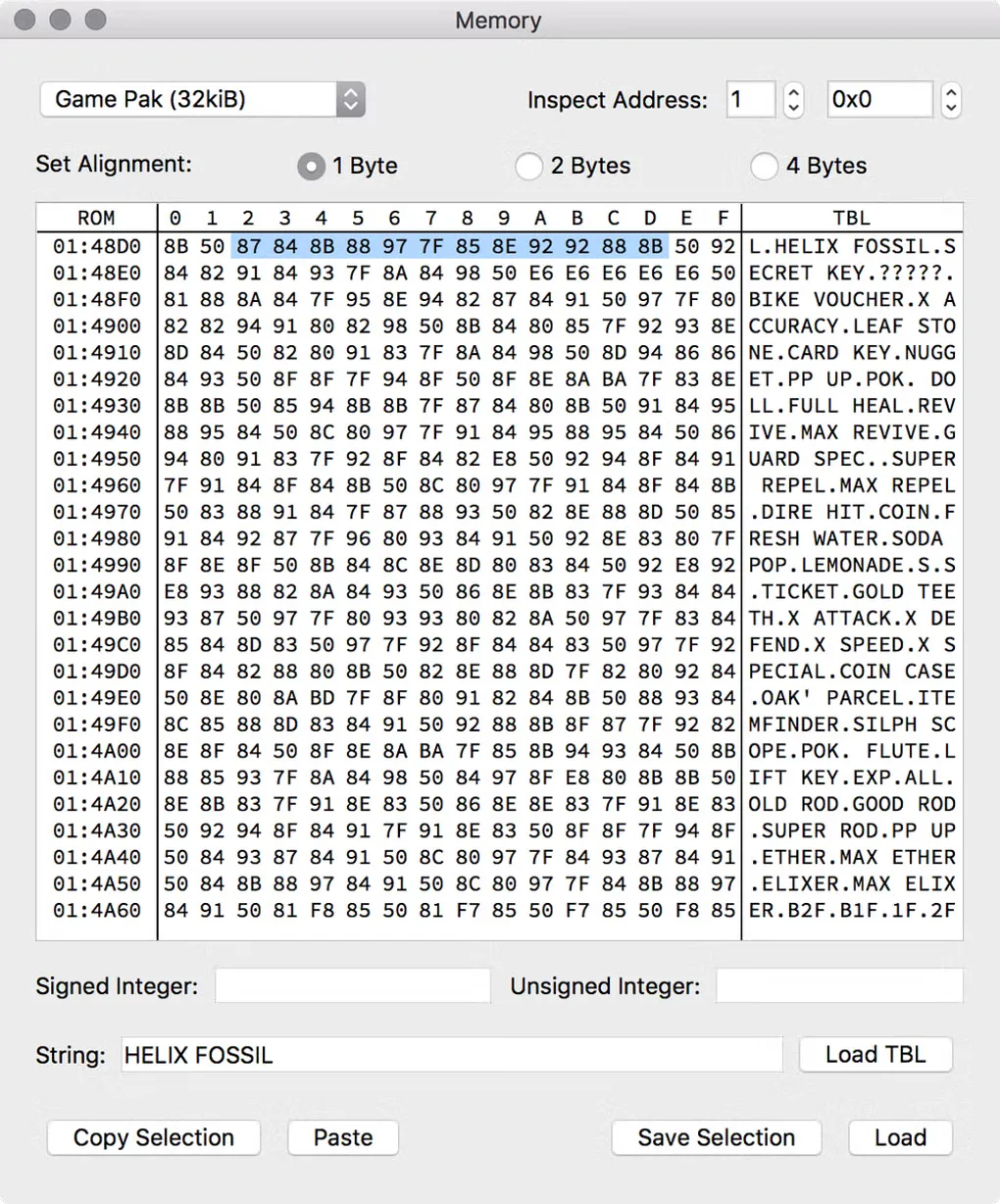
This entry links to the publisher's mGBA 0.10.5 Windows 64-bit EXE installer. Separate 32-bit installers and portable 7z archives are available on the official downloads page. Games are not bundled: you must supply ROMs you are entitled to use. The accompanying source-gallery image illustrates mGBA's Memory viewer with macOS-style window controls; it is not a capture of the selected Windows installer.
What it offers
- Emulate Game Boy Advance, Game Boy and Game Boy Color games.
- Use save states, rewind and fast-forward during gameplay.
- Remap keyboard and gamepad controls.
- Connect local emulator instances through same-computer link-cable emulation.
- Capture screenshots or video, and use Lua scripting and debugging tools.
Good to know
- Game ROMs are not included; users must supply their own.
- Link-cable multiplayer is local to the same computer; networked link-cable support is listed as planned in the 0.10.5 documentation.
Product images
Sources
References used for this listing. Retrieval dates do not indicate hands-on testing.
- Downloads - mGBA ↗Retrieved
- mGBA 0.10.5 README — features, platforms and license ↗Retrieved
- mGBA — official homepage ↗Retrieved
- mGBA 0.10.5 - mGBA ↗Retrieved
- mGBA - Download — Windows product page and screenshot gallery ↗Retrieved
More in utilities
View category ↗
1.1.1.1 with WARP 2026.8.2115.0
Encrypt traffic from your Mac to Cloudflare’s network with WARP, or use DNS-only mode for encrypted DNS queries to the 1.1.1.1 resolver.
1.1.1.1 with WARP 2026.8.2115.0
Encrypt traffic between your Windows PC and Cloudflare, or use encrypted DNS only, with the free 1.1.1.1 with WARP app.

3uTools 9.12.005
Manage iPhone and iPad photos, music, apps and backups from Windows with 3uTools, a free utility that also includes device checks and firmware flashing tools.