

Utilities Android
microG for Android
Use microG Services to provide selected Google Play Services APIs on compatible Android systems. The Services APK requires ROM support for signature spoofing.
Version 0.3.17.252432 · Direct publisher file
Link checked · Download guidance
What is microG?
microG Services, also known as GmsCore, is an open-source compatibility framework for Android apps that expect Google Play Services. It provides selected Google APIs on systems without the proprietary Play Services package. Its functions include cloud messaging for push notifications, account authentication and network-based location. Google service connections are configurable rather than a promise that every app will work without Google.
This download is the standard microG Services APK from the publisher’s 0.3.17.252432 release, not the Huawei-specific package, development preview or a complete microG bundle. The publisher’s setup instructions also call for microG Companion when the official Play Store is absent. Use the publisher’s installation documentation to determine the components your device needs.
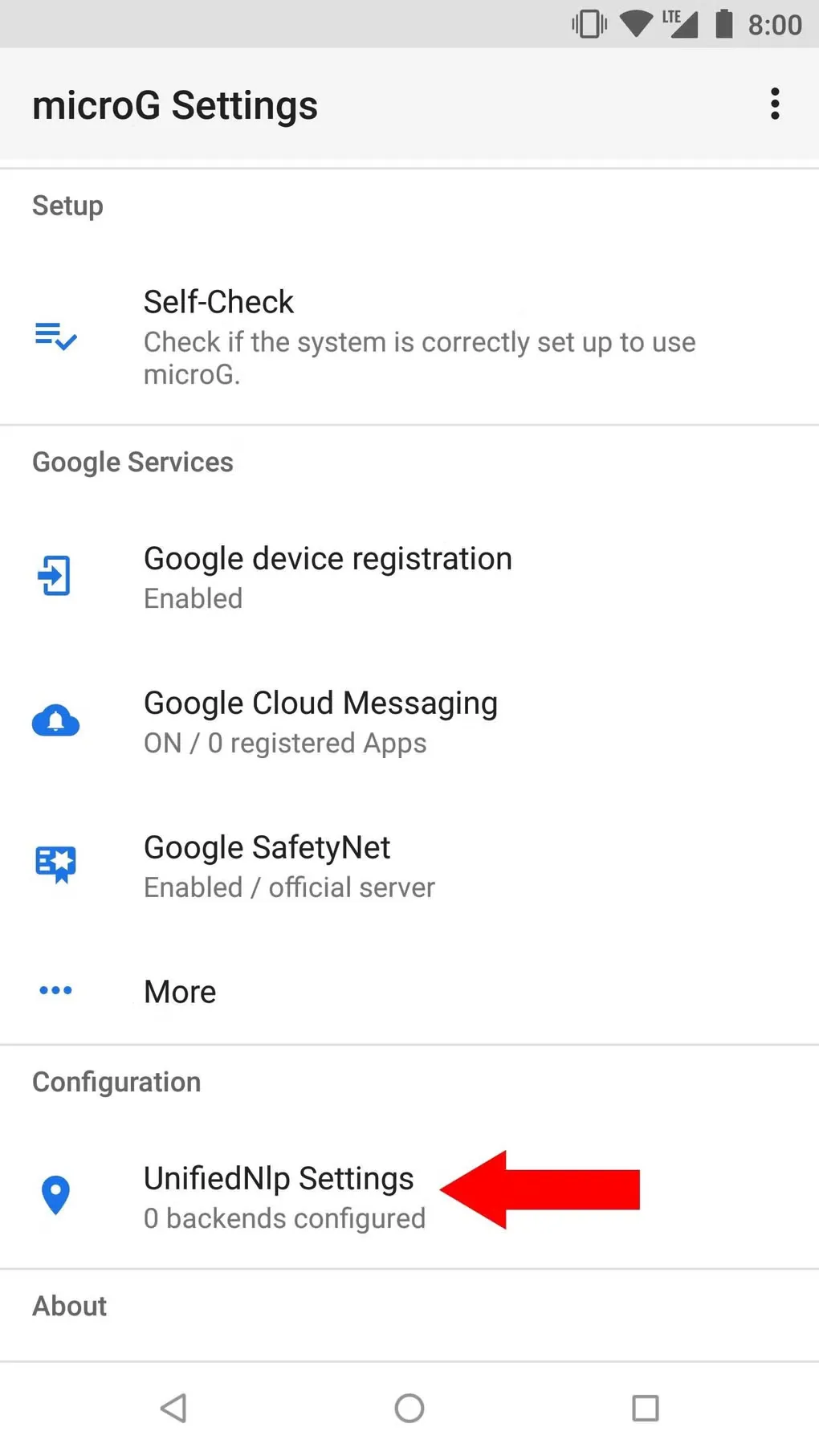
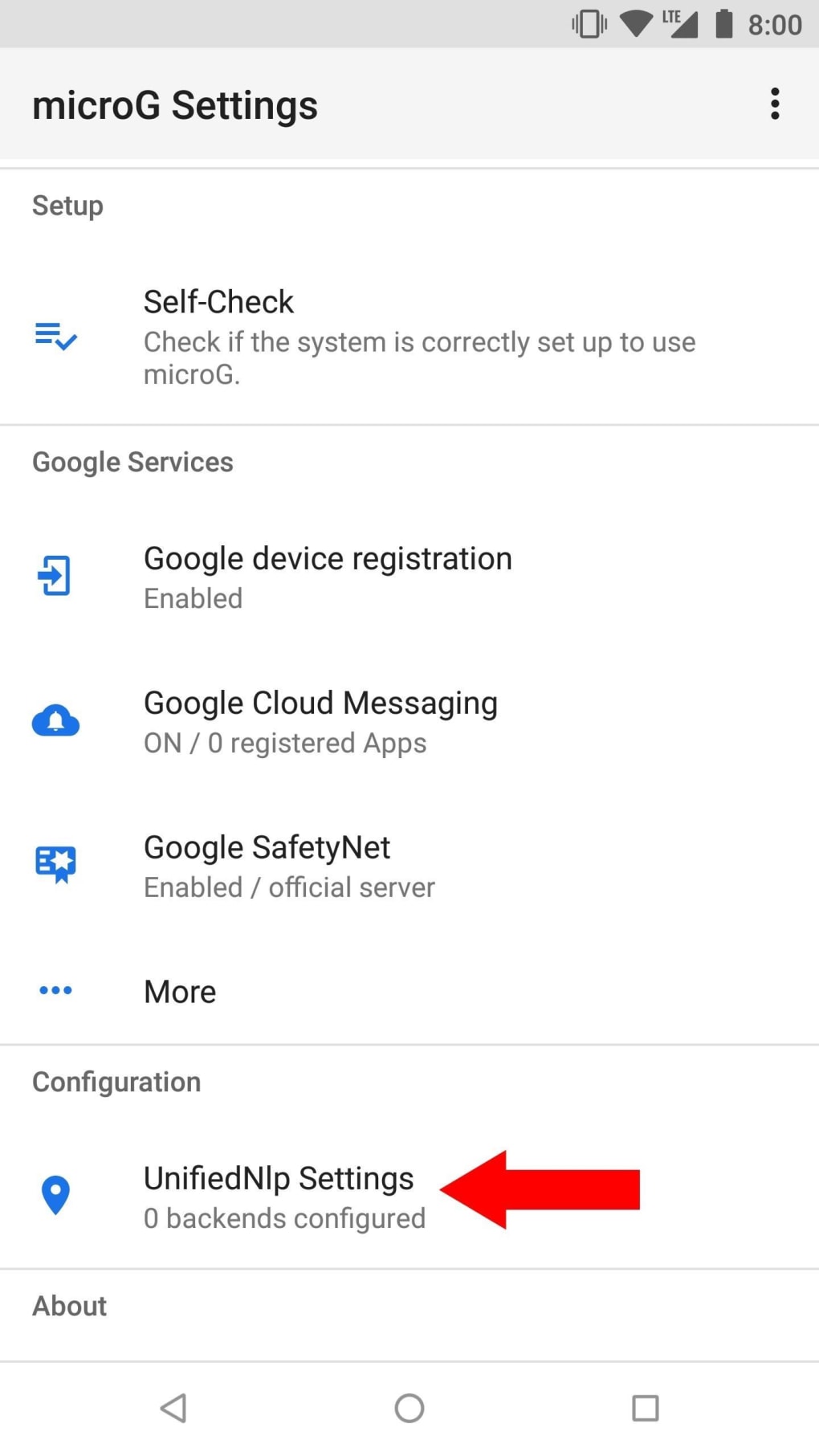
Your Android ROM must support signature spoofing for this standard setup; installing the APK alone does not supply that system capability. API coverage is incomplete, so applications can have compatibility problems even on a supported ROM. The gallery image illustrates an older microG Settings interface, including its Self-Check and service controls; it is not a capture of the selected release.
What it offers
- Provide selected Play Services APIs for Android applications on systems without Google Play Services.
- Configure Google account login and cloud messaging for applications that use those services.
- Provide network-based location through the integrated location component.
- Use an open-source Services framework distributed under the Apache License 2.0.
Good to know
- The standard setup requires an Android ROM with signature-spoofing support; the APK alone does not add it.
- Services is only one component: the publisher instructs users without the official Play Store to install microG Companion separately.
- Not every Google API is fully implemented; application compatibility is not guaranteed.
Product images
More in utilities
View category ↗
1.1.1.1 with WARP 2026.8.2115.0
Encrypt traffic from your Mac to Cloudflare’s network with WARP, or use DNS-only mode for encrypted DNS queries to the 1.1.1.1 resolver.
1.1.1.1 with WARP 2026.8.2115.0
Encrypt traffic between your Windows PC and Cloudflare, or use encrypted DNS only, with the free 1.1.1.1 with WARP app.

3uTools 9.12.005
Manage iPhone and iPad photos, music, apps and backups from Windows with 3uTools, a free utility that also includes device checks and firmware flashing tools.