

Utilities macOS
Microsoft Edge for macOS
Browse websites, organize tabs and read articles with Microsoft Edge, a free Chromium-based browser for Mac with Microsoft service integration.
What is Microsoft Edge?
Microsoft Edge for Mac is a web browser for everyday browsing and work across Microsoft services. Its Chromium foundation supports extensions from that ecosystem, while device synchronization helps keep browsing information available across devices. Vertical tabs offer an alternative layout for managing open pages, and reading mode simplifies articles.
Edge also includes Copilot tools for tasks such as summarizing pages and drafting text. These extras make it more feature-heavy than a minimal browser: not every tool is useful to every reader. Microsoft states that feature availability varies by device type, market and browser version, and warns that AI-generated content needs verification.
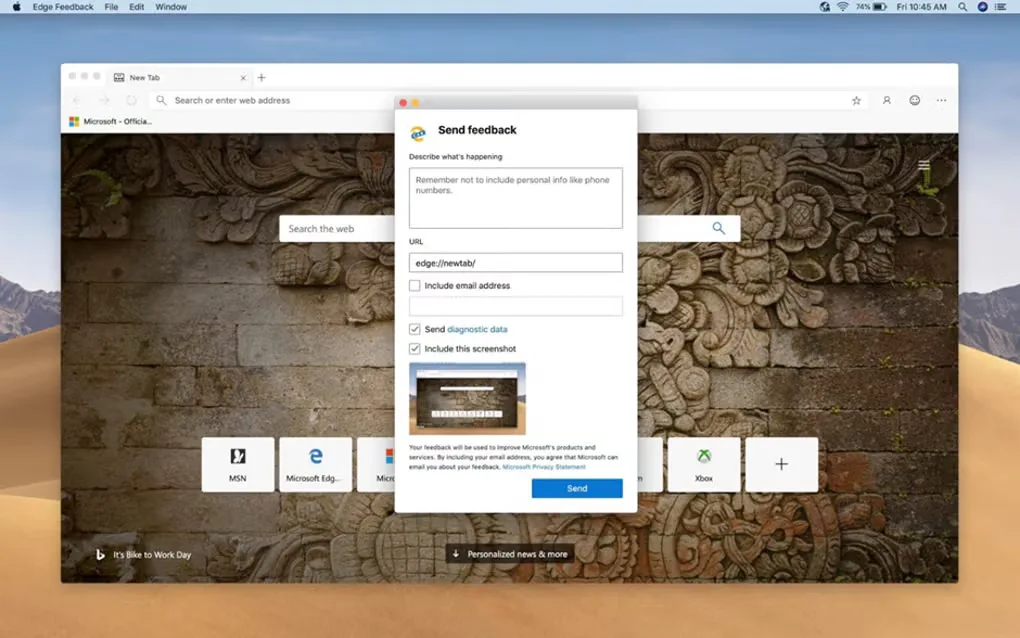
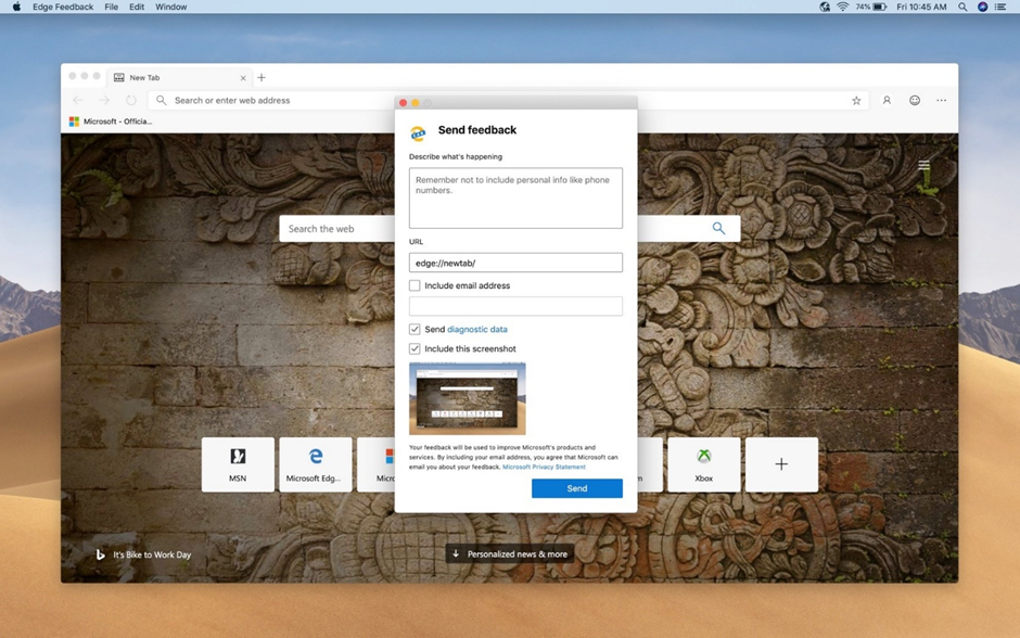
The download links to Microsoft's stable macOS channel, which resolved to a DMG disk image when checked. It is a rolling download rather than a pinned release. The screenshot shows an older Mac interface with the Send feedback dialog open; it illustrates the application, not the appearance of the current release.
What it offers
- Browse the web with a Chromium-based browser and compatible extensions.
- Synchronize browsing information across devices.
- Organize open pages with vertical tabs.
- Simplify articles with reading mode.
- Use available Copilot tools for page summaries and writing assistance.
Good to know
- The range of integrated tools can make the interface feel busy compared with a minimal browser.
- Feature availability varies by device type, market and browser version.
- Copilot can make mistakes; verify generated content before relying on it.
Product images
Sources
References used for this listing. Retrieval dates do not indicate hands-on testing.
More in utilities
View category ↗
1.1.1.1 with WARP 2026.8.2115.0
Encrypt traffic from your Mac to Cloudflare’s network with WARP, or use DNS-only mode for encrypted DNS queries to the 1.1.1.1 resolver.
1.1.1.1 with WARP 2026.8.2115.0
Encrypt traffic between your Windows PC and Cloudflare, or use encrypted DNS only, with the free 1.1.1.1 with WARP app.

3uTools 9.12.005
Manage iPhone and iPad photos, music, apps and backups from Windows with 3uTools, a free utility that also includes device checks and firmware flashing tools.