

Utilities Windows
Microsoft Edge for Windows
Browse websites, manage passwords and sync favorites with Microsoft Edge, a free Windows browser with built-in reading and tab-management tools.
What is Microsoft Edge?
Microsoft Edge is Microsoft's web browser for opening websites and keeping everyday browsing tasks in one place. It combines password management, favorites and settings sync with tools for managing tabs. Signing in with a Microsoft account lets you carry browsing data between devices instead of maintaining separate collections of favorites and passwords.
For longer reading sessions, Immersive Reader simplifies supported pages and offers Read Aloud. Sleeping tabs and energy saver provide options for managing background browsing activity. These are available controls, not a promise of a particular speed or battery-life improvement.
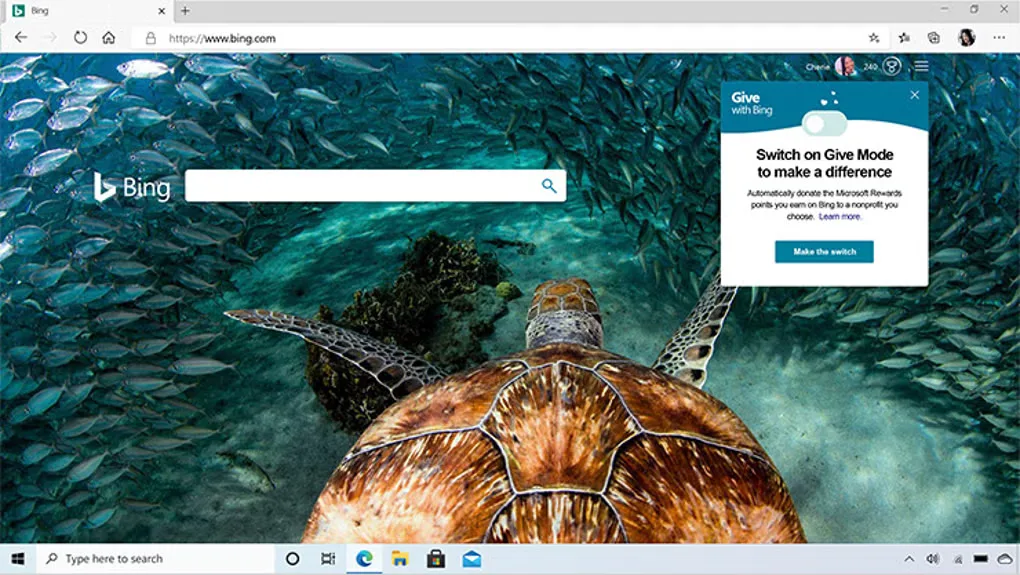
Feature availability varies by device, market and browser version, so not every advertised capability is available in every setup. Edge also checks for, downloads and installs updates automatically under Microsoft's Windows terms. The download linked here is Microsoft's Windows Stable setup executable; its exact installed version and processor architecture were not established by the HEAD-only link check. The screenshot is a historical Edge interface from the source gallery, not a capture of the current release.
What it offers
- Browse websites with Microsoft's Chromium-based browser.
- Sync favorites, passwords and settings across devices using a Microsoft account.
- Simplify supported pages with Immersive Reader and listen with Read Aloud.
- Manage background tabs with sleeping tabs and use energy saver controls.
- Use built-in password management and Microsoft Defender SmartScreen controls.
Good to know
- Feature availability and functionality vary by device type, market and browser version.
- Cross-device synchronization requires signing in with a Microsoft account.
- Microsoft's Windows terms provide for automatic update checks, downloads and installation.
Product images
Sources
References used for this listing. Retrieval dates do not indicate hands-on testing.
More in utilities
View category ↗
1.1.1.1 with WARP 2026.8.2115.0
Encrypt traffic from your Mac to Cloudflare’s network with WARP, or use DNS-only mode for encrypted DNS queries to the 1.1.1.1 resolver.
1.1.1.1 with WARP 2026.8.2115.0
Encrypt traffic between your Windows PC and Cloudflare, or use encrypted DNS only, with the free 1.1.1.1 with WARP app.

3uTools 9.12.005
Manage iPhone and iPad photos, music, apps and backups from Windows with 3uTools, a free utility that also includes device checks and firmware flashing tools.