

Utilities Windows
Mindomo for Windows
Build mind maps, outlines and project diagrams offline with Mindomo for Windows. Save work locally; the free desktop edition limits diagrams to 40 topics.
- Operating system
- Windows; minimum supported Windows version not established by the cited pages
- Architecture
- x64 (64-bit)
- Download package
- EXE installer
The publisher lists a separate 32-bit Windows installer. This link is for the 64-bit package.
Link checked · Download guidance
What is Mindomo?
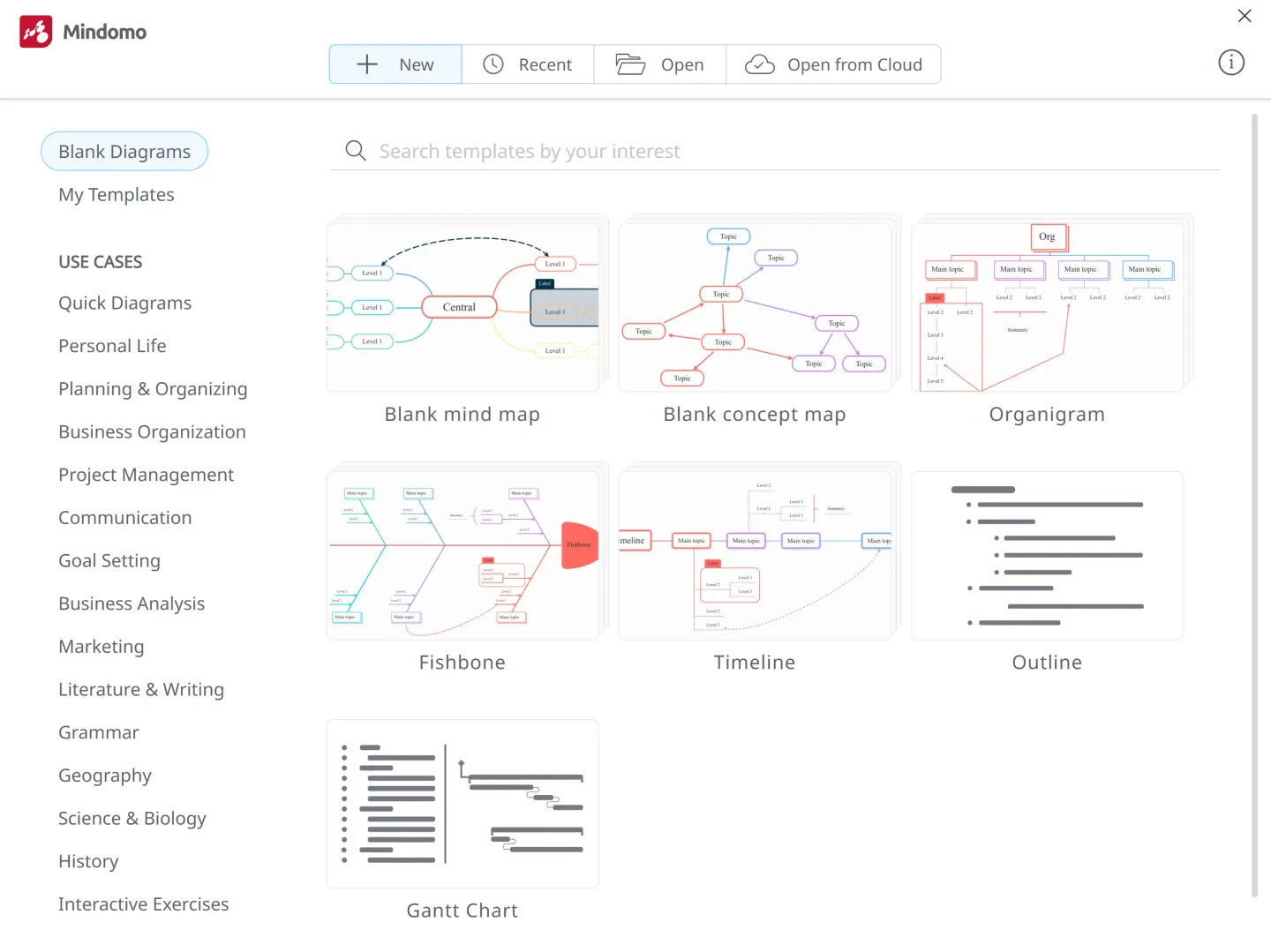
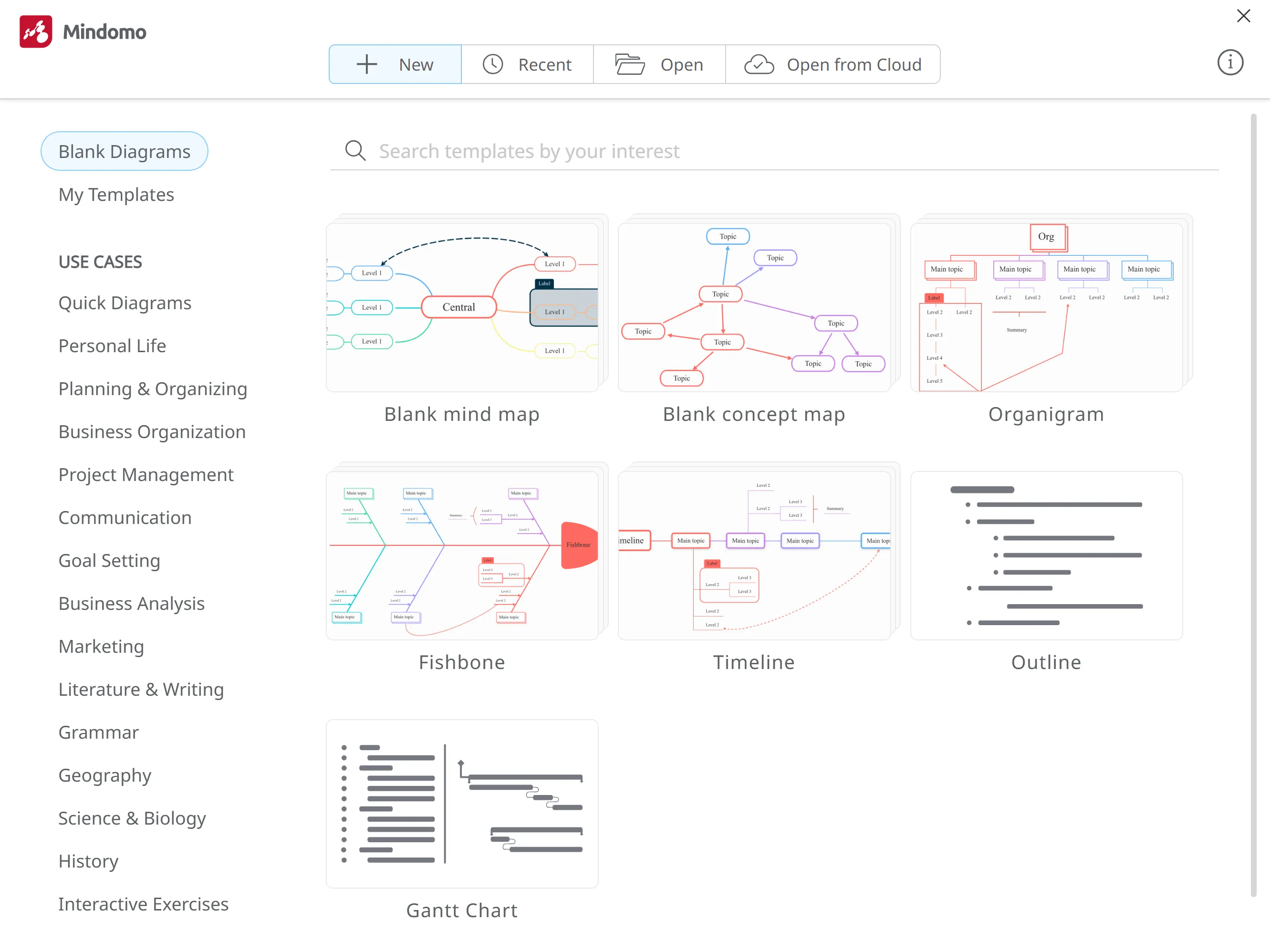
Mindomo for Windows turns ideas and plans into mind maps, concept maps, outlines and Gantt charts. Its desktop dashboard offers blank diagram types and templates, while notes, attachments and formatting help you add detail without losing the structure of a map. You can create and edit diagrams offline and save them on your computer.
Import maps from tools such as XMind, FreeMind and MindManager, or export your work to formats including PDF, Word, PowerPoint and PNG. Pack Diagram bundles a map and its attached files into a .pmom file for another Mindomo Desktop user. Cloud syncing connects local work with an online account when you have an internet connection; availability depends on the license.
The free desktop edition limits a diagram to 40 topics. Desktop Premium offers unlimited local diagrams and topics with a lifetime license, but includes updates and support for the first year only. A qualifying online subscription includes desktop, cloud and mobile syncing for the subscription period. This download is the publisher-listed Windows 64-bit EXE for version 11.2.1; the 32-bit installer is separate.
What it offers
- Create mind maps, concept maps, organigrams, fishbone diagrams, timelines, outlines and Gantt charts.
- Edit diagrams offline and save them locally on your computer.
- Add topic notes, file attachments and links; customize map layouts and appearance.
- Import maps from other mind-mapping tools and export to formats including PDF, DOCX, PPTX and PNG.
- Bundle a diagram and its attachments in a .pmom file for other Mindomo Desktop users.
Good to know
- The free desktop edition limits each diagram to 40 topics.
- Desktop Premium includes updates and support for the first year; extending those services costs extra.
- Cloud syncing requires an online account and an internet connection; unlimited desktop, cloud and mobile syncing is listed with qualifying subscriptions.
Product images
Sources
References used for this listing. Retrieval dates do not indicate hands-on testing.
More in utilities
View category ↗
1.1.1.1 with WARP 2026.8.2115.0
Encrypt traffic from your Mac to Cloudflare’s network with WARP, or use DNS-only mode for encrypted DNS queries to the 1.1.1.1 resolver.
1.1.1.1 with WARP 2026.8.2115.0
Encrypt traffic between your Windows PC and Cloudflare, or use encrypted DNS only, with the free 1.1.1.1 with WARP app.

3uTools 9.12.005
Manage iPhone and iPad photos, music, apps and backups from Windows with 3uTools, a free utility that also includes device checks and firmware flashing tools.