
Utilities Windows
Mini Mouse Macro
Record mouse movements, clicks and keystrokes, then replay or loop them to automate repetitive Windows desktop tasks with Mini Mouse Macro.
- Operating system
- Windows; exact supported releases for this MSI are not specified in the catalog.
- Architecture
- Not specified for the linked MSI package.
- Download package
- MSI installer
SourceForge identifies this as the free-edition installer. Its version number is not stated in the file catalog; the older Softonic listing is not used to label this package.
Link checked · Download guidance
What is Mini Mouse Macro?
Mini Mouse Macro records mouse and keyboard actions so you can repeat a desktop task without entering every pointer coordinate by hand. Its action list lets you inspect recorded steps, adjust entries and replay a sequence. You can loop a macro for repeated work or save it and load it again for another session.
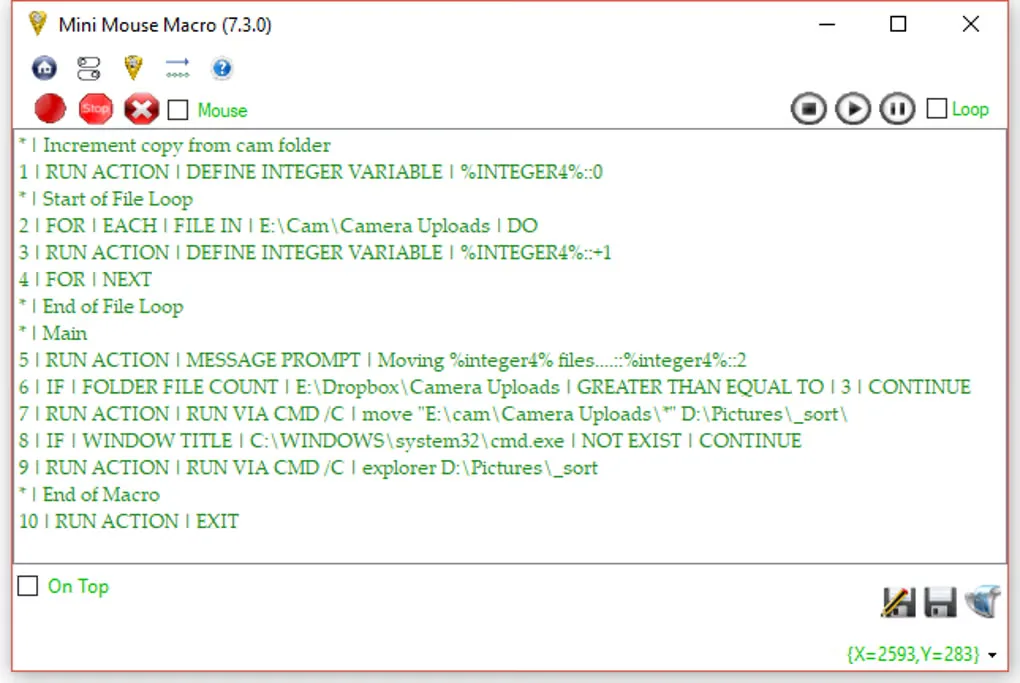
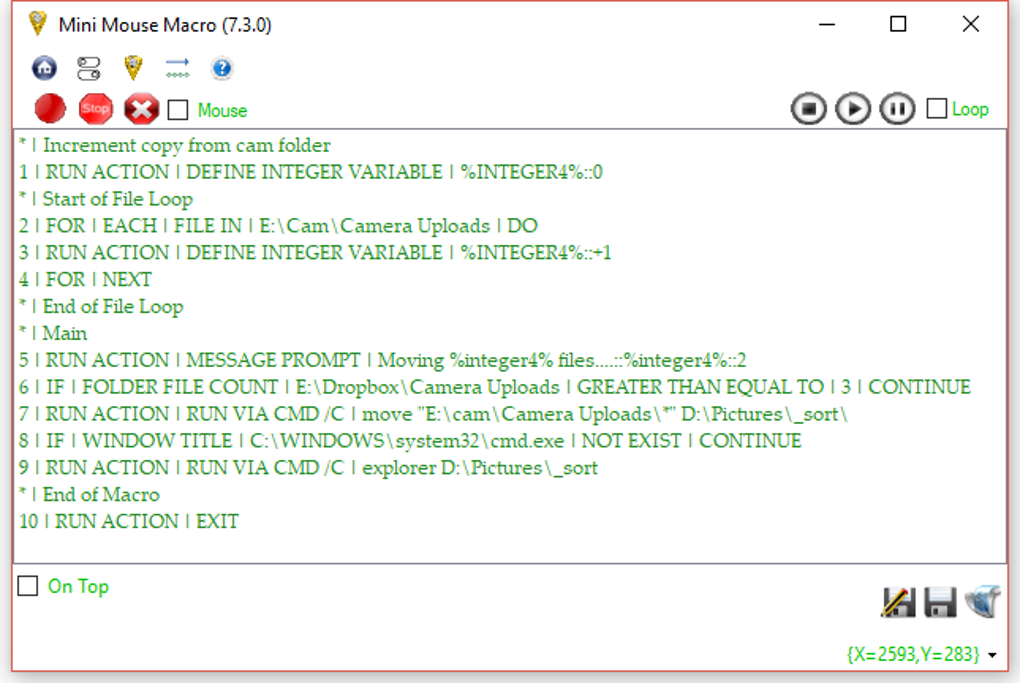
The linked SourceForge package is an MSI installer for the free edition, not the standalone executable described in older product coverage. Some options are reserved for the Pro edition. The gallery image shows the older 7.3.0 interface; it illustrates the macro list and playback controls, not the version of the linked installer.
What it offers
- Record mouse movements, left and right clicks, and keyboard input in real time.
- Inspect the action list and add custom entries with position, timing and action details.
- Replay recorded sequences and repeat them with loop mode.
- Save macros and load them for reuse.
Good to know
- Some options are reserved for the Pro edition rather than the free edition.
- The selected download requires installation; it is an MSI package, not a portable executable.
Product images
Sources
References used for this listing. Retrieval dates do not indicate hands-on testing.
More in utilities
View category ↗
1.1.1.1 with WARP 2026.8.2115.0
Encrypt traffic from your Mac to Cloudflare’s network with WARP, or use DNS-only mode for encrypted DNS queries to the 1.1.1.1 resolver.
1.1.1.1 with WARP 2026.8.2115.0
Encrypt traffic between your Windows PC and Cloudflare, or use encrypted DNS only, with the free 1.1.1.1 with WARP app.

3uTools 9.12.005
Manage iPhone and iPad photos, music, apps and backups from Windows with 3uTools, a free utility that also includes device checks and firmware flashing tools.