

Utilities Windows
MiTeC Network Scanner for Windows
Find network devices, check open TCP and UDP ports, and inspect shared resources with MiTeC Network Scanner for Windows. Unregistered use is free for non-commercial purposes.
Version 6.1.0 · Direct publisher file
Link checked · Download guidance
What is MiTeC Network Scanner?
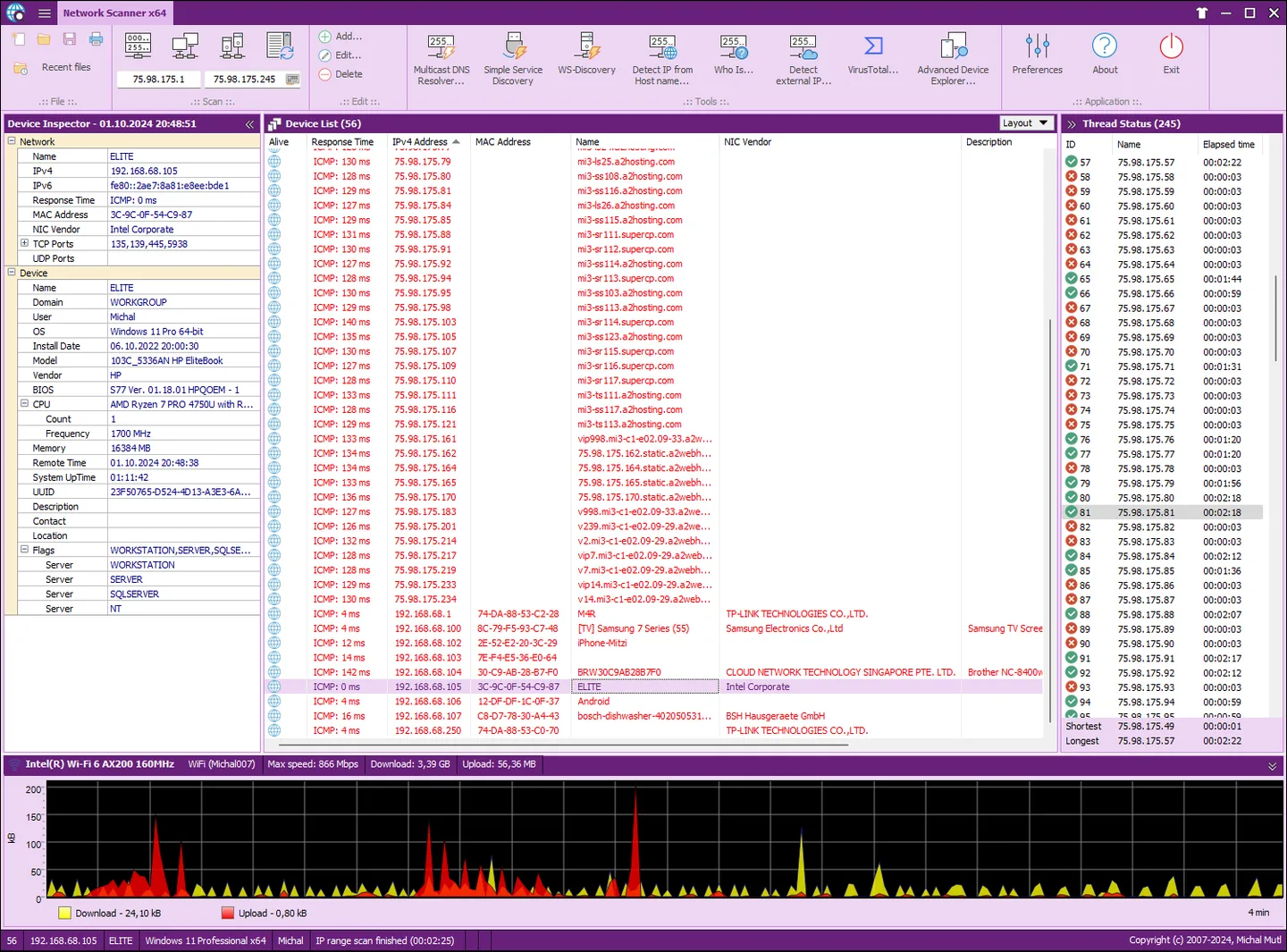
MiTeC Network Scanner helps you inventory a Windows network: discover responding devices, resolve host names, and inspect open ports, shared resources and services. It combines ICMP ping sweeps with IP, NetBIOS/NetBT, Active Directory and SNMP scanning, so device discovery and more detailed inspection sit in the same tool. The publisher lists Windows XP–11 and Windows Server 2003–2025 support.
You can auto-detect the local IP range, inspect interfaces on SNMP-capable devices, and use the included Simple Service Discovery, WS-Discovery and Multicast DNS tools. Results can be edited, saved and loaded as CSV, or printed; data from individual sections can also be exported to CSV.
The publisher lists version 6.1.0, released April 23, 2026. The download linked here is the publisher’s ZIP archive; its contents and CPU architectures have not been inspected. The software EULA limits free unregistered use to non-commercial purposes, and the product page offers a paid single-user license. SNMP interface details require an SNMP-capable device. The screenshots are source-provided examples, not results from running the application for this entry.
What it offers
- Discover devices with multi-threaded ICMP, IP, NetBIOS/NetBT, Active Directory and SNMP scanning.
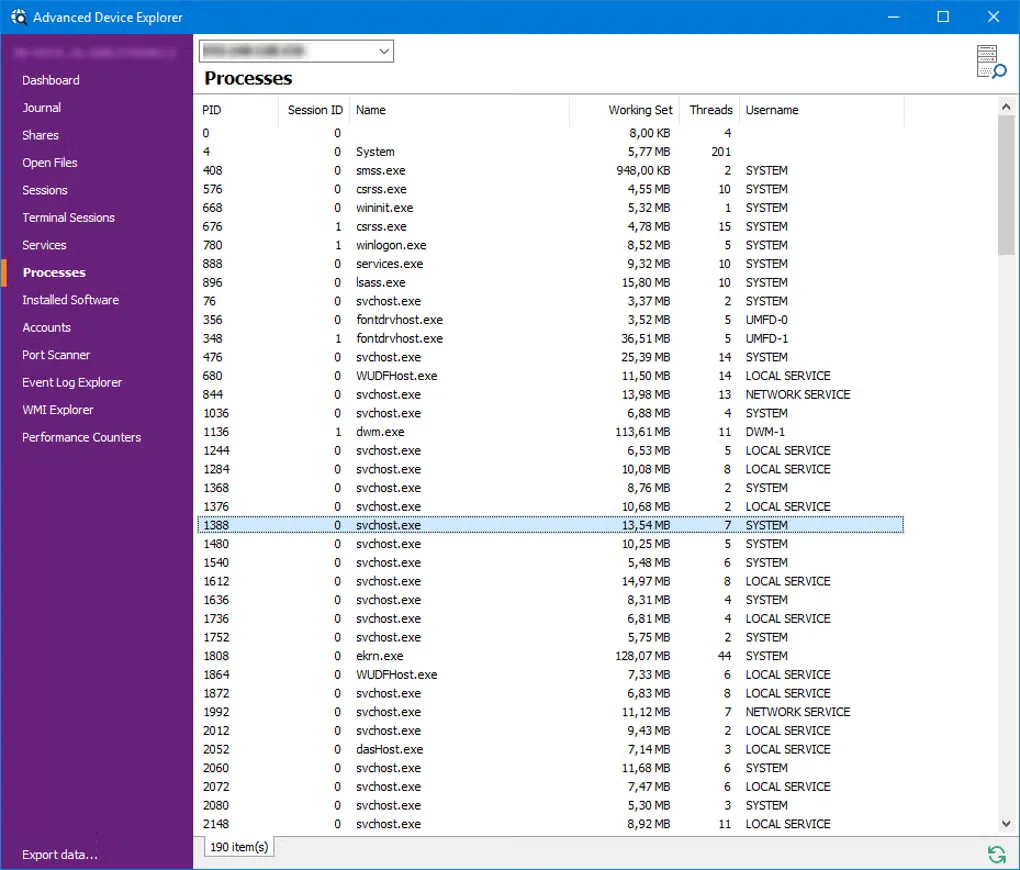
- Scan open TCP and UDP ports, shared resources and installed services.
- Resolve host names and automatically detect the local IP range.
- Use standalone Simple Service Discovery, WS-Discovery and Multicast DNS tools.
- Edit results, save and load CSV files, export section data and print device lists.
Good to know
- Free unregistered use is restricted to non-commercial purposes under the publisher’s software EULA; a paid license is offered.
- SNMP interface discovery requires devices with SNMP capability.
Product images
Sources
References used for this listing. Retrieval dates do not indicate hands-on testing.
- MiTeC Network Scanner – MiTeC ↗Retrieved
- Support – MiTeC ↗Retrieved
- MiTeC Network Scanner - Download ↗Retrieved
More in utilities
View category ↗
1.1.1.1 with WARP 2026.8.2115.0
Encrypt traffic from your Mac to Cloudflare’s network with WARP, or use DNS-only mode for encrypted DNS queries to the 1.1.1.1 resolver.
1.1.1.1 with WARP 2026.8.2115.0
Encrypt traffic between your Windows PC and Cloudflare, or use encrypted DNS only, with the free 1.1.1.1 with WARP app.

3uTools 9.12.005
Manage iPhone and iPad photos, music, apps and backups from Windows with 3uTools, a free utility that also includes device checks and firmware flashing tools.