
Utilities Windows
MobaXterm for Windows
Manage SSH terminals, transfer files with SFTP and display remote X11 applications on Windows with MobaXterm Home Edition, a free remote-access toolbox with session limits.
Version 26.6 · Direct publisher file
Link checked · Download guidance
What is MobaXterm?
MobaXterm brings a tabbed SSH terminal, an X server and remote-connection tools into one Windows application. It is aimed at administrators and developers who move between remote shells, file transfers and desktop sessions. The graphical SFTP browser opens alongside SSH connections, while the embedded X server can display remote graphical applications through X11 forwarding. RDP and VNC support cover remote-desktop work.
This download is the publisher's Home Edition 26.6 portable ZIP, rather than the separately offered installer package. Home Edition is freeware under Mobatek's end-user license; it is not the unrestricted Professional Edition. It allows up to 12 saved sessions, two SSH tunnels and four macros, and limits the TFTP, NFS and Cron services to 360 seconds.
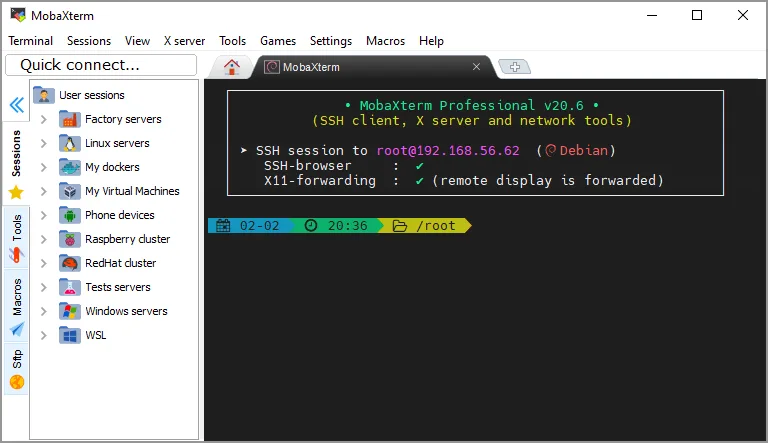
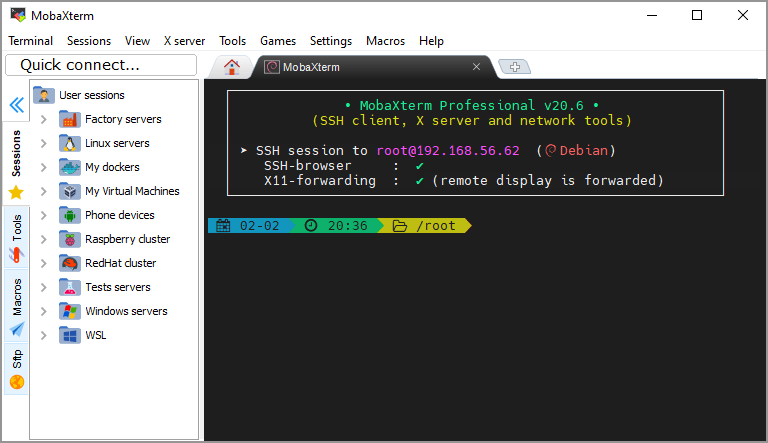
Company use has additional conditions: an individual user may download and install Home Edition for their own use, but the license does not permit company-wide deployment, internal redistribution or a shared installation used by several employees. Those uses require Professional Edition. The screenshot is a publisher-provided illustration of the older Professional v20.6 interface, not a capture of Home Edition 26.6.
What it offers
- Organize remote SSH connections in tabbed terminals and a session manager.
- Browse and transfer remote files with the automatic graphical SFTP browser.
- Display remote graphical applications with the embedded X server and X11 forwarding.
- Connect to remote desktops through RDP or VNC, alongside other supported protocols.
- Use bundled Unix-style commands on Windows and choose a portable or installer edition.
Good to know
- Home Edition is limited to 12 saved sessions, two SSH tunnels and four macros.
- Home Edition limits TFTP, NFS and Cron services to 360 seconds.
- Home Edition permits individual company use only under its license conditions; company deployment, internal redistribution and multi-user shared installations require Professional Edition.
Product images
Sources
References used for this listing. Retrieval dates do not indicate hands-on testing.
- MobaXterm - Download — Windows discovery and screenshot gallery ↗Retrieved
- MobaXterm Xserver with SSH, telnet, RDP, VNC and X11 - Home Edition ↗Retrieved
- MobaXterm Xserver with SSH, telnet, RDP, VNC and X11 - Download ↗Retrieved
- MobaXterm Xserver and tabbed SSH client - license ↗Retrieved
- MobaXterm free Xserver and tabbed SSH client for Windows ↗Retrieved
More in utilities
View category ↗
1.1.1.1 with WARP 2026.8.2115.0
Encrypt traffic from your Mac to Cloudflare’s network with WARP, or use DNS-only mode for encrypted DNS queries to the 1.1.1.1 resolver.
1.1.1.1 with WARP 2026.8.2115.0
Encrypt traffic between your Windows PC and Cloudflare, or use encrypted DNS only, with the free 1.1.1.1 with WARP app.

3uTools 9.12.005
Manage iPhone and iPad photos, music, apps and backups from Windows with 3uTools, a free utility that also includes device checks and firmware flashing tools.