
Utilities Windows
Monect PC Remote
Use your phone as a gamepad, keyboard or touchpad for a Windows PC with Monect PC Remote. This download is the PC Remote Receiver; the mobile app is also required.
Version 7.9.3 · Direct publisher file
Link checked · Download guidance
What is Monect PC Remote?
Monect PC Remote connects a mobile device to a Windows PC so the phone can act as a controller rather than just a second screen. Its keyboard and touchpad modes cover desktop input, while customizable gamepad layouts let you arrange controls for games. Supported mobile sensors can also provide motion input, such as tilting a phone to steer.
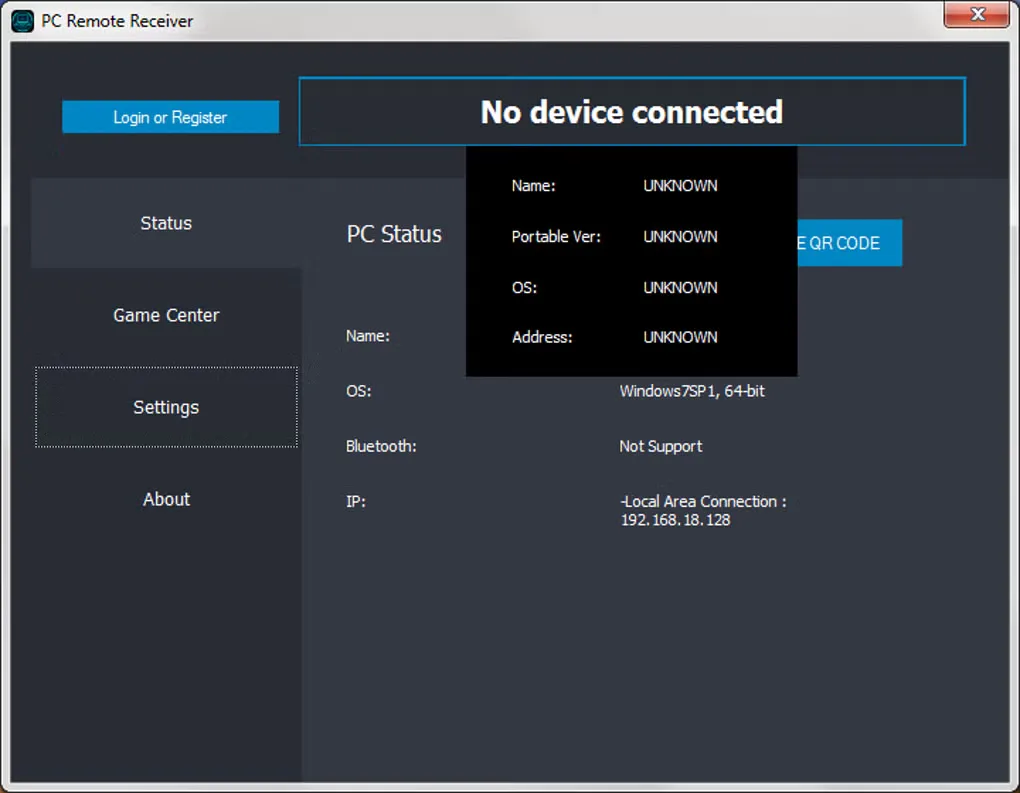
The Windows receiver is only one half of the setup: you also need the companion app on your mobile device. Softonic describes pairing over the same Wi-Fi network and also lists USB and Bluetooth connection options. The linked publisher-hosted GitHub asset is PC Remote Receiver 7.9.3, identified by Monect's official website; Softonic's separate listing still shows 7.6.4. The gallery image shows an older receiver interface and is not evidence of the exact appearance of version 7.9.3.
What it offers
- Use a mobile device as a keyboard or touchpad for the connected PC.
- Customize gamepad layouts and controller profiles for PC games.
- Use supported phone sensors for motion controls, including tilt steering.
- Pair the mobile app and PC receiver using Wi-Fi; USB and Bluetooth options are also listed by Softonic.
Good to know
- Requires separate software on both the Windows PC and mobile device; the receiver download alone is not a complete controller setup.
Product images
Sources
References used for this listing. Retrieval dates do not indicate hands-on testing.
- Monect — official Windows receiver metadata ↗Retrieved
- Monect PC Remote - Download ↗Retrieved
More in utilities
View category ↗
1.1.1.1 with WARP 2026.8.2115.0
Encrypt traffic from your Mac to Cloudflare’s network with WARP, or use DNS-only mode for encrypted DNS queries to the 1.1.1.1 resolver.
1.1.1.1 with WARP 2026.8.2115.0
Encrypt traffic between your Windows PC and Cloudflare, or use encrypted DNS only, with the free 1.1.1.1 with WARP app.

3uTools 9.12.005
Manage iPhone and iPad photos, music, apps and backups from Windows with 3uTools, a free utility that also includes device checks and firmware flashing tools.