

Utilities Windows
Monosnap for Windows
Capture screenshots, annotate images and record your screen with Monosnap for Windows, with local saving and optional cloud sharing.
What is Monosnap?
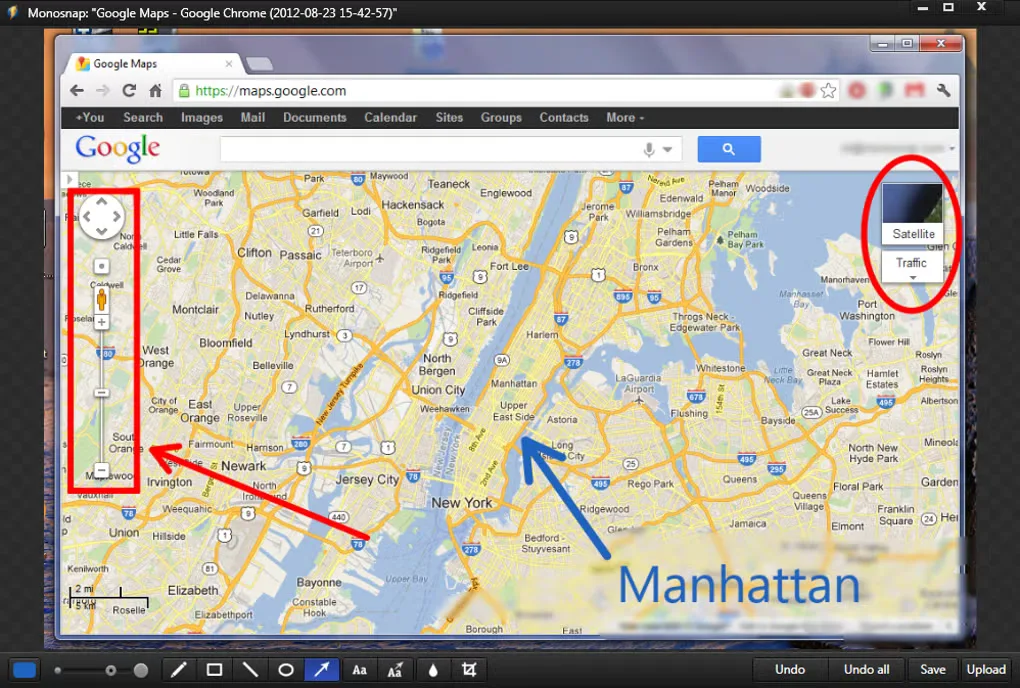
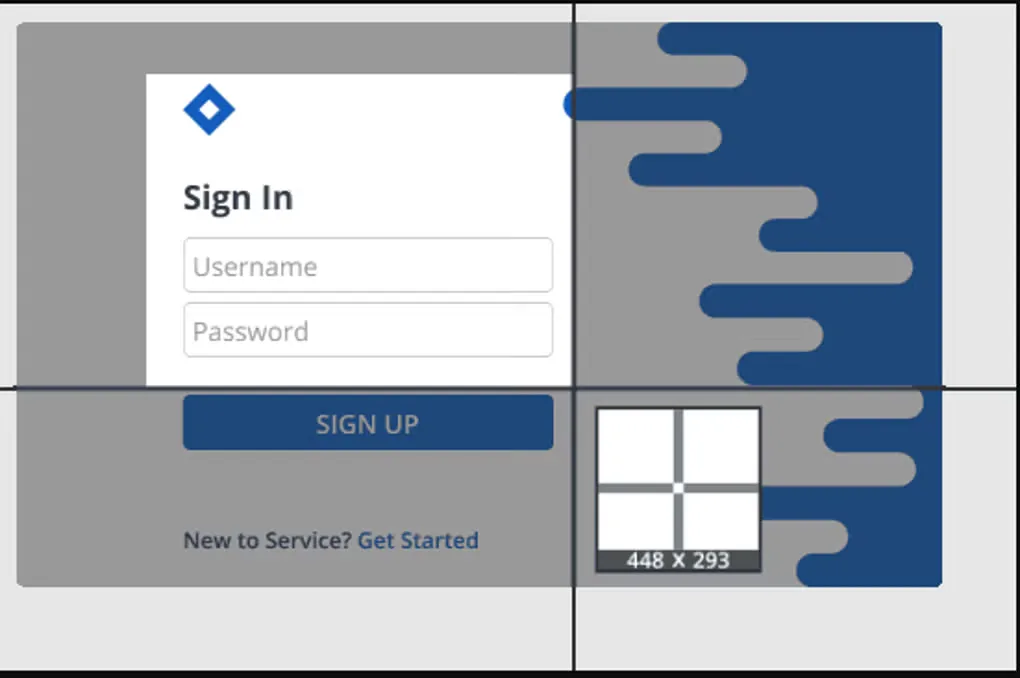
Monosnap combines screen capture and image annotation for explaining a problem, marking up instructions or sharing a visual reference. Capture the desktop, a selected area or a window, then add arrows, text and shapes in the editor. A magnifier helps position a capture, while the blur tool can obscure details before sharing. Screen recording provides an alternative when a still image cannot show the whole process.
Save a screenshot locally or copy it to the clipboard when you do not need an upload. Cloud sharing is also available, but the Windows source listing notes that some storage options are excluded from the free version. Check the publisher’s plan terms before choosing a storage workflow. The gallery images show a historical Windows interface; they do not establish the appearance or version of the generic publisher installer linked here.
What it offers
- Capture the full screen, a selected region or an individual window.
- Use the capture magnifier and customize screenshot hotkeys.
- Annotate with pen, text, arrows and shapes, or obscure details with the blur tool.
- Save images to a local folder, copy them to the clipboard or upload them for sharing.
- Record screen video; the Windows source listing also describes simultaneous camera recording.
Good to know
- Some storage options are not available in the free version, according to the Windows source listing.
- The publisher’s generic EXE URL does not identify its release or CPU architecture; the source-listed version is not independently tied to that installer.
Product images
Sources
References used for this listing. Retrieval dates do not indicate hands-on testing.
More in utilities
View category ↗
1.1.1.1 with WARP 2026.8.2115.0
Encrypt traffic from your Mac to Cloudflare’s network with WARP, or use DNS-only mode for encrypted DNS queries to the 1.1.1.1 resolver.
1.1.1.1 with WARP 2026.8.2115.0
Encrypt traffic between your Windows PC and Cloudflare, or use encrypted DNS only, with the free 1.1.1.1 with WARP app.

3uTools 9.12.005
Manage iPhone and iPad photos, music, apps and backups from Windows with 3uTools, a free utility that also includes device checks and firmware flashing tools.