
Utilities Windows
Motrix for Windows
Manage HTTP, FTP, BitTorrent and magnet downloads with Motrix, a free desktop download manager with task controls, speed limits and browser integration.
- Operating system
- Windows 10 or later
- Architecture
- x64; separate ARM64 package available
- Download package
- EXE installer (NSIS)
This link selects x64, not ARM64. Publisher minimums: 1 GB free RAM, 1 GB disk space and 1024×768 display. Windows packages are unsigned.
Link checked · Download guidance
What is Motrix?
Motrix brings direct file downloads and torrents into one desktop application. Use it to organize HTTP or FTP transfers, choose files within a BitTorrent task, and control upload and download limits. Its dashboard shows transfer activity, while saved sessions restore download tasks after a restart. The linked package is the Windows x64 installer for version 2.1.0; a separate ARM64 package is available from the publisher.
Browser integration uses a separately installed extension for Chrome, Edge or Firefox. Pair the extension with the running Motrix app before sending browser downloads to it. The extension can also send supported HLS or DASH streams, but it cannot download live broadcasts or bypass DRM protection.
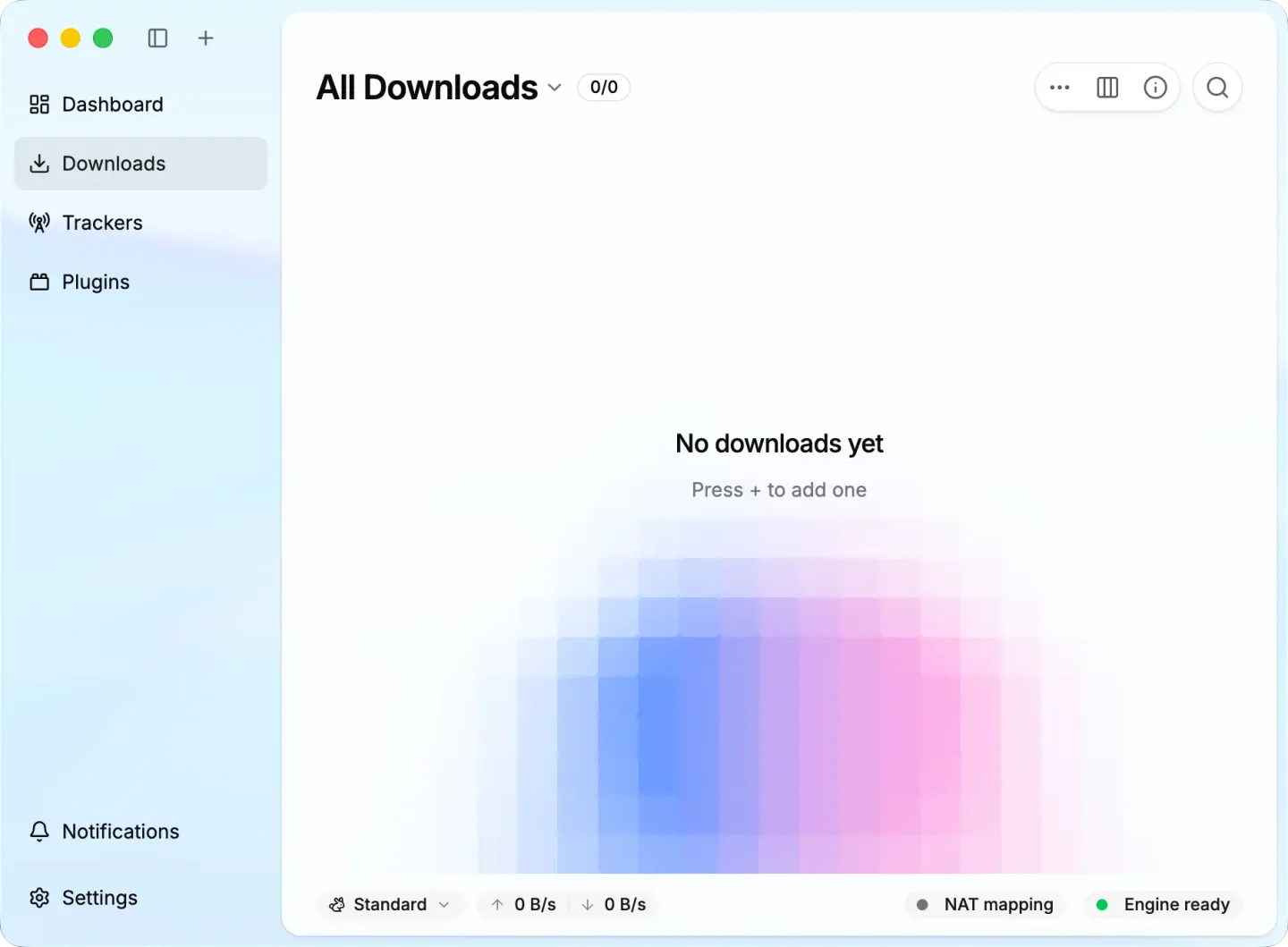
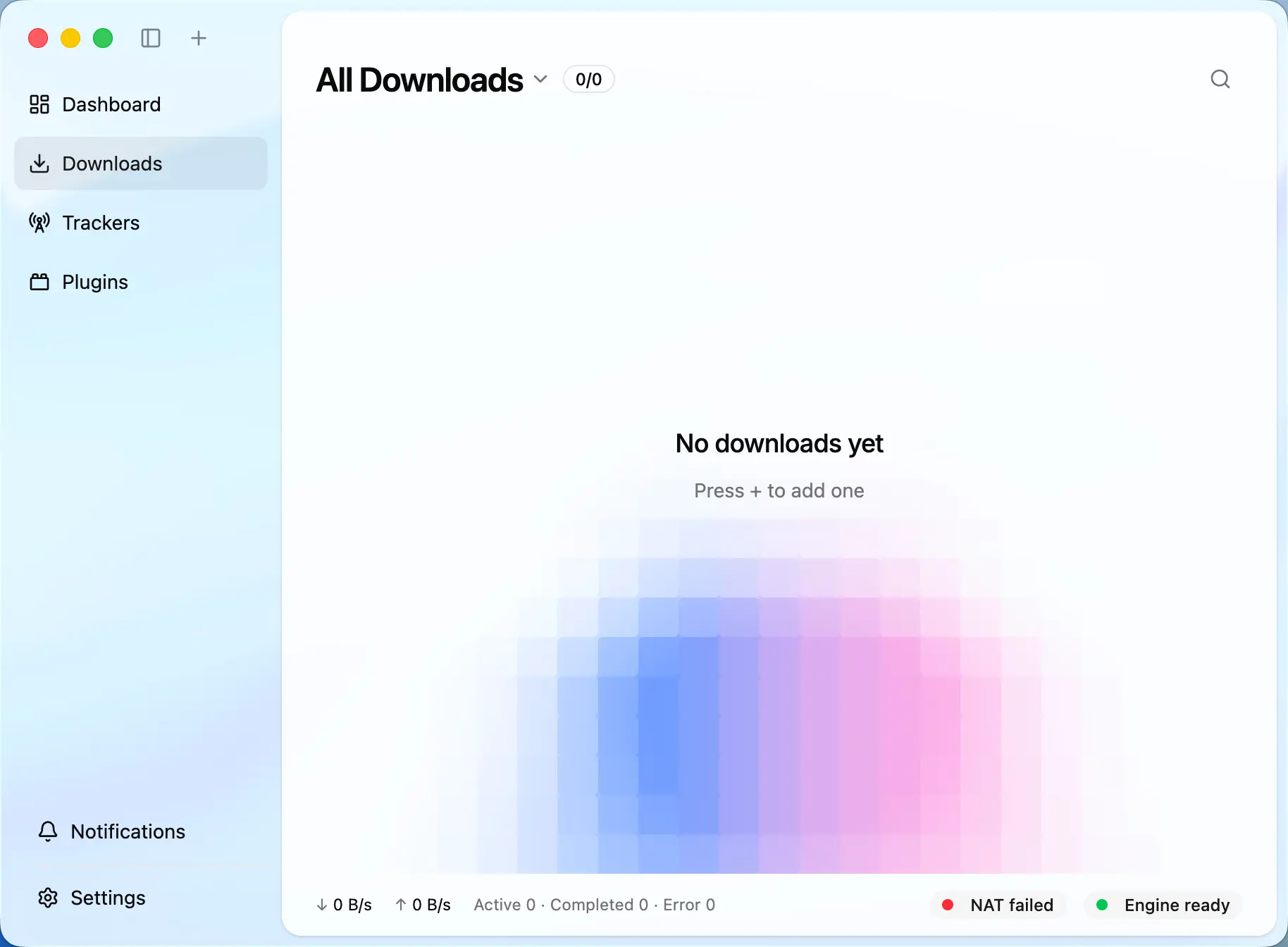
Windows packages are unsigned and may trigger SmartScreen, according to the publisher. This is not a tested installation or a safety certification. If you are upgrading from Motrix v1, the publisher recommends backing up your profile and download files first. The screenshot shows the publisher's current cross-platform interface with macOS window controls; Windows window decorations differ.
What it offers
- Manage HTTP and FTP transfers alongside BitTorrent tasks and magnet links.
- Select individual files in BitTorrent downloads and manage tracker lists.
- Set upload and download limits with multiple speed-limit profiles.
- Restore saved download tasks after restarting the application.
- Send downloads from Chrome, Edge or Firefox through a separately installed and paired Motrix extension.
Good to know
- Windows installers and ZIP packages are unsigned and may trigger a SmartScreen warning; no 32-bit desktop package is provided.
- Browser integration requires a separate extension and pairing with the running app; live streams and DRM-protected content cannot be downloaded through the extension.
- The parameter-based HTTP retry in version 2.1.0 creates a new download rather than continuing the retained partial file with changed authentication.
Product images
Sources
References used for this listing. Retrieval dates do not indicate hands-on testing.
- Motrix - Download — Windows discovery and historical gallery ↗Retrieved
- Download Motrix v2.1.0 — publisher packages and system requirements ↗Retrieved
- Motrix — publisher product overview and screenshots ↗Retrieved
- Motrix main README — current features and Windows installation ↗Retrieved
- Browser Extension — Motrix setup and limitations ↗Retrieved
- Motrix 2.1.0 — release notes and known limitations ↗Retrieved
- Motrix MIT License ↗Retrieved
- Motrix third-party notices — component and artwork terms ↗Retrieved
More in utilities
View category ↗
1.1.1.1 with WARP 2026.8.2115.0
Encrypt traffic from your Mac to Cloudflare’s network with WARP, or use DNS-only mode for encrypted DNS queries to the 1.1.1.1 resolver.
1.1.1.1 with WARP 2026.8.2115.0
Encrypt traffic between your Windows PC and Cloudflare, or use encrypted DNS only, with the free 1.1.1.1 with WARP app.

3uTools 9.12.005
Manage iPhone and iPad photos, music, apps and backups from Windows with 3uTools, a free utility that also includes device checks and firmware flashing tools.