
Utilities Windows
Mouse Manager
Assign keyboard commands to mouse buttons 4 and 5 with Mouse Manager, a free Windows utility with switchable button profiles.
- Operating system
- Windows XP, Vista, 7, 8 and 10 listed in the publisher PAD metadata
- Architecture
- Executable architecture not specified by publisher
- Download package
- EXE installer
The publisher also offers a portable ZIP. The selected installer is 832,848 bytes in the PAD metadata and HEAD response; software was not installed or run.
Link checked · Download guidance
What is Mouse Manager?
Mouse Manager by RealityRipple Software turns the two extra mouse buttons normally used for Back and Forward into keyboard shortcuts. Assign a single key or a series of keys to each button, save the pair as a profile, and select the profile you want from the system tray. It suits a five-button mouse when you want frequently used keyboard commands on its side buttons.
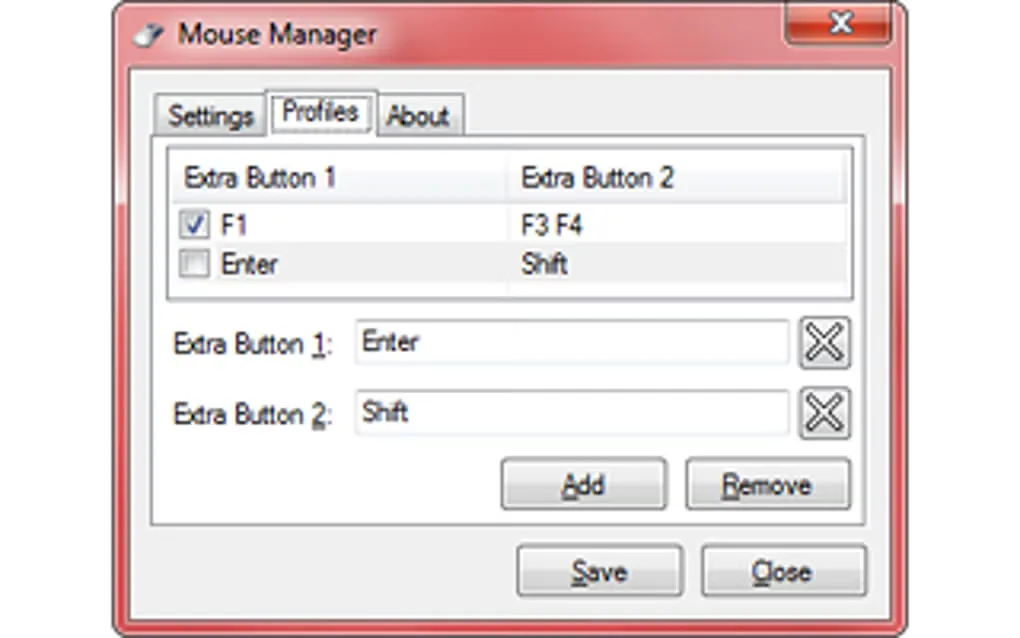
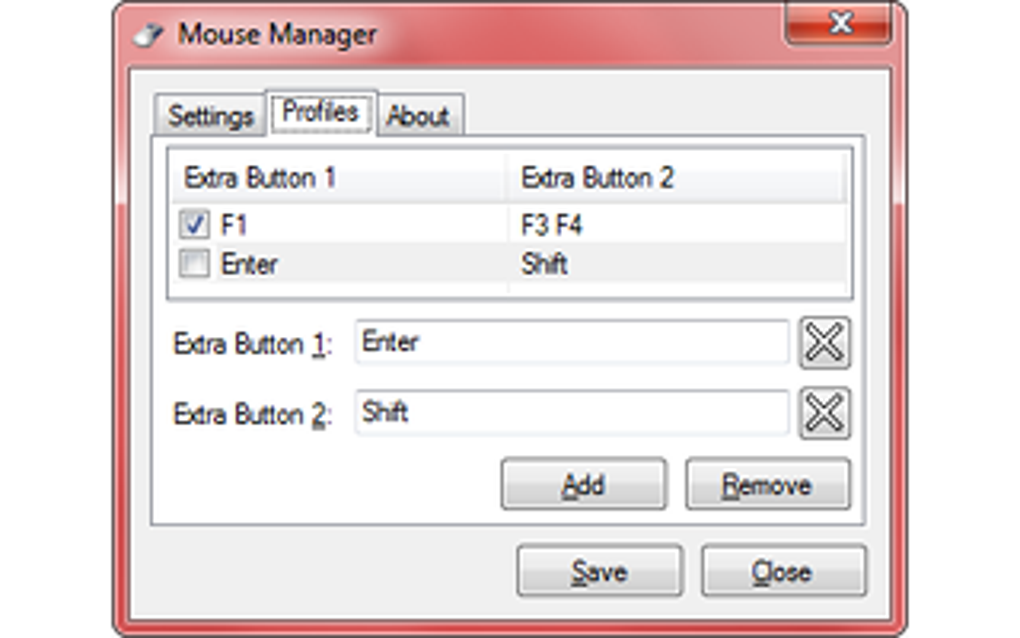
The Profiles tab lets you add or remove mappings, clear a button assignment to disable that button, and save your changes. Settings provide an enable switch and an option to start with Windows. You can also select No Profile from the tray menu to stop using your saved mappings.
This is a focused button-to-key remapper, not a general application launcher. Profiles are selected manually; the publisher directs users who need profiles assigned to individual applications to Advanced Mouse Manager. The linked EXE is the publisher-listed version 3.1, released February 2, 2025, rather than the older 2.0 listed on Softonic. The publisher states that automatic updates are not provided.
What it offers
- Map mouse buttons 4 and 5 to a keyboard key or series of keys.
- Save multiple button profiles and switch between them from the tray menu.
- Disable an extra button by clearing its assignment.
- Enable or disable remapping without closing the program, with optional startup alongside Windows.
Good to know
- Only the two extra mouse buttons are the focus; this is not a replacement for every mouse control.
- Profiles are chosen manually rather than automatically assigned to applications.
- Cannot launch other programs directly; mappings replicate keyboard input.
- No automatic updates, according to the publisher.
Product images
Sources
References used for this listing. Retrieval dates do not indicate hands-on testing.
- Mouse Manager - Download ↗Retrieved
- Mouse Manager — publisher product page ↗Retrieved
- Mouse Manager — official PAD metadata ↗Retrieved
More in utilities
View category ↗
1.1.1.1 with WARP 2026.8.2115.0
Encrypt traffic from your Mac to Cloudflare’s network with WARP, or use DNS-only mode for encrypted DNS queries to the 1.1.1.1 resolver.
1.1.1.1 with WARP 2026.8.2115.0
Encrypt traffic between your Windows PC and Cloudflare, or use encrypted DNS only, with the free 1.1.1.1 with WARP app.

3uTools 9.12.005
Manage iPhone and iPad photos, music, apps and backups from Windows with 3uTools, a free utility that also includes device checks and firmware flashing tools.