
Development Windows
MSYS2 for Windows
Build native Windows software with MSYS2, a free development environment combining a Bash terminal, Pacman package management and installable compiler toolchains.
- Operating system
- 64-bit Windows 10 version 1809 or newer, including Windows 11
- Architecture
- x86-64 (x64)
- Download package
- EXE installer
This link selects the x86-64 installer, not the separate ARM64 package. Install required toolchains through Pacman; package versions change independently of the installer snapshot.
Link checked · Download guidance
What is MSYS2?
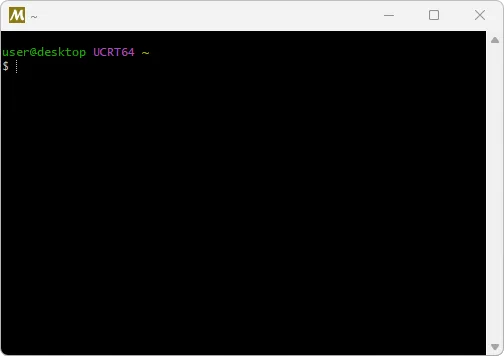
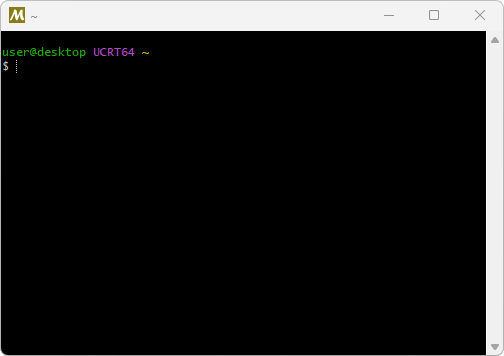
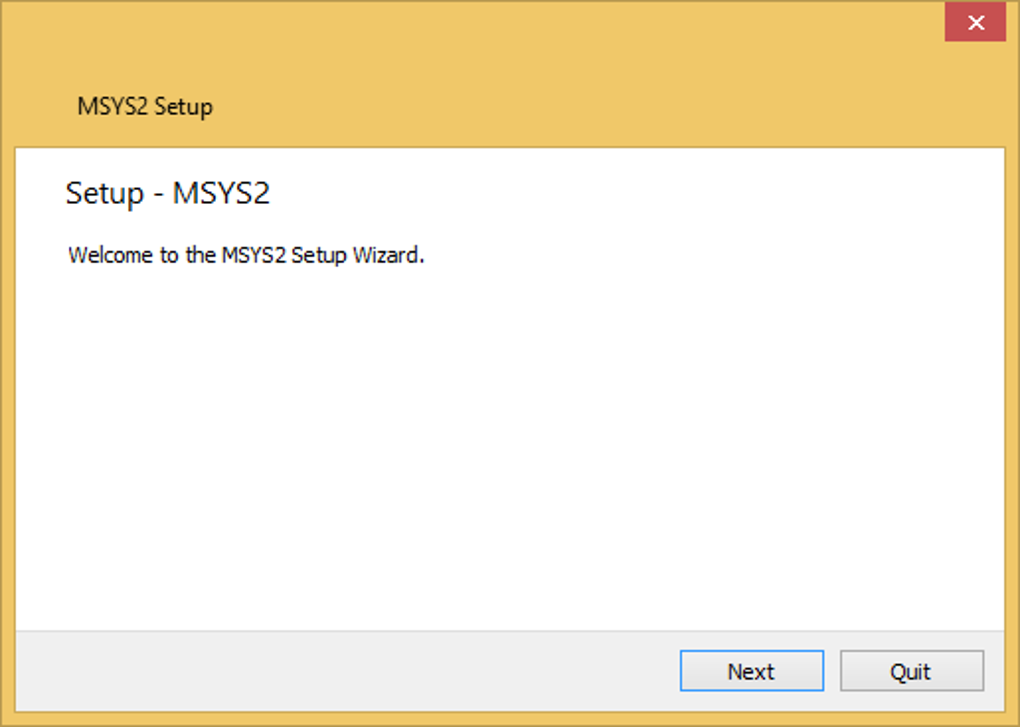
MSYS2 provides a Unix-like command-line environment for building, installing and running native Windows software. It combines the mintty terminal and Bash with tools such as Git, tar, awk and Autotools. Pacman installs packages, resolves dependencies and keeps the environment updated, while the repositories provide native Windows builds of development tools and libraries.
For a C or C++ project, the publisher's getting-started guide uses the UCRT64 environment and installs the mingw-w64 GCC toolchain through Pacman. The installer sets up the environment; it is not a bundle containing every compiler and library you might need. Choose packages for the environment your project uses, rather than mixing object files or static libraries built for incompatible targets.
This download is the x86-64 Windows installer snapshot dated 2026-09-27. MSYS2 follows a rolling-release model, so installed packages are updated through Pacman rather than tied permanently to that snapshot. Its focus is native Windows software, not a complete Linux environment; the publisher recommends WSL instead when the goal is building software for a Linux server.
What it offers
- Use mintty and Bash alongside Unix-style command-line tools on Windows.
- Install packages and resolve dependencies with Pacman.
- Add native Windows compiler toolchains and libraries, including mingw-w64 GCC.
- Choose development environments such as UCRT64 for the required toolchain and runtime.
- Update installed packages through Pacman in a rolling-release distribution.
Good to know
- Compilers and other project dependencies may need separate installation through Pacman after the initial setup.
- Object files and static libraries built for different runtime targets should not be mixed.
- MSYS2 focuses on native Windows builds; the publisher recommends WSL for software intended for a Linux server.
Product images
Sources
References used for this listing. Retrieval dates do not indicate hands-on testing.
- Getting Started - MSYS2 ↗Retrieved
- What is MSYS2? - MSYS2 ↗Retrieved
- Environments - MSYS2 ↗Retrieved
- MSYS2 - Download ↗Retrieved
More in development
View category ↗
010 Editor 17.0
Inspect and edit binary files on Mac with 010 Editor, a paid text and hex editor with Binary Templates, file comparison and a 30-day trial.
010 Editor 17.0
Inspect and edit binary files with 010 Editor for Windows, a text and hex editor with Binary Templates, file comparison and scripting. Includes a 30-day trial.
10x Editor
Edit and navigate C++ projects on Windows with a built-in parser, workspace search and Visual Studio project support. A paid license is required after the 30-day trial.