

Development macOS
Multipass for macOS
Launch local Linux virtual machines on your Mac with Multipass. Use Ubuntu environments, cloud-init configuration and shared folders for development and cloud experiments.
- Operating system
- macOS 14 Sonoma or later
- Architecture
- Intel and Apple M-series Macs
- Download package
- PKG installer
Administrator privileges are required to install. QEMU is the documented default backend; Apple Virtualization framework support is a preview in 1.17.0.
Link checked · Download guidance
What is Multipass?
Multipass from Canonical creates and manages local virtual machines for development, learning and cloud-style prototyping. On a Mac, you can launch an Ubuntu instance, open a shell and run commands without replacing macOS. Cloud-init applies setup instructions when an instance starts, while folder mounts let the guest use selected files from the host.
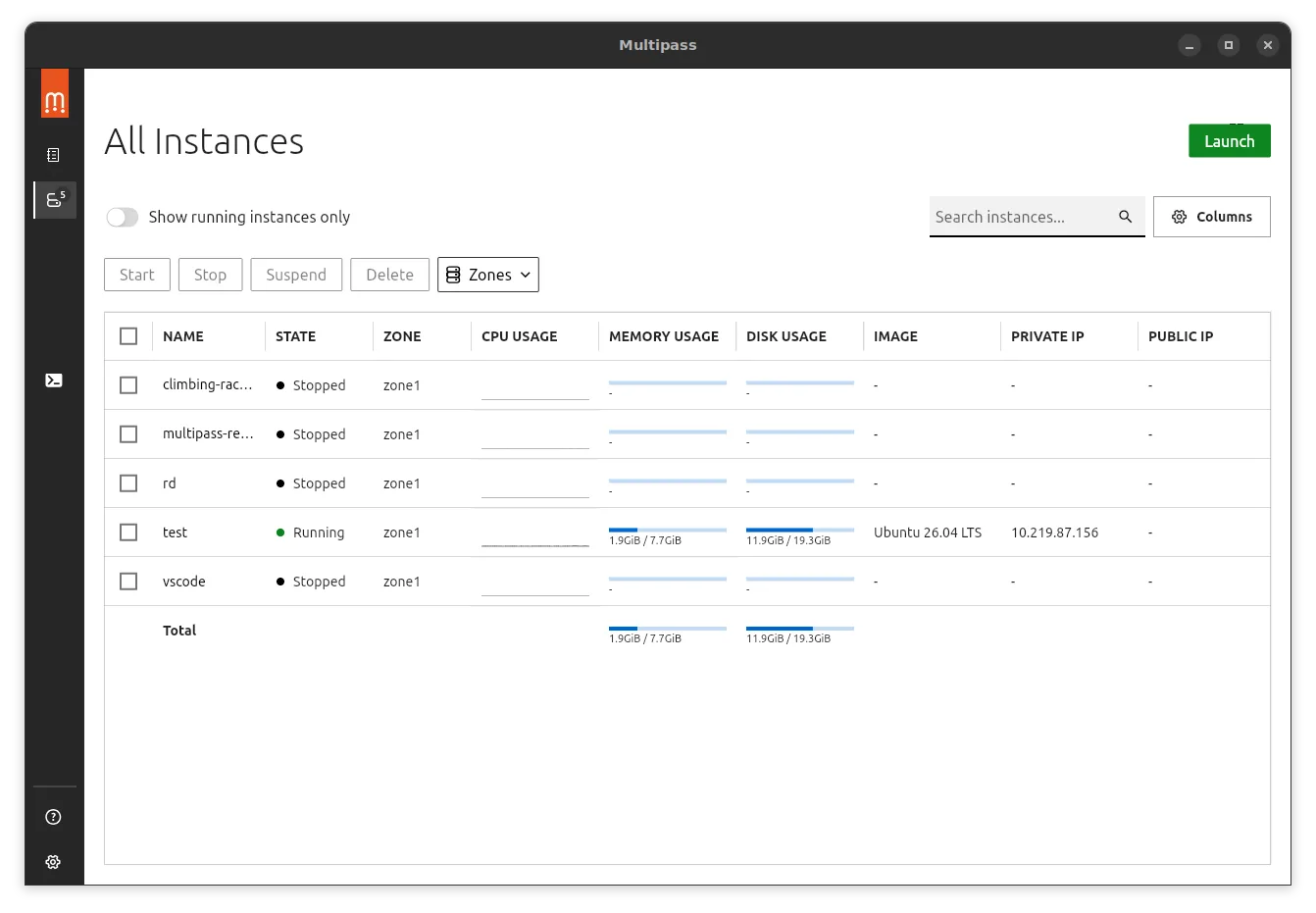
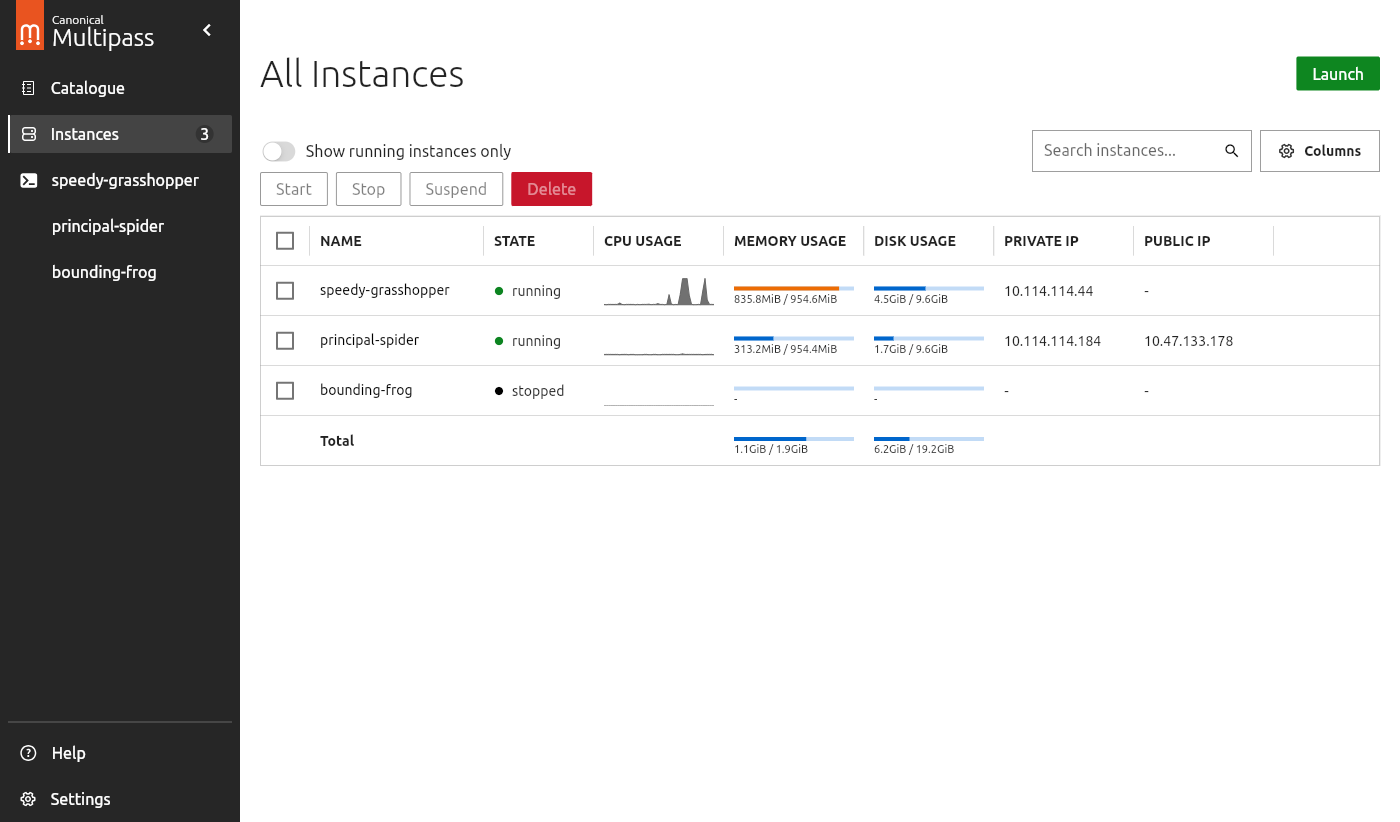
Both command-line tools and a graphical client are available. The GUI lists instances and provides controls for starting, stopping, suspending and deleting them, while the command line supports scripted workflows. Version 1.17.0 also adds built-in Debian and Fedora image support alongside Ubuntu.
The linked download is Canonical’s 1.17.0 macOS PKG installer. Current publisher documentation requires macOS 14 Sonoma or later on an Intel or M-series Mac and an administrator account for installation. QEMU remains the documented default macOS backend; the newer Apple Virtualization framework driver is a preview in this release.
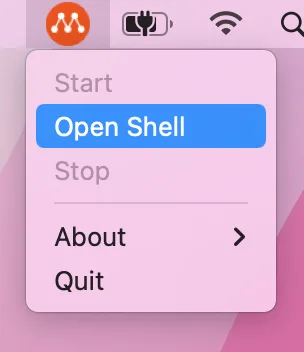
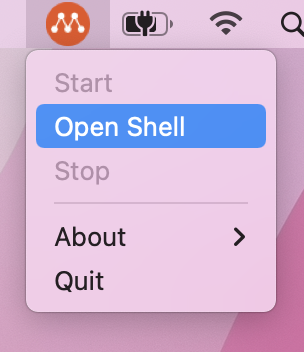
The screenshot gallery includes the publisher’s macOS menu showing Open Shell and a cross-platform GUI example captured with Linux-style window controls. These are documentation illustrations, not evidence of a local installation or an exact macOS 1.17.0 screen capture.
What it offers
- Create and manage local Ubuntu virtual machines from macOS.
- Configure new instances with cloud-init user data.
- Share selected host folders with virtual machines through mounts.
- Manage instance lifecycle through the command line or graphical client.
- Browse built-in Ubuntu, Debian and Fedora images in version 1.17.0.
Good to know
- Requires macOS 14 Sonoma or later and an administrator account for installation.
- The Apple Virtualization framework backend is a preview in 1.17.0; QEMU remains the documented macOS default.
- Some instance settings require the virtual machine to be stopped before changes can be applied.
Product images
Sources
References used for this listing. Retrieval dates do not indicate hands-on testing.
- Multipass for Mac - Download — passive browser observation ↗Retrieved
- Multipass — Ubuntu VMs on demand for any workstation ↗Retrieved
- Install Multipass — publisher documentation ↗Retrieved
- Canonical Multipass 1.17.0 — publisher release metadata ↗Retrieved
- Multipass repository — GNU General Public License version 3 ↗Retrieved
- GUI client — publisher documentation and screenshots ↗Retrieved
- Getting started with Multipass — macOS section ↗Retrieved
More in development
View category ↗
010 Editor 17.0
Inspect and edit binary files on Mac with 010 Editor, a paid text and hex editor with Binary Templates, file comparison and a 30-day trial.
010 Editor 17.0
Inspect and edit binary files with 010 Editor for Windows, a text and hex editor with Binary Templates, file comparison and scripting. Includes a 30-day trial.
10x Editor
Edit and navigate C++ projects on Windows with a built-in parser, workspace search and Visual Studio project support. A paid license is required after the 30-day trial.