
Utilities Windows
MyPublicWiFi for Windows
Share a Windows PC’s internet connection as a Wi-Fi hotspot, with guest login options, bandwidth controls and network access rules.
- Operating system
- Windows 7, 8, 10 and 11; Windows Server 2008 R2, 2012 R2, 2016 and 2019 (publisher-listed)
- Architecture
- 32-bit and 64-bit Windows (publisher-listed)
- Download package
- EXE installer
The publisher lists Hosted Network and WiFi Direct support on Windows 10/11. Wireless Bridge Mode needs two Wi-Fi adapters. Package architecture and hardware compatibility were not independently tested.
Link checked · Download guidance
What is MyPublicWiFi?
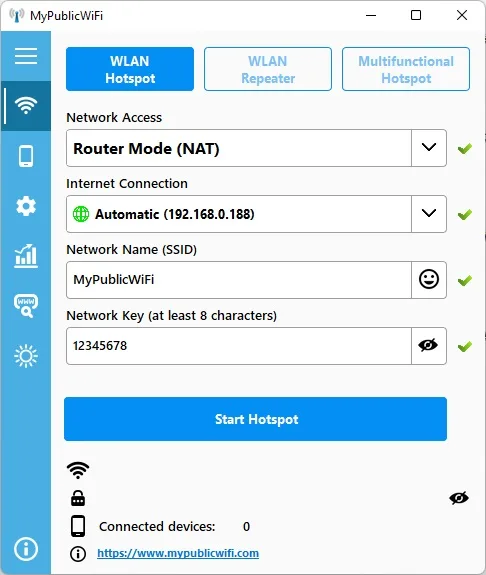
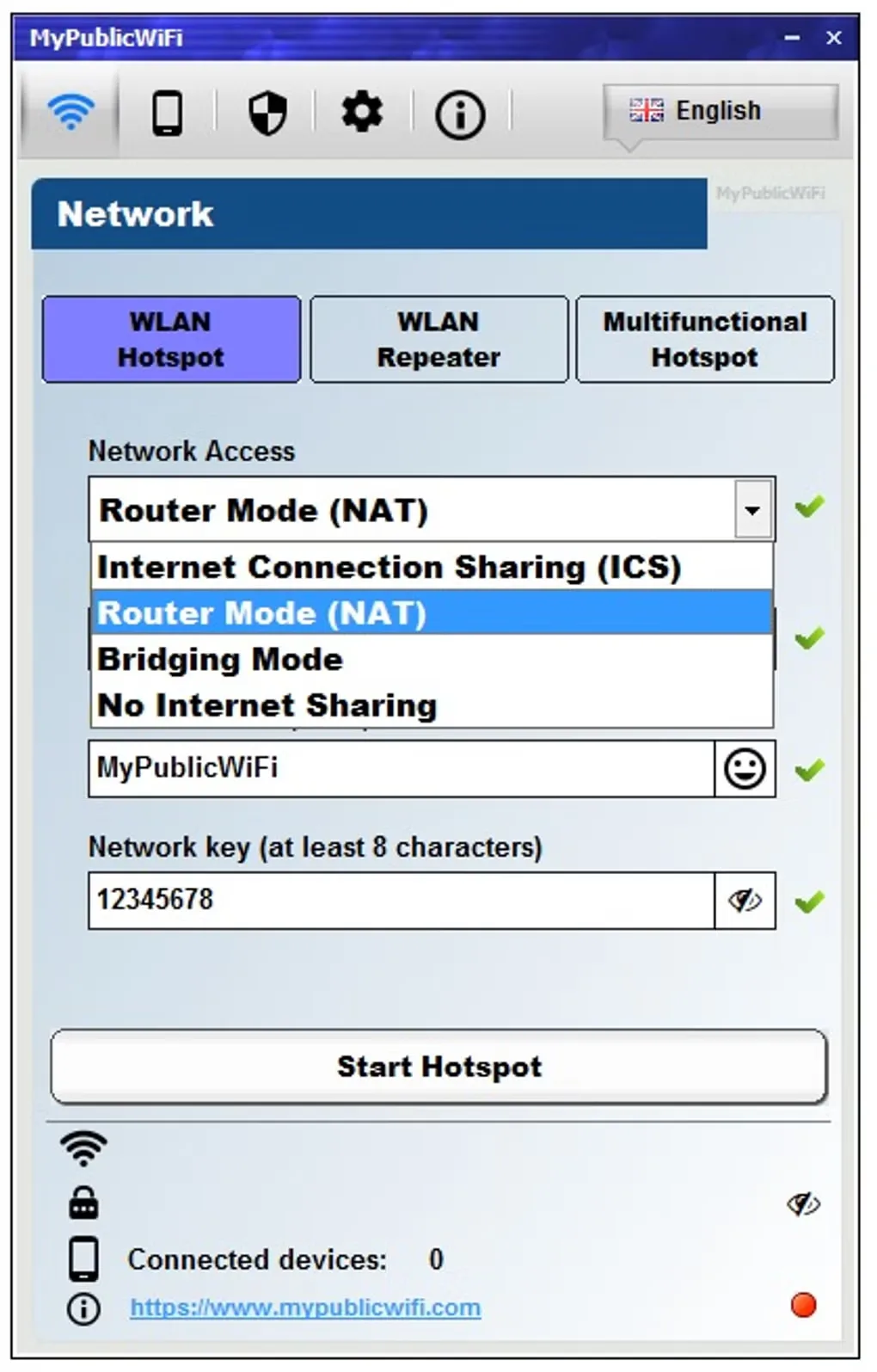
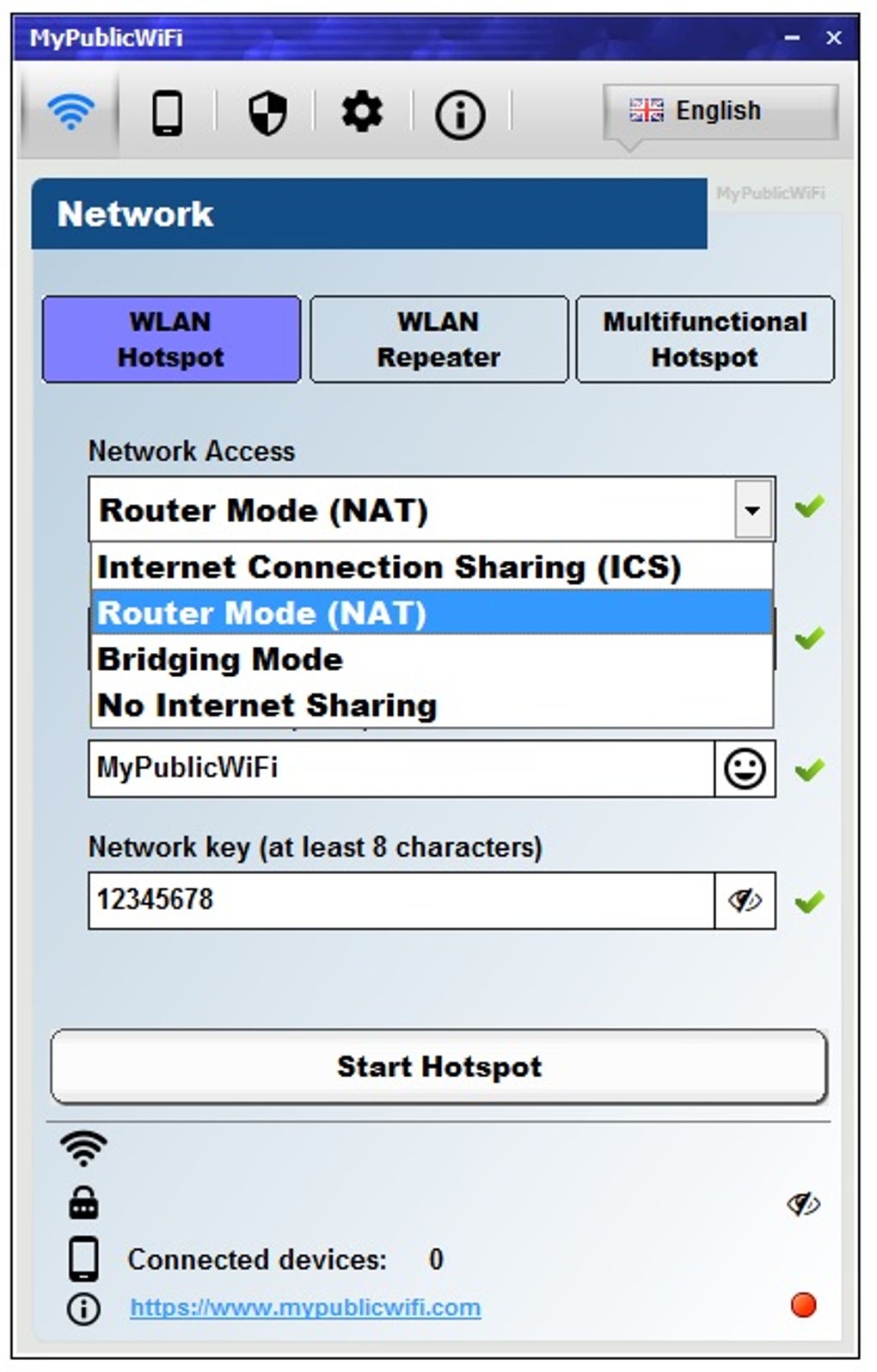
MyPublicWiFi turns a Windows laptop, tablet or PC into a Wi-Fi access point. Use it to share an existing internet connection with nearby devices, configure a network name and key, or manage a guest hotspot. The publisher lists Internet Connection Sharing, router, bridge and repeater modes, plus local networking without an internet connection.
For managed guest access, the application offers a login page with an access password, voucher codes, user accounts or acceptance of terms. Its firewall can restrict services, while the bandwidth manager controls client upload and download speeds. URL logging is also available. These are publisher-described capabilities, not results from an installation or performance test.
Choose a mode that matches your hardware and network. Wireless Bridge Mode requires two Wi-Fi adapters. When sharing a VPN connection, some VPN apps block local DHCP traffic, leaving hotspot clients without an IP address or internet access; the publisher recommends allowing local network connections in the VPN app. MyPublicWiFi shares an existing VPN connection rather than supplying a VPN service.
What it offers
- Create a Wi-Fi hotspot with a custom network name and key, or select router, bridge, repeater or no-internet-sharing modes.
- Share an existing Ethernet, Wi-Fi, mobile-data or VPN internet connection.
- Use a guest login page with an access password, voucher codes, user accounts or acceptance of terms.
- Control client upload and download speeds through the bandwidth manager.
- Restrict network services with firewall rules and record visited URLs with URL logging.
Good to know
- Wireless Bridge Mode requires two Wi-Fi network adapters.
- Some VPN apps block DHCP on the local network, preventing hotspot clients from receiving an IP address and internet access. VPN sharing depends on the VPN app’s local-network settings.
Product images
Sources
References used for this listing. Retrieval dates do not indicate hands-on testing.
More in utilities
View category ↗
1.1.1.1 with WARP 2026.8.2115.0
Encrypt traffic from your Mac to Cloudflare’s network with WARP, or use DNS-only mode for encrypted DNS queries to the 1.1.1.1 resolver.
1.1.1.1 with WARP 2026.8.2115.0
Encrypt traffic between your Windows PC and Cloudflare, or use encrypted DNS only, with the free 1.1.1.1 with WARP app.

3uTools 9.12.005
Manage iPhone and iPad photos, music, apps and backups from Windows with 3uTools, a free utility that also includes device checks and firmware flashing tools.