

Development Windows
MySQL Workbench for Windows
Design MySQL schemas visually, write SQL queries and manage database servers with MySQL Workbench Community for Windows.
- Operating system
- Windows 11 or Windows Server 2022
- Architecture
- x64 (x86-64)
- Download package
- MSI installer
Publisher manual lists .NET Framework 4.5.2 and Visual C++ 2015-2022 Redistributable prerequisites. This download is the Windows x64 package.
Link checked · Download guidance
What is MySQL Workbench?
MySQL Workbench brings database design, SQL development and server administration into a graphical desktop workspace. Use its SQL Editor to run queries against a MySQL connection, or build a schema model and work with tables and relationships visually. Forward and reverse engineering connect the model with a database schema.
It suits developers and database administrators working with MySQL rather than users looking for a standalone database server. Modeling can be done without a server connection; executing queries and administering a live instance require access to a local or remote MySQL server. Migration tools also help move database objects and data from other supported database systems into MySQL.
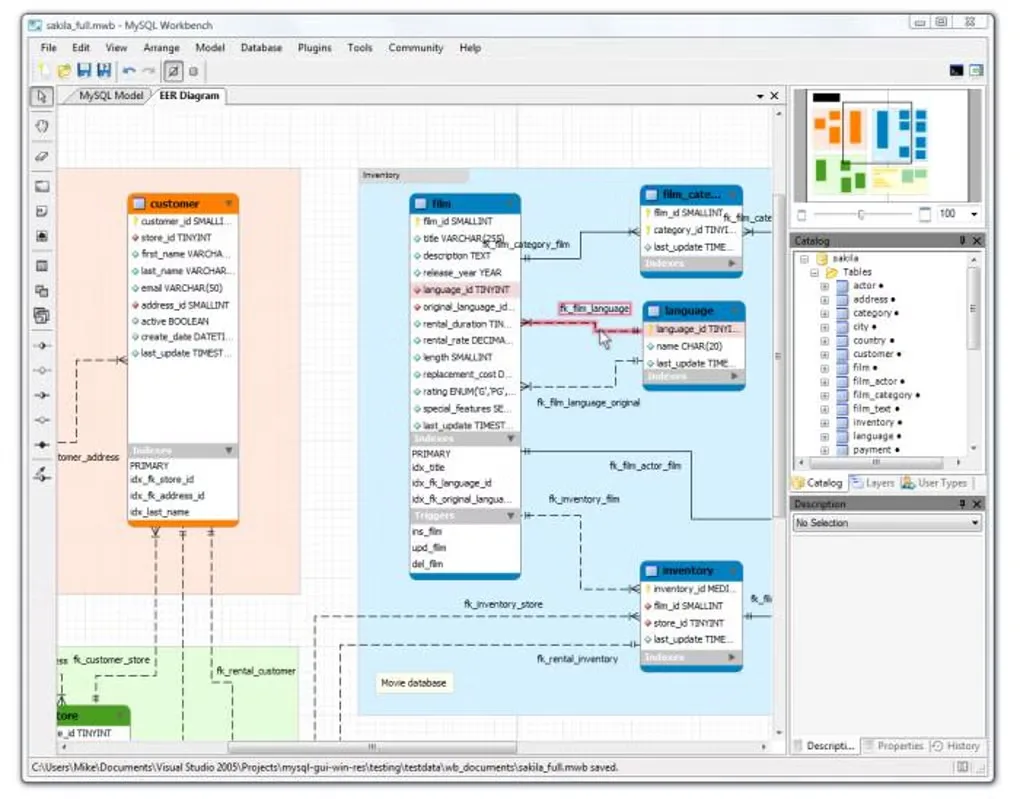
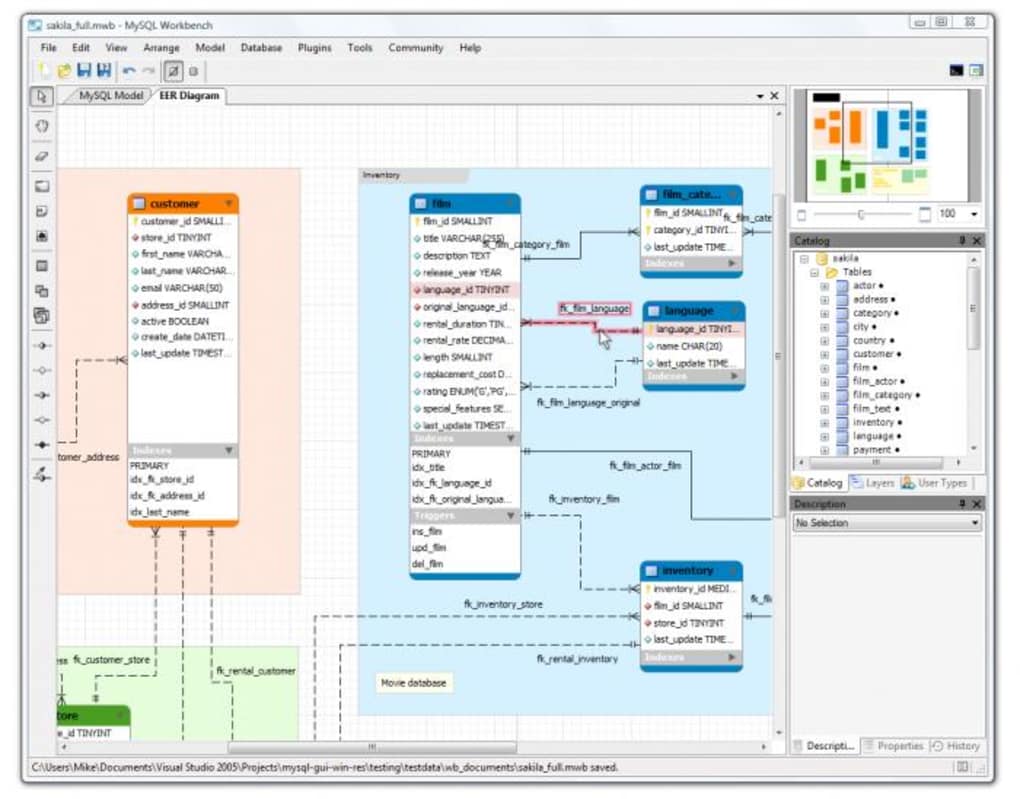
This entry links to the Windows x64 MSI for Community Edition 26.10.0. Community Edition is free and open source under the GPL. Commercial editions provide additional Enterprise integrations, so the free download should not be treated as including every Enterprise feature. The screenshot shows an older Windows modeling interface from the source gallery, not a capture of this release.
What it offers
- Run SQL queries through the built-in SQL Editor using a MySQL server connection.
- Create graphical database schema models and use forward or reverse engineering.
- Manage MySQL users and inspect server status and performance.
- Migrate supported database objects and data into MySQL.
Good to know
- Live queries and server administration require access to a MySQL server; offline data modeling does not.
- Additional Enterprise integrations, including MySQL Enterprise Backup, MySQL Firewall and MySQL Audit, belong to Commercial Edition rather than this Community download.
Product images
Sources
References used for this listing. Retrieval dates do not indicate hands-on testing.
More in development
View category ↗
010 Editor 17.0
Inspect and edit binary files on Mac with 010 Editor, a paid text and hex editor with Binary Templates, file comparison and a 30-day trial.
010 Editor 17.0
Inspect and edit binary files with 010 Editor for Windows, a text and hex editor with Binary Templates, file comparison and scripting. Includes a 30-day trial.
10x Editor
Edit and navigate C++ projects on Windows with a built-in parser, workspace search and Visual Studio project support. A paid license is required after the 30-day trial.