

Development macOS
Apache NetBeans for macOS
Edit Java and web code with Apache NetBeans for Mac. This entry links to Codelerity’s Apple Silicon PKG with a bundled Eclipse Temurin JDK 26.
- Operating system
- macOS; minimum version not specified on the selected package page
- Architecture
- ARM64 (Apple Silicon)
- Download package
- PKG installer with Eclipse Temurin JDK 26
Codelerity also lists a separate x86_64 package for Intel Macs. The selected convenience package is not an Apache Software Foundation release.
Link checked · Download guidance
What is Apache NetBeans?
Apache NetBeans brings source editing, code completion and project tools into a desktop development environment. Its editors highlight code syntactically and semantically, support refactoring, and provide wizards and templates for Java, PHP and web work. The publisher’s Java quick-start guide shows a Maven project workflow from creating a class to running it and reading the output.
The linked macOS download is Codelerity’s Apache NetBeans 31 package for Apple Silicon (ARM64), with a local Eclipse Temurin JDK 26 to run the IDE. Codelerity also lists a separate Intel package. Additional JDKs for projects can be registered in the IDE; the IDE runtime and a project’s target Java version are separate choices.
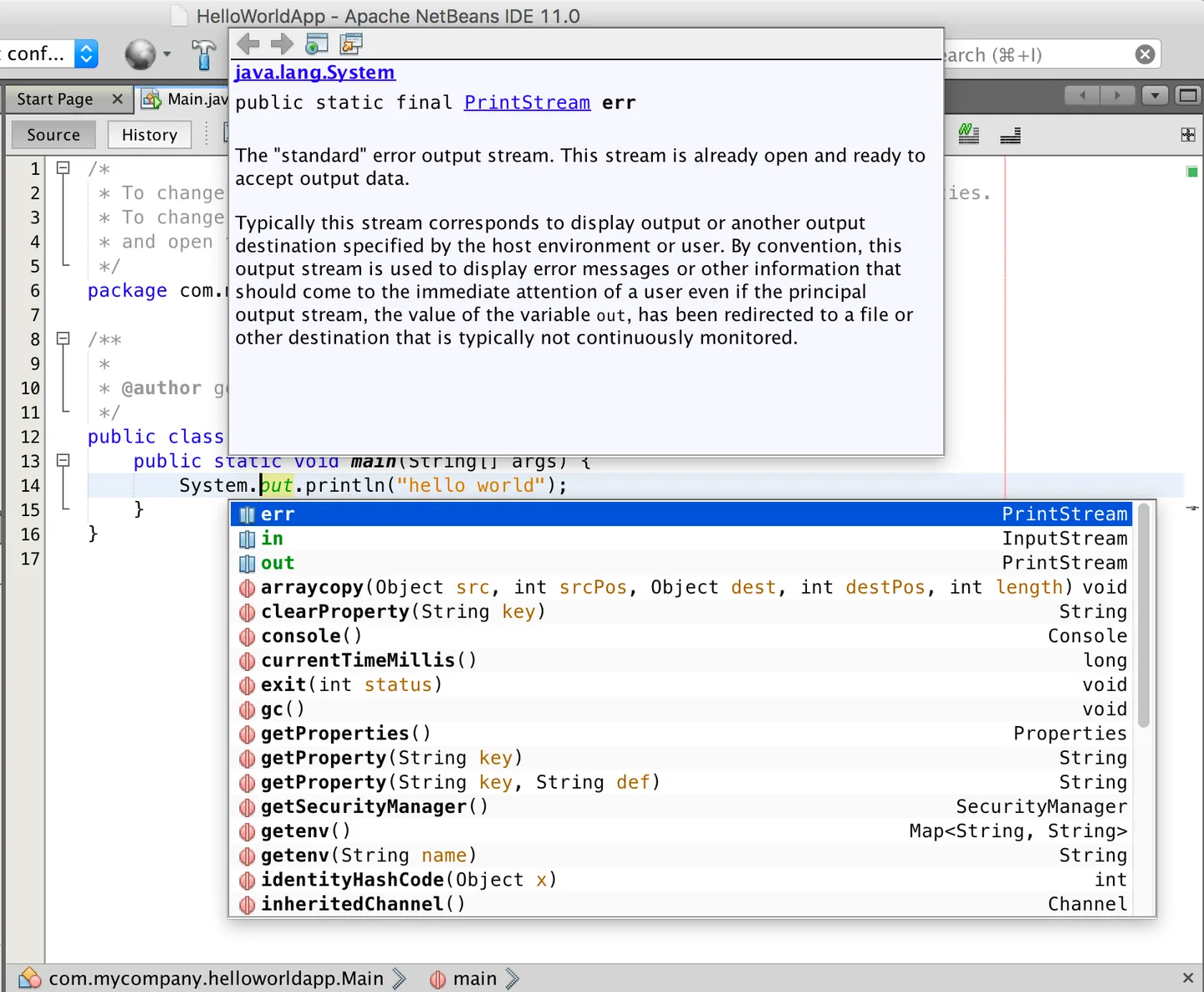
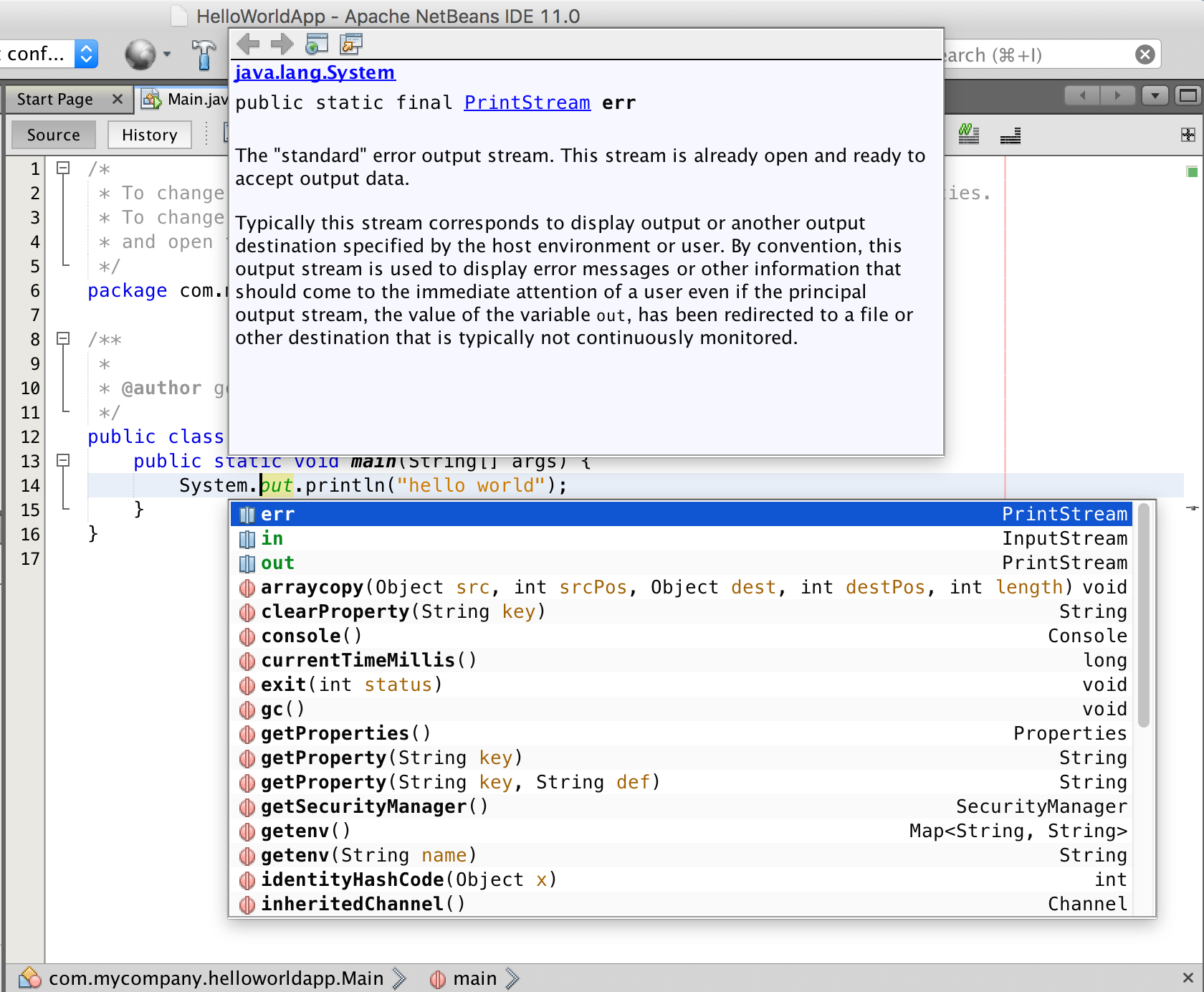
Codelerity’s packages are built from the Apache NetBeans binary release by a NetBeans committer, but are not releases of the Apache Software Foundation. The bundled JDK has its own license terms. The package page does not state a minimum macOS version, so this entry does not promise support for a specific macOS release. The screenshot is a historical publisher tutorial image of NetBeans 11.0 on macOS, illustrating code completion rather than the appearance of version 31.
What it offers
- Highlight source code syntactically and semantically and refactor code in the editor.
- Use editors, wizards and templates for Java, PHP, JavaScript, HTML5 and CSS.
- Create and run Java Maven projects, with code-completion suggestions and related documentation.
- Run the selected macOS package with its bundled Eclipse Temurin JDK 26; register additional JDKs for projects.
Good to know
- This linked ARM64 PKG is for Apple Silicon Macs; Intel Macs need the separate x86_64 package listed by Codelerity.
- The convenience package is supplied by Codelerity, not released by the Apache Software Foundation, and includes software with additional license terms.
- NetBeans 23 and later no longer support Java String Templates.
Product images
Sources
References used for this listing. Retrieval dates do not indicate hands-on testing.
- NetBeans IDE for Mac - Download ↗Retrieved
- Welcome to Apache NetBeans ↗Retrieved
- Downloading Apache NetBeans 31 ↗Retrieved
- Apache NetBeans 31 ↗Retrieved
- Java Quick Start Tutorial ↗Retrieved
More in development
View category ↗
010 Editor 17.0
Inspect and edit binary files on Mac with 010 Editor, a paid text and hex editor with Binary Templates, file comparison and a 30-day trial.
010 Editor 17.0
Inspect and edit binary files with 010 Editor for Windows, a text and hex editor with Binary Templates, file comparison and scripting. Includes a 30-day trial.
10x Editor
Edit and navigate C++ projects on Windows with a built-in parser, workspace search and Visual Studio project support. A paid license is required after the 30-day trial.