

Utilities Windows
NetWorx for Windows
Track Internet data usage, view bandwidth reports and check connection speed with NetWorx for Windows. SoftPerfect offers a fully featured 30-day trial.
- Operating system
- Windows; specific supported Windows versions not established by the cited product page
- Architecture
- Publisher lists Intel, AMD and ARM64
- Download package
- EXE installer
The linked Windows installer was verified with HEAD only, not downloaded or run. A separate portable ZIP is available.
Link checked · Download guidance
What is NetWorx?
NetWorx helps you understand how much data your Internet connection uses and when it is busiest. It shows uploads and downloads in a real-time graph and collects historical totals in daily, weekly and monthly reports. You can monitor a local network adapter, a supported router or the applications accessing the Internet. This makes it useful for investigating high usage or watching a capped data allowance.
Its Speed Meter measures connection speed on demand or on a schedule. The Connection Monitor records downtime and ping times, while configurable usage notifications help flag excessive activity. Router monitoring uses supported SNMP or UPnP devices; it is not a promise that every router can report usage.
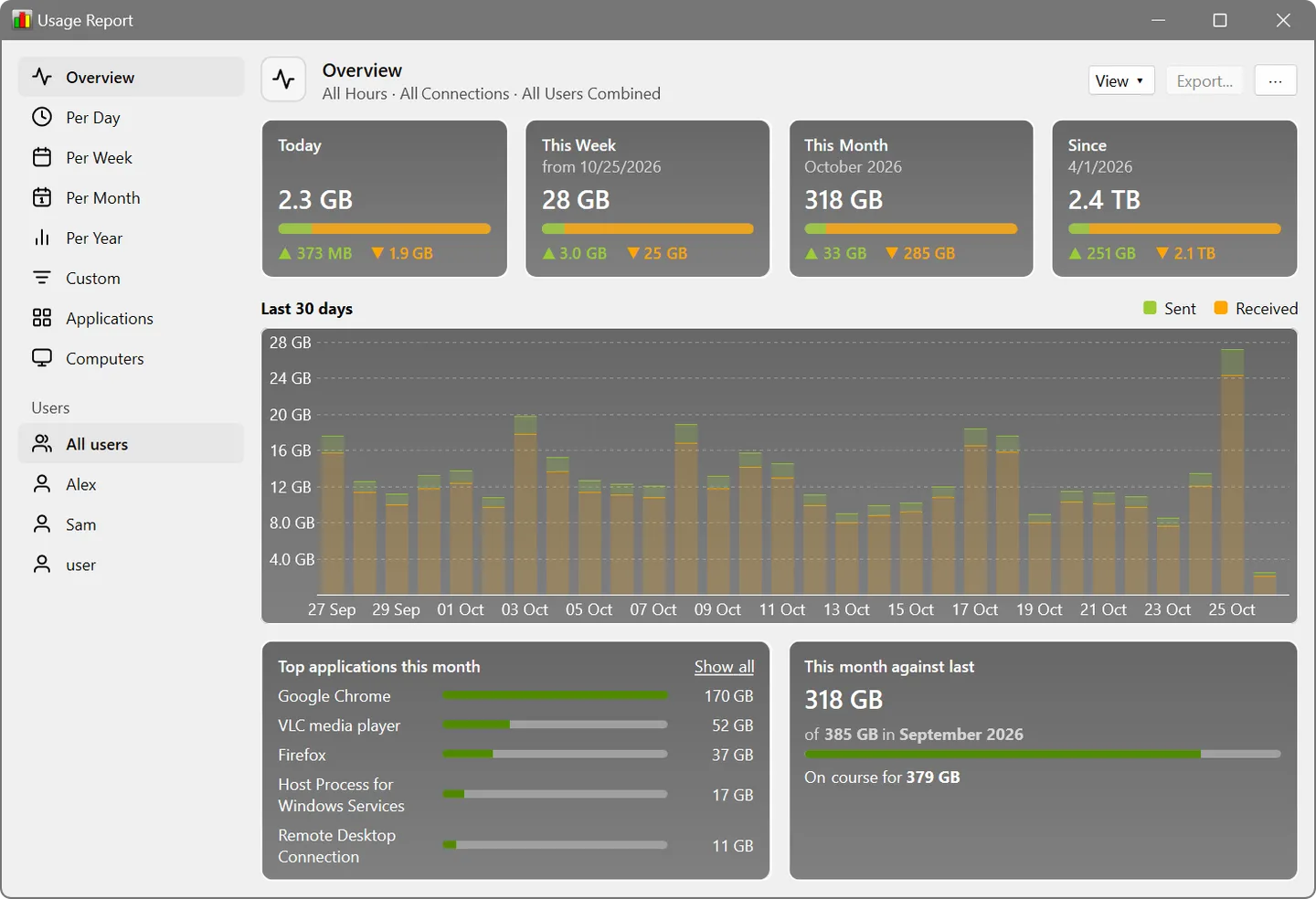
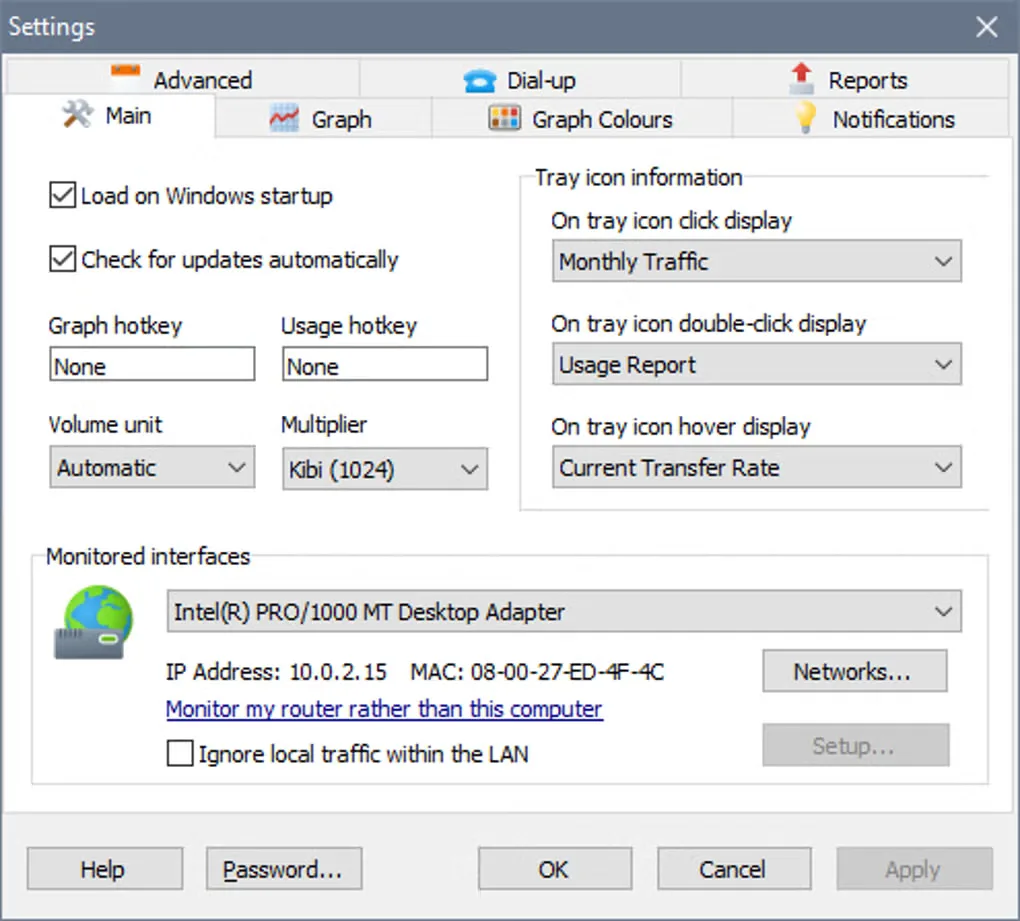
This entry links to SoftPerfect's Windows EXE installer. The publisher also provides a separate portable Windows package. NetWorx is commercial software with a fully featured 30-day trial, not an indefinitely free bandwidth monitor. The publisher's usage-report screenshot illustrates its reporting interface; the additional Softonic settings screenshot shows an older interface whose version was not identified.
What it offers
- View uploads and downloads in a configurable real-time usage graph.
- Review daily, weekly and monthly traffic totals and export usage statistics.
- Monitor local network adapters, applications accessing the Internet or supported SNMP and UPnP devices.
- Run connection speed measurements on demand or on a schedule.
- Track downtime and ping times with Connection Monitor, and configure notifications for excessive usage.
Good to know
- The fully featured free trial lasts 30 days; continued licensed use requires a purchase.
- Remote router monitoring depends on supported SNMP or UPnP devices.
Product images
Sources
References used for this listing. Retrieval dates do not indicate hands-on testing.
More in utilities
View category ↗
1.1.1.1 with WARP 2026.8.2115.0
Encrypt traffic from your Mac to Cloudflare’s network with WARP, or use DNS-only mode for encrypted DNS queries to the 1.1.1.1 resolver.
1.1.1.1 with WARP 2026.8.2115.0
Encrypt traffic between your Windows PC and Cloudflare, or use encrypted DNS only, with the free 1.1.1.1 with WARP app.

3uTools 9.12.005
Manage iPhone and iPad photos, music, apps and backups from Windows with 3uTools, a free utility that also includes device checks and firmware flashing tools.