

Utilities Windows
NexusFile for Windows
Manage files in two panes, rename batches and create ZIP archives with NexusFile, a free Windows file manager with customizable shortcuts and skins.
- Operating system
- Windows; publisher does not specify a Windows-version range on the download page
- Architecture
- x86 (32-bit)
- Download package
- EXE installer
This link selects the publisher's x86 setup. A portable ZIP and separate 64-bit beta packages are also listed; no installation or OS compatibility test was performed.
Link checked · Download guidance
What is NexusFile?
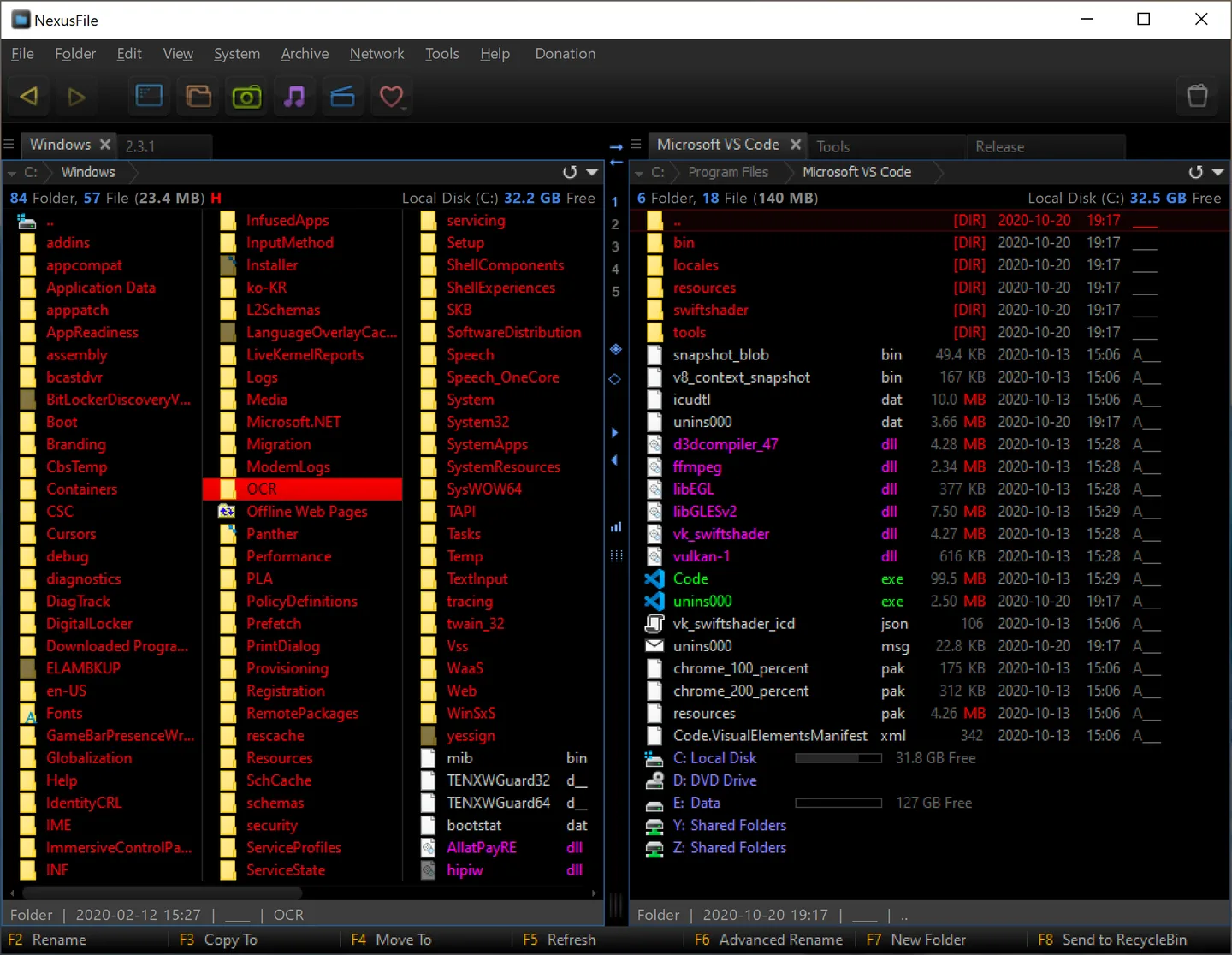
NexusFile puts two folders side by side so you can browse one location while copying or moving files to another. Its keyboard shortcuts and configurable appearance suit repeated file-management tasks, while Advanced Rename lets you combine several rename actions and inspect a preview before applying them. The publisher offers the application free for personal and company use.
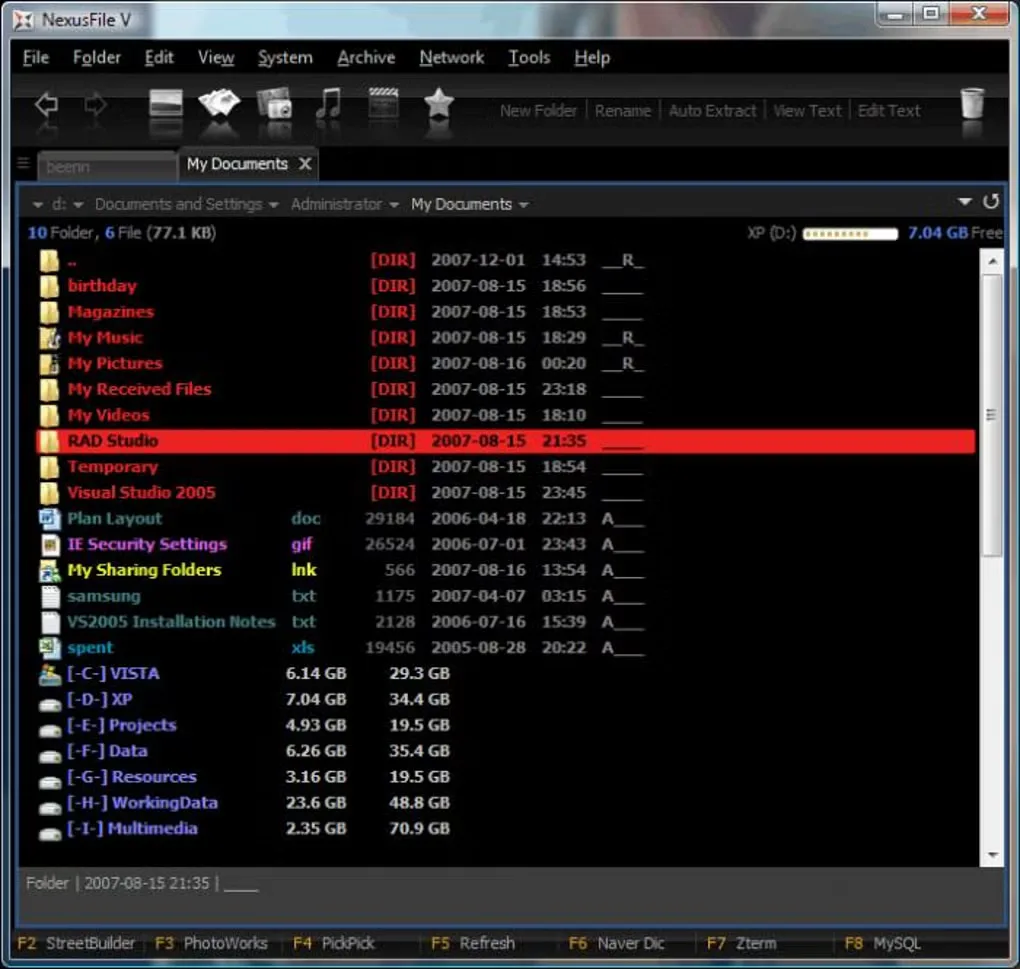
Archive creation has a boundary: the publisher guide documents built-in ZIP creation, while other output formats require a configured external program. This entry links to the publisher's x86 setup package for version 5.4.1, dated April 9, 2021. A portable package is also offered; the separate 64-bit packages are explicitly labeled beta. The gallery includes an older single-pane interface as well as the publisher's dual-pane screenshot, not evidence of a new release.
What it offers
- Browse two folders side by side and copy or move files between panes.
- Combine batch-renaming actions and preview the resulting names in Advanced Rename.
- Create ZIP archives and use the file manager's archive tools.
- Customize keyboard shortcuts, skins and file-list colors.
Good to know
- Built-in archive creation is ZIP-only according to the publisher guide; other output formats require an external program.
- The publisher labels the separate 64-bit packages beta; the linked setup is x86.
Product images
Sources
References used for this listing. Retrieval dates do not indicate hands-on testing.
More in utilities
View category ↗
1.1.1.1 with WARP 2026.8.2115.0
Encrypt traffic from your Mac to Cloudflare’s network with WARP, or use DNS-only mode for encrypted DNS queries to the 1.1.1.1 resolver.
1.1.1.1 with WARP 2026.8.2115.0
Encrypt traffic between your Windows PC and Cloudflare, or use encrypted DNS only, with the free 1.1.1.1 with WARP app.

3uTools 9.12.005
Manage iPhone and iPad photos, music, apps and backups from Windows with 3uTools, a free utility that also includes device checks and firmware flashing tools.