

Utilities Windows
NexusFont for Windows
Preview and compare fonts, organize collections and load uninstalled fonts with NexusFont, a free Windows font manager for personal and company use.
- Operating system
- Windows; minimum version not specified on publisher homepage
- Architecture
- x64 (64-bit)
- Download package
- EXE installer
Publisher lists separate 32-bit and portable packages. No installation or modern Windows compatibility test performed.
Link checked · Download guidance
What is NexusFont?
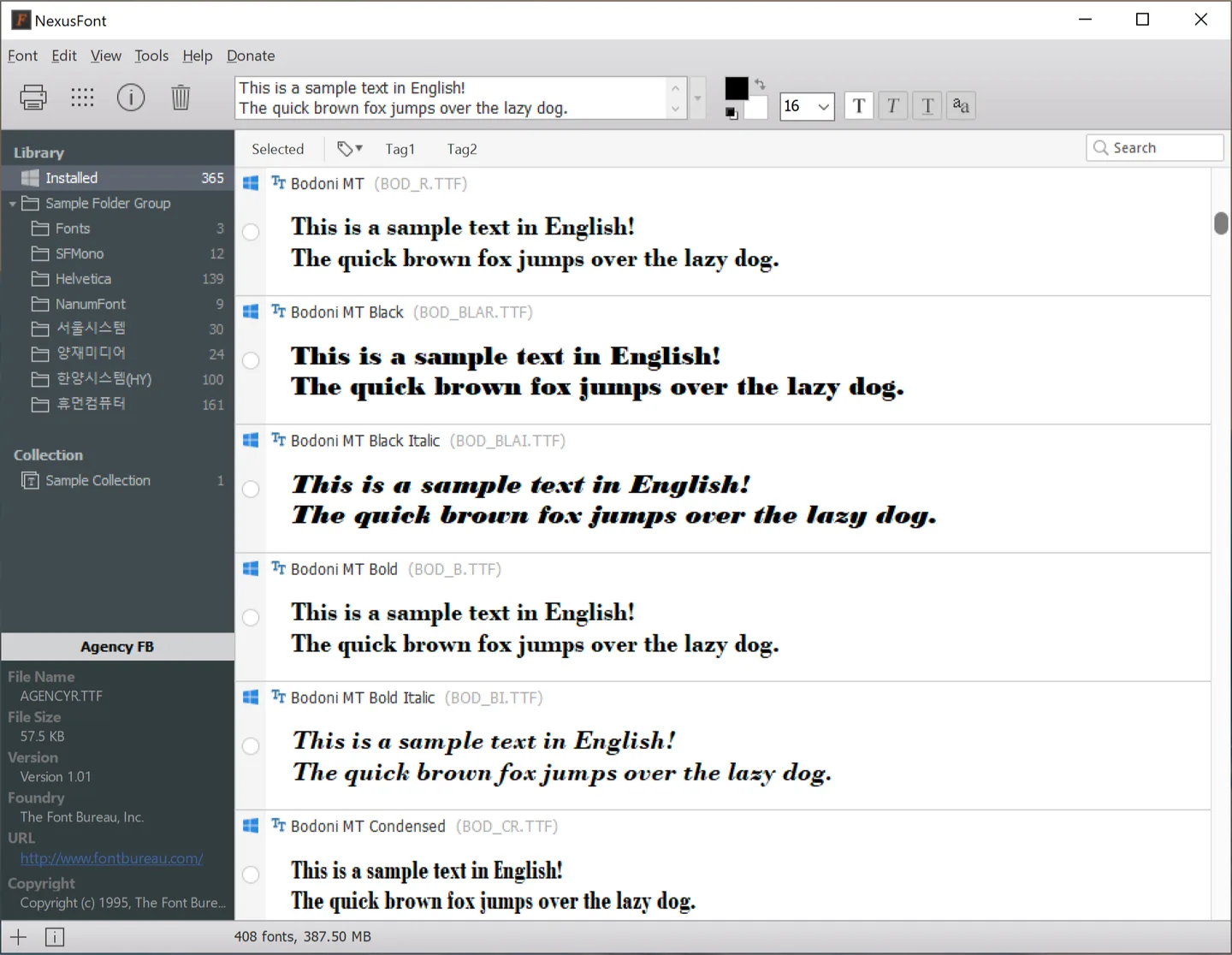
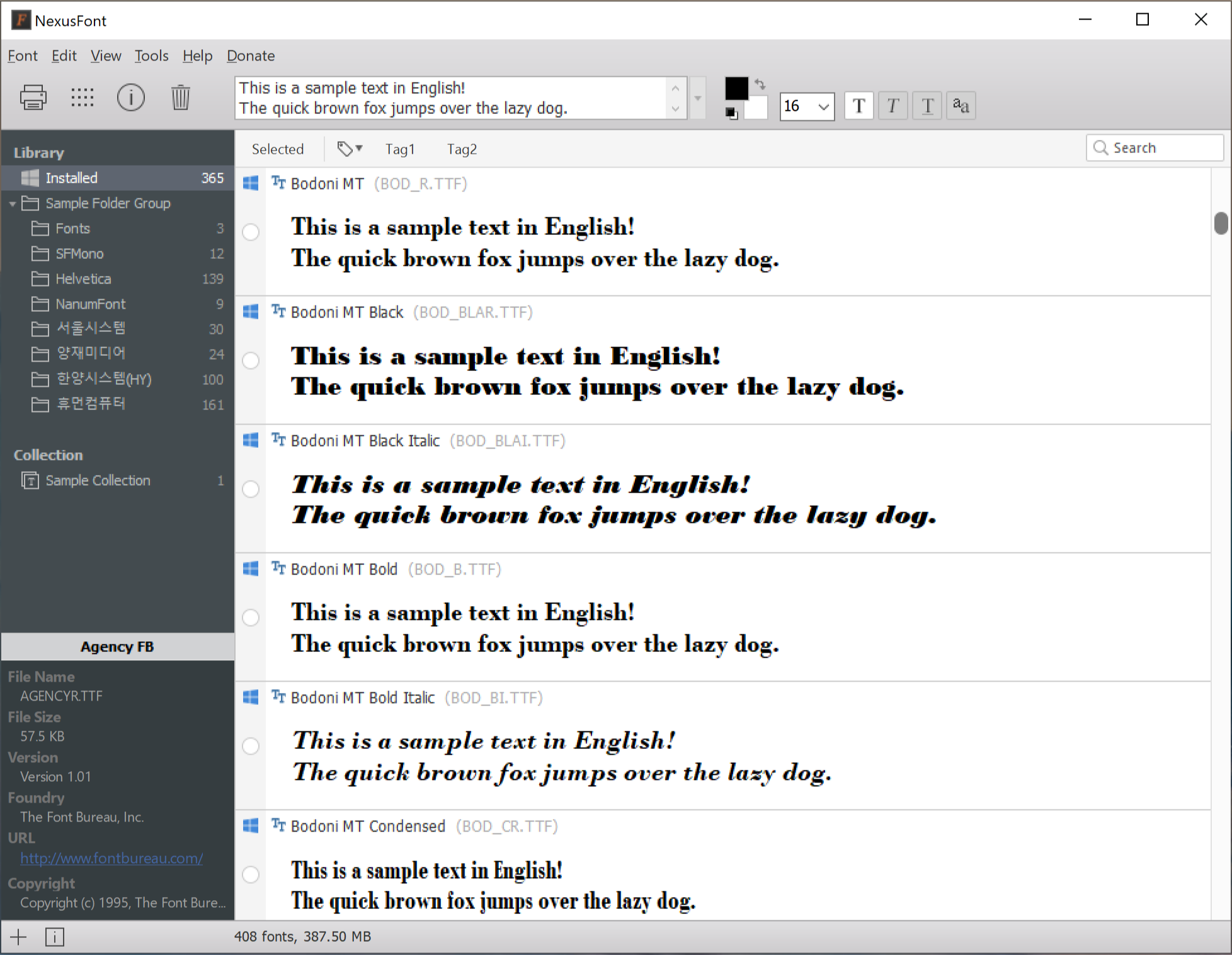
NexusFont helps you choose typefaces from installed fonts and font folders without installing every font on your PC. It displays sample text in different fonts for comparison, while groups, folders and sets keep a collection organized. Tags provide another way to filter fonts when you are choosing them for a project.
The publisher also documents a character map and duplicate-font search. Temporary font loading is useful when you only need a selection for your current work, but NexusFont must remain open: uninstalled fonts loaded through it stop being available to other programs when you close it.
This entry links to the publisher's Windows x64 EXE installer for version 2.7.1. The publisher lists separate 32-bit and portable packages. Its linked English guide is labeled version 2.5, so it is older than the offered download; this entry does not claim an installation or compatibility test.
What it offers
- Preview installed fonts and uninstalled font files from folders.
- Compare typefaces using sample text in the font list.
- Organize fonts with groups, folders and sets; filter them by tags.
- Inspect supported characters in a character map.
- Find duplicate fonts by comparing file size, font name and version.
Good to know
- Uninstalled fonts loaded through NexusFont are no longer available to other programs after NexusFont closes.
- Installing fonts requires permission to write to the relevant system folder or registry.
Product images
Sources
References used for this listing. Retrieval dates do not indicate hands-on testing.
More in utilities
View category ↗
1.1.1.1 with WARP 2026.8.2115.0
Encrypt traffic from your Mac to Cloudflare’s network with WARP, or use DNS-only mode for encrypted DNS queries to the 1.1.1.1 resolver.
1.1.1.1 with WARP 2026.8.2115.0
Encrypt traffic between your Windows PC and Cloudflare, or use encrypted DNS only, with the free 1.1.1.1 with WARP app.

3uTools 9.12.005
Manage iPhone and iPad photos, music, apps and backups from Windows with 3uTools, a free utility that also includes device checks and firmware flashing tools.