
Development Windows
nginx
Serve static sites or proxy HTTP requests with nginx for Windows, a free, configuration-driven web server. The native Windows build is beta and has scalability limits.
Version 1.31.8 · Direct publisher file
Link checked · Download guidance
What is nginx?
nginx for Windows is a native Win32 web server for serving files and forwarding requests to an application server. Its configuration file controls which directories, ports and upstream servers handle requests. It suits developers who want to explore nginx configuration on Windows, but the publisher explicitly warns against expecting the performance and scalability of its UNIX implementation.
The linked ZIP is the official 1.31.8 mainline Windows distribution. The Windows documentation recommends mainline because it contains all known fixes. Unpack the archive, enter its directory and start nginx from there; the working directory supplies the prefix for relative configuration paths. Use forward slashes in configured paths, even on Windows. The program runs as a console application, not a Windows service.
Reload configuration with nginx -s reload or stop gracefully with nginx -s quit. If startup fails, the publisher directs users to logs\error.log, or the Windows Event Log when no error log was created. Only one worker actually handles requests even if more workers are started. UDP and QUIC are unavailable in the Windows implementation.
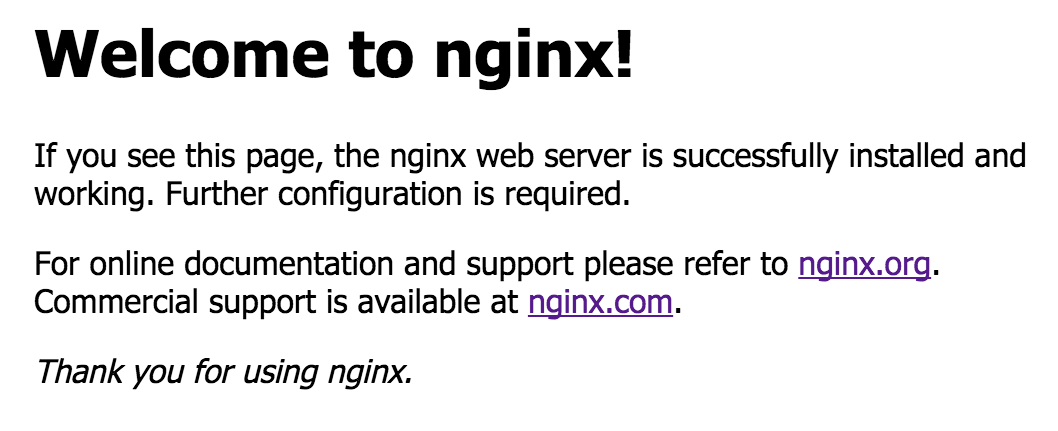
The screenshot is the publisher's example of nginx's default welcome page, not an administration dashboard or evidence that this download was installed or tested. That page still requires site configuration before it represents your own website.
What it offers
- Serve static HTML, images and other files using server and location configuration blocks.
- Forward HTTP requests to an upstream application with reverse-proxy configuration.
- Reload configuration, reopen logs or shut down through command-line signals.
- Run natively through the Win32 API rather than a Cygwin emulation layer.
Good to know
- The publisher classifies nginx for Windows as beta and warns that high performance and scalability should not be expected.
- Only one worker process actually performs work, even when several workers are started.
- UDP and QUIC are not supported on Windows.
- The Windows build runs as a console application, not a service; XSLT, image filter, GeoIP and embedded Perl functionality are excluded.
Product images

Sources
References used for this listing. Retrieval dates do not indicate hands-on testing.
- nginx — official product and release news ↗Retrieved
- nginx: download — official Windows distributions ↗Retrieved
- nginx for Windows — installation, controls and known issues ↗Retrieved
- Beginner’s Guide — configuration, static content and proxying ↗Retrieved
- nginx — software license ↗Retrieved
- nginx - Download — Windows discovery and gallery ↗Retrieved
- Why Do I See “Welcome to nginx!” on My Favorite Website? | F5 ↗Retrieved
More in development
View category ↗
010 Editor 17.0
Inspect and edit binary files on Mac with 010 Editor, a paid text and hex editor with Binary Templates, file comparison and a 30-day trial.
010 Editor 17.0
Inspect and edit binary files with 010 Editor for Windows, a text and hex editor with Binary Templates, file comparison and scripting. Includes a 30-day trial.
10x Editor
Edit and navigate C++ projects on Windows with a built-in parser, workspace search and Visual Studio project support. A paid license is required after the 30-day trial.