

Development Windows
Node.js for Windows
Run JavaScript outside the browser to build servers, command-line tools and scripts with Node.js. This download is the Windows x64 MSI for the 24.22.1 LTS release.
- Operating system
- Windows x64; release platform table lists Windows 10/Server 2016 or newer, subject to vendor support
- Architecture
- x64 (64-bit Intel/AMD)
- Download package
- MSI installer
Publisher also offers a separate Windows ARM64 MSI and standalone binaries. End-of-life operating systems are outside the release's support policy.
Link checked · Download guidance
What is Node.js?
Node.js runs JavaScript on your computer rather than inside a web browser. Developers use it for HTTP servers, command-line tools and scripts, with built-in modules for networking and file access. Its asynchronous I/O lets an application continue working while it waits for operations such as reading a file or receiving network data.
Run a JavaScript file from a terminal with node script.js, or start node without a filename to explore expressions in its interactive REPL. The Node.js distribution includes npm for managing packages. It supports both CommonJS and ECMAScript modules, so the module format should match your project's configuration.
The linked download is the publisher's Windows x64 MSI for Node.js 24.22.1 LTS, not the separate ARM64 installer or standalone node.exe. Node.js is a runtime, not a replacement for a browser: scripts that depend on document, window or the browser DOM need a different environment or adaptation.
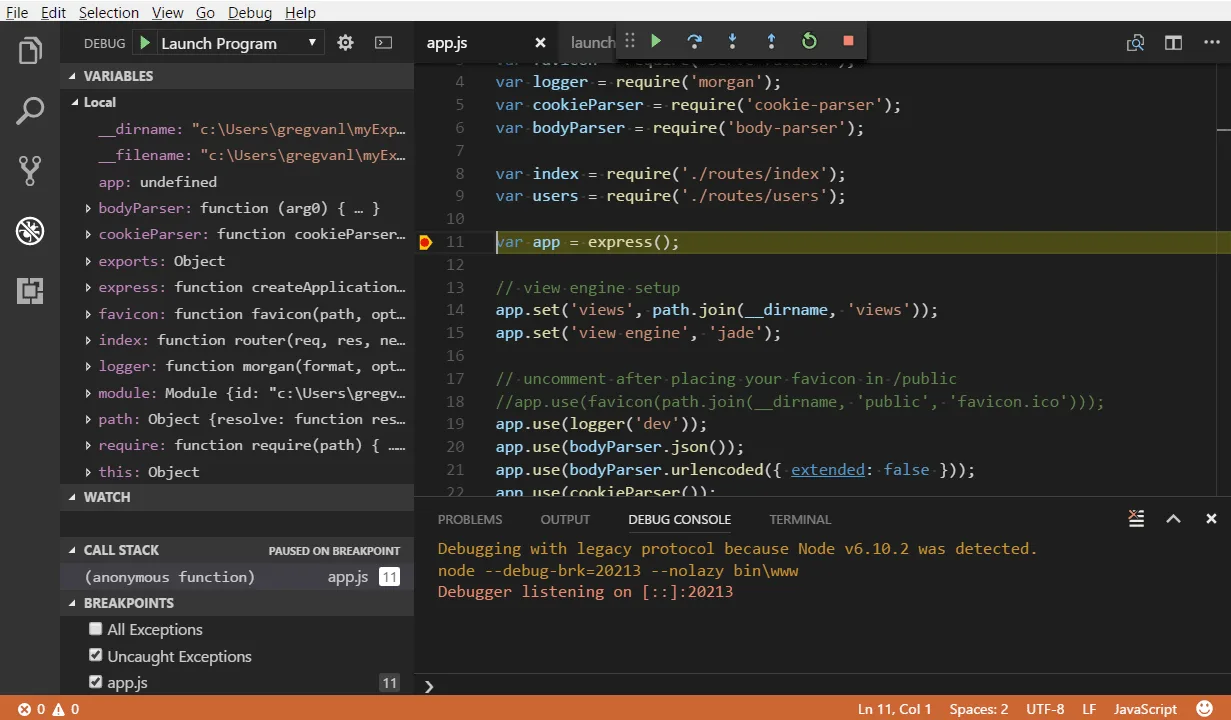
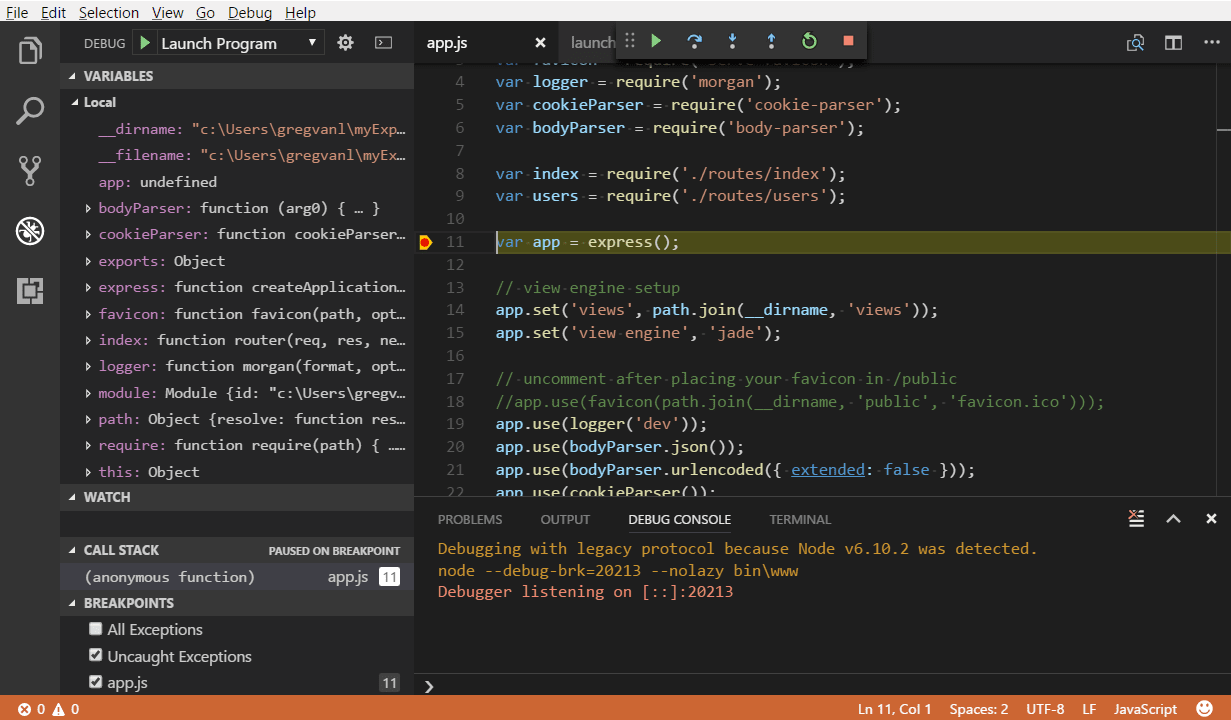
The screenshot is Microsoft's historical Windows example of debugging a Node.js application in Visual Studio Code, a separate editor. It shows Node v6.10.2 and a legacy debugging protocol; it illustrates the workflow, not the appearance or debugging commands of the linked 24.22.1 release.
What it offers
- Execute JavaScript outside the browser using the V8 engine.
- Build HTTP servers and use standard-library networking and filesystem APIs with asynchronous I/O.
- Evaluate JavaScript interactively in the built-in terminal REPL.
- Manage project packages with npm, included in the Node.js distribution.
- Use CommonJS or ECMAScript modules according to the project's configuration.
Good to know
- Browser globals such as document and window, and the browser DOM, are not available in Node.js.
- This x64 MSI is not the ARM64 package. The release's support policy excludes operating-system versions whose vendor support has ended.
Product images
Sources
References used for this listing. Retrieval dates do not indicate hands-on testing.
- Nodejs - Download — Windows discovery page ↗Retrieved
- Node.js — Download Node.js ↗Retrieved
- Node.js 24.22.1 (LTS) — release and exact Windows packages ↗Retrieved
- Node.js 24.22.1 — supported platforms ↗Retrieved
- Introduction to Node.js ↗Retrieved
- How to use the Node.js REPL ↗Retrieved
- Differences between Node.js and the Browser ↗Retrieved
- Node.js 24.22.1 license ↗Retrieved
- Node.js tutorial in Visual Studio Code — Microsoft ↗Retrieved
- Microsoft Visual Studio Code documentation license ↗Retrieved
More in development
View category ↗
010 Editor 17.0
Inspect and edit binary files on Mac with 010 Editor, a paid text and hex editor with Binary Templates, file comparison and a 30-day trial.
010 Editor 17.0
Inspect and edit binary files with 010 Editor for Windows, a text and hex editor with Binary Templates, file comparison and scripting. Includes a 30-day trial.
10x Editor
Edit and navigate C++ projects on Windows with a built-in parser, workspace search and Visual Studio project support. A paid license is required after the 30-day trial.