
Utilities Windows
NormCap for Windows
Copy text from a selected screen region with NormCap, a free, open-source OCR tool for Windows that also reads QR codes and barcodes.
- Operating system
- Windows; minimum supported version not established by the consulted publisher pages
- Architecture
- x86_64
- Download package
- MSI installer
This link selects the publisher's Windows installer. A portable package is listed separately; neither package was installed or run here.
Link checked · Download guidance
What is NormCap?
NormCap turns text visible on your screen into text you can paste elsewhere. Select a region containing a screenshot, a document or a non-selectable error message; the detected text is copied to the clipboard. Recognition runs on your device using Tesseract rather than sending the capture to an online OCR service. Optional update checks and additional language downloads do access the internet.
The settings menu lets you choose recognition languages, enable text or code detection and switch text parsing on or off. Parsing can trim whitespace, join paragraph lines, and format detected email addresses or URLs. QR and barcode detection takes priority over text recognition when both modes are enabled and a code is found.
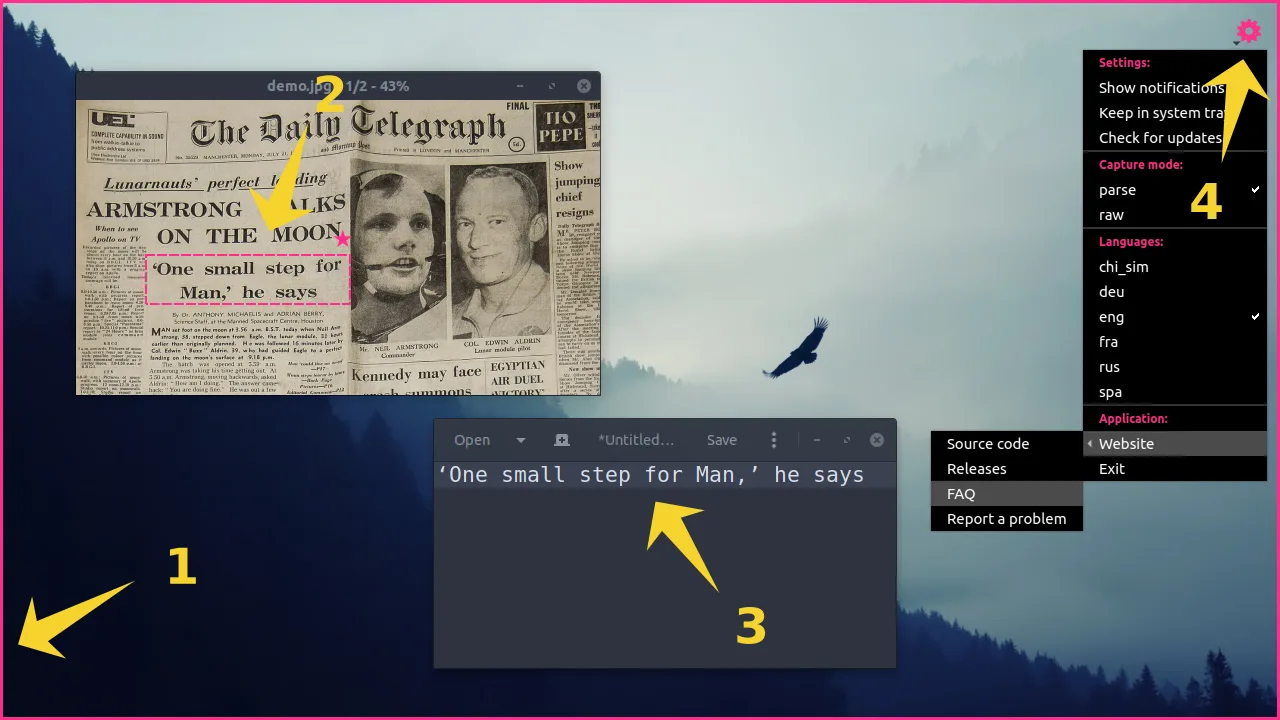
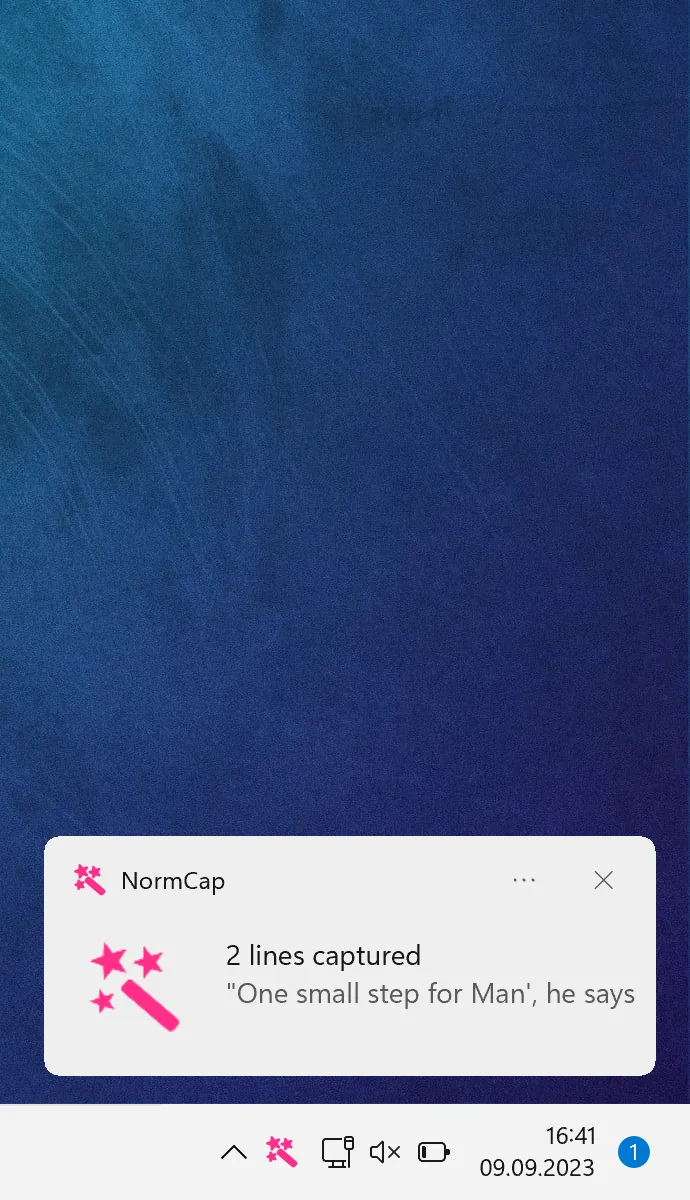
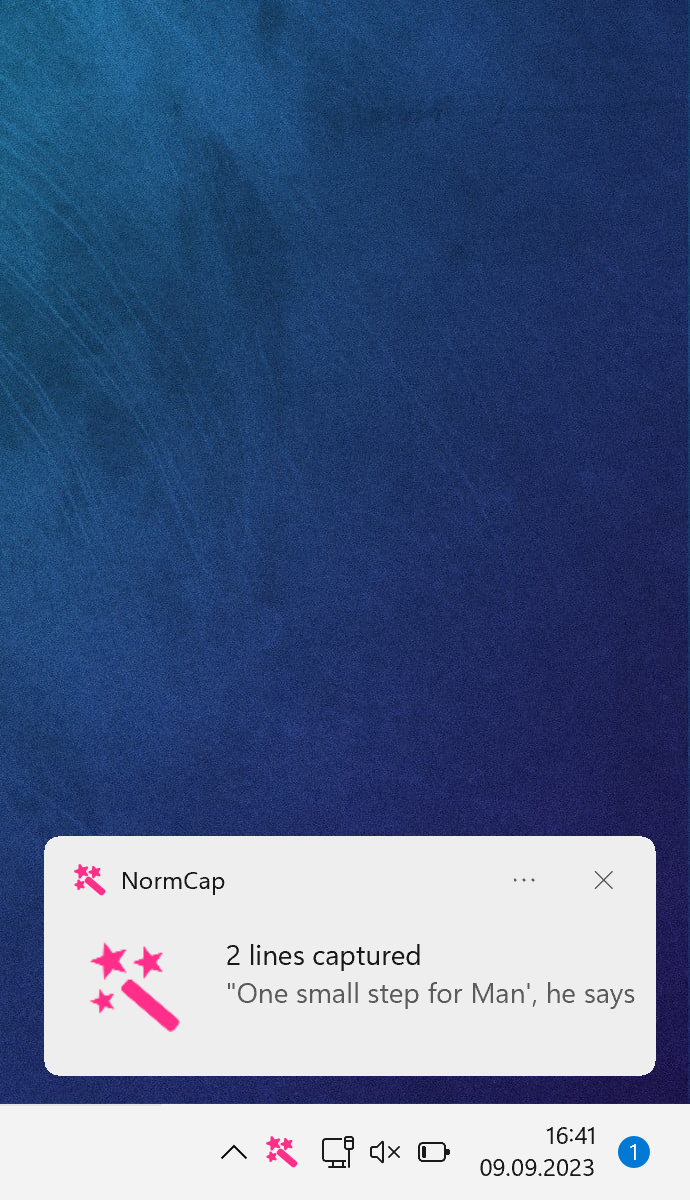
The linked package is the publisher's Windows x86_64 MSI installer for version 0.6.0. Prebuilt packages include English recognition; add other languages through settings. OCR results depend on the selected language and the captured content: borders, icons and other decorations can reduce accuracy. The gallery combines a publisher desktop workflow example, not a Windows-specific interface capture, with a Windows notification screenshot from the project's introduction assets. These illustrations are not evidence that this release was installed or tested here.
What it offers
- Select a screen region and copy the recognized text to the clipboard.
- Recognize text locally with Tesseract and add recognition languages through settings.
- Extract information from QR codes and barcodes.
- Apply optional parsing rules for paragraphs, email addresses and URLs.
Good to know
- Prebuilt packages include English only; other recognition languages must be added through settings.
- OCR accuracy depends on language selection and image content; borders, lines and icons can interfere with recognition.
- When both text and code detection are enabled, finding a QR code or barcode skips text detection for that capture.
Product images
Sources
References used for this listing. Retrieval dates do not indicate hands-on testing.
- NormCap v0.6.0 — official product and packages ↗Retrieved
- NormCap usage — screen selection, clipboard and detection modes ↗Retrieved
- NormCap FAQs — language support, recognition limits and network access ↗Retrieved
- NormCap license — dynobo, GPL-3.0-or-later ↗Retrieved
- NormCap publisher introduction image context ↗Retrieved
More in utilities
View category ↗
1.1.1.1 with WARP 2026.8.2115.0
Encrypt traffic from your Mac to Cloudflare’s network with WARP, or use DNS-only mode for encrypted DNS queries to the 1.1.1.1 resolver.
1.1.1.1 with WARP 2026.8.2115.0
Encrypt traffic between your Windows PC and Cloudflare, or use encrypted DNS only, with the free 1.1.1.1 with WARP app.

3uTools 9.12.005
Manage iPhone and iPad photos, music, apps and backups from Windows with 3uTools, a free utility that also includes device checks and firmware flashing tools.