

Utilities macOS
Notable for macOS
Write Markdown notes, organize them with nested tags and keep notes and attachments on disk with Notable for Mac, a free desktop note-taking app.
Version 1.8.4 · Direct publisher file
Link checked · Download guidance
What is Notable?
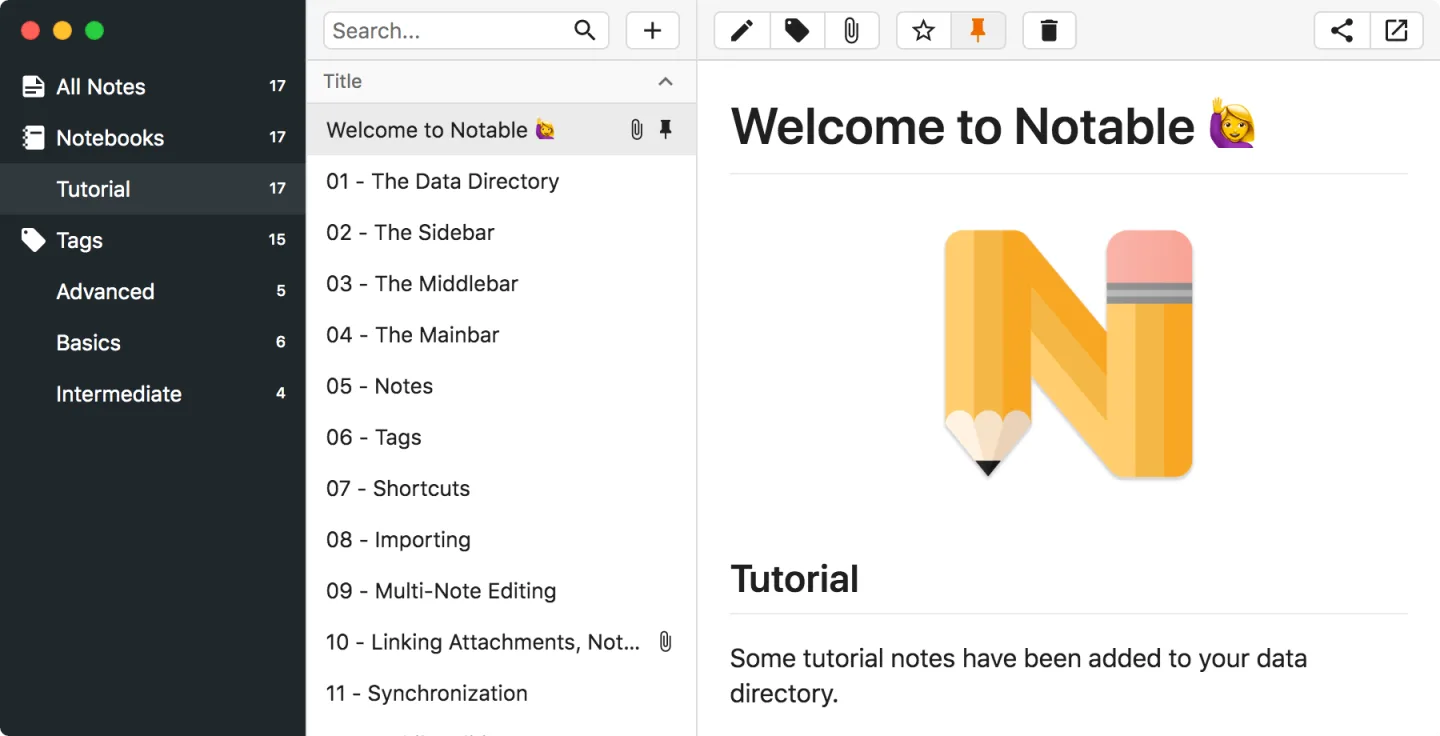
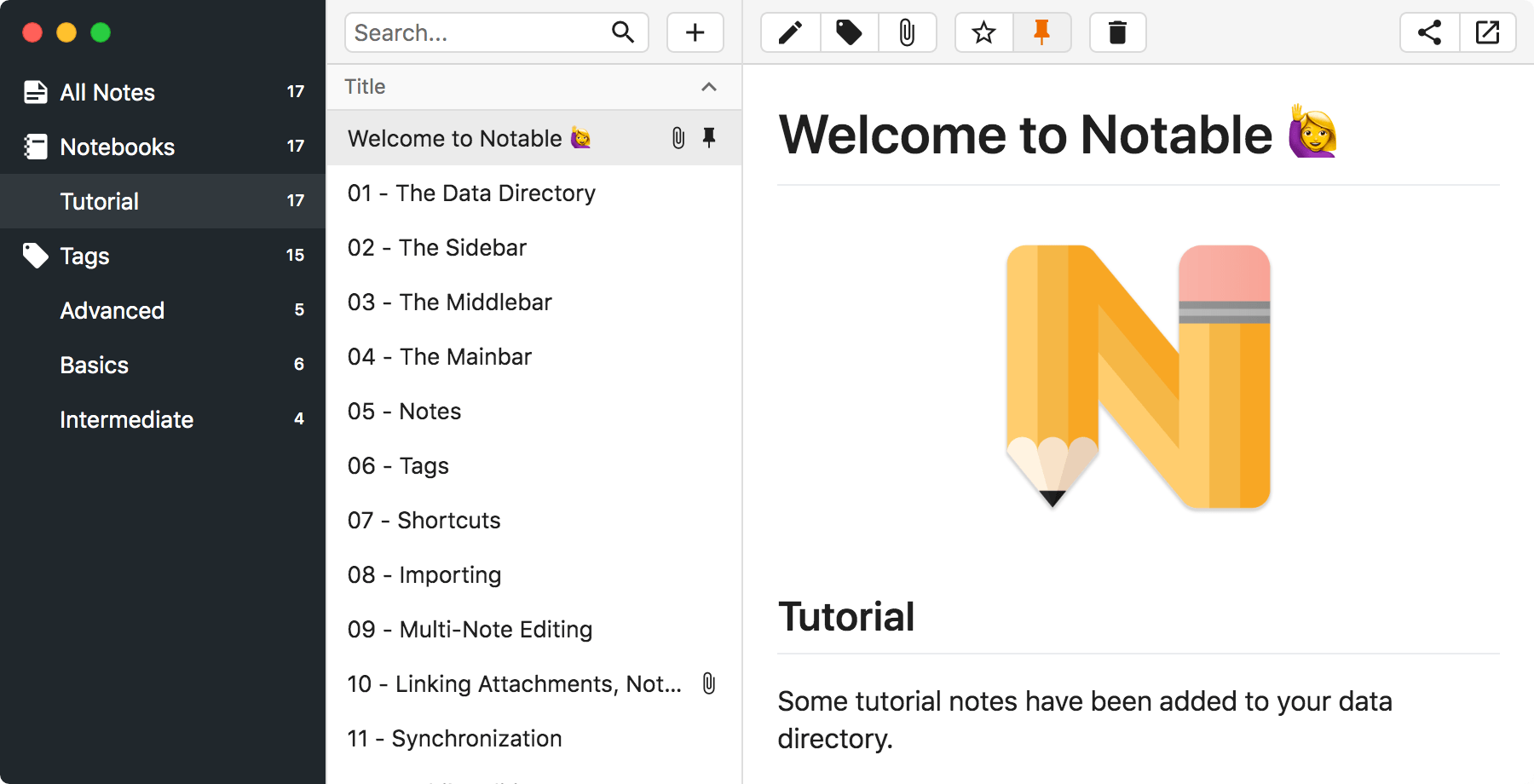
Notable is a desktop note-taking app for people who want Markdown files rather than a proprietary note format. It stores notes and attachments on disk, so your collection can also be edited with other tools or managed with a separate file-sync service. Nested tags, search and links between notes help organize a growing collection.
The publisher describes a Markdown editor with multiple cursors and syntax highlighting, a split view for checking rendered notes, and batch actions for tagging, pinning or deleting several notes. It also lists a dark theme, a distraction-reduced Zen mode and export to Markdown, HTML or PDF.
Built-in synchronization and official mobile apps are marked as future features on the publisher's site; do not choose this download expecting an included cross-device cloud service. The linked Mac disk image is version 1.8.4. The publisher offers the desktop app free of charge, but newer releases are not open source; the licenses of older source releases do not apply automatically to this download.
What it offers
- Store Markdown notes and their attachments locally as files.
- Organize notes with nested tags, search and links to other notes.
- Edit Markdown with multiple cursors and view its rendered output in a split editor.
- Apply tagging, pinning and other batch actions to multiple notes.
- Use dark and Zen modes, and export notes to Markdown, HTML or PDF.
Good to know
- The publisher marks built-in synchronization and official mobile apps as future features; syncing local files requires a separate tool or service.
- Version 1.8.4 is not covered by the open-source licenses listed for the older 1.0.0–1.5.1 releases.
Product images
Sources
References used for this listing. Retrieval dates do not indicate hands-on testing.
More in utilities
View category ↗
1.1.1.1 with WARP 2026.8.2115.0
Encrypt traffic from your Mac to Cloudflare’s network with WARP, or use DNS-only mode for encrypted DNS queries to the 1.1.1.1 resolver.
1.1.1.1 with WARP 2026.8.2115.0
Encrypt traffic between your Windows PC and Cloudflare, or use encrypted DNS only, with the free 1.1.1.1 with WARP app.

3uTools 9.12.005
Manage iPhone and iPad photos, music, apps and backups from Windows with 3uTools, a free utility that also includes device checks and firmware flashing tools.